Eastsiderellie89
Members
-
Joined
-
Last visited
Everything posted by Eastsiderellie89
-
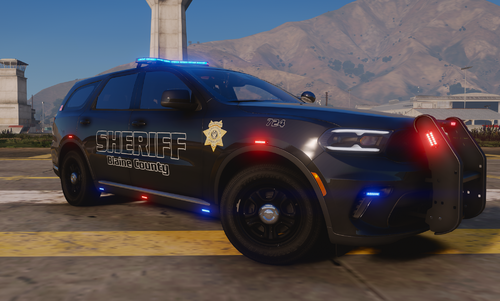 Can you do an Indiana State Police
 -
-
RagePluginHook.log
-
plugins 686 chilllsout real response better ems stop the ped ultimate backup yobbins pd comp panic button derllycallout sandy callout kuchera callout tacs callout vehicle accident2 callout
-
Once I go on duty or accept a call, I see more than one ped just standing around in pairs
-
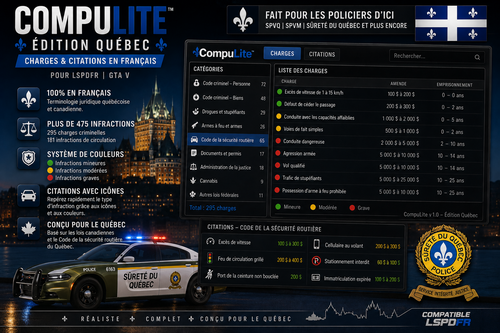 Can you do an English version
 -
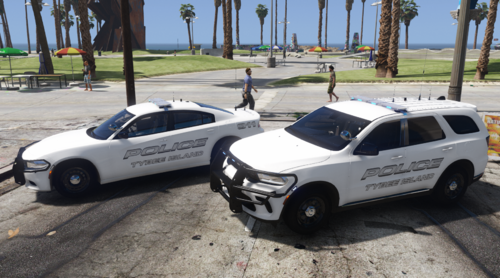 fire livery pack
 -
-
 Just make sure you change the traffic stop key in LSPDFR, so it doesn't cancel the stop
- 392 comments
- 9 reviews
-
I'm using Steam, so i dont about the Epic Games app, and as far as Policing Redefined, I had to uninstall it and went with Stop the Ped to get rid of the error
- 392 comments
- 9 reviews
-
change your traffic stop key to A and go to steam to change overlay to shift+N
- 392 comments
- 9 reviews
-
-
-
isnt its possible if you can do an MDT call update tone to this message has been updated tone
- 392 comments
- 9 reviews
-
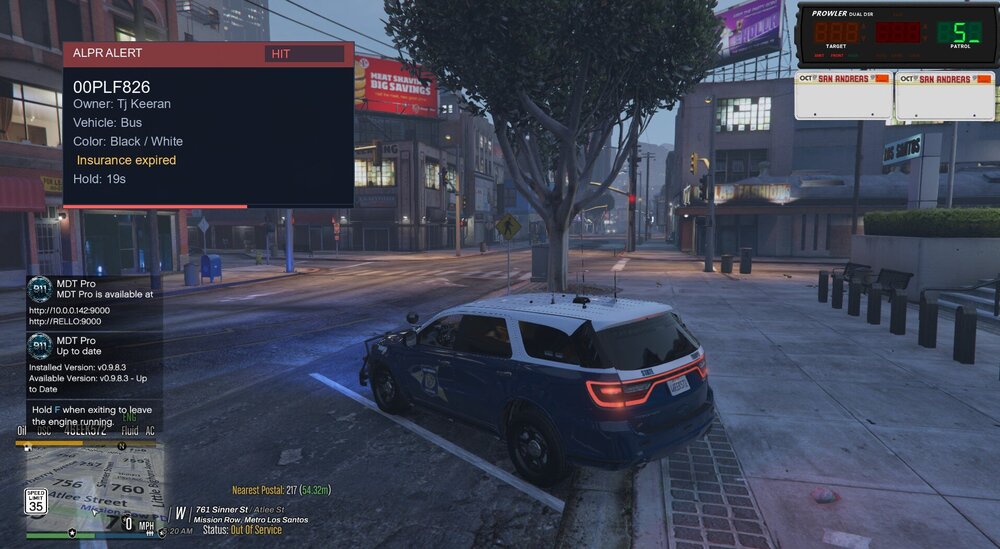
here is mines
-
-
Are you launching MDT Pro outside the game web browser? If so, launch it from the game because those extra tabs aren't supposed to show, and top left-hand click on to secure the site as trusted
- 392 comments
- 9 reviews
-
You are using the wrong browser. In the game, in Steam in the browser, Left Shift and Z, I think, bring up the correct MDT Pro
- 392 comments
- 9 reviews
-
Fill your officer info out and in the right corner, hit save, start the shift, and from your RPH log, Realistic Traffic AI: [RT_AI ERROR] System.ArgumentException: address cannot be zero.
- 392 comments
- 9 reviews
-
where did download gta v from Send your RHP log. Did you fill in the officer's info? MDT has to match the grammar police and callout interface
- 392 comments
- 9 reviews
-
Did you get GTA V from the Steam store? If so, the steam setting you will see in the in-game web browser http:// should match MDT Pro. If you're using the stop the ped, you will want to change the traffic stop key in LSPDFR, so it doesn't cancel your stop
- 392 comments
- 9 reviews
-
-
no i meant in steam setting has web overlay in MDT Pro readme file I think you can by bringing up the MDT in the game, it should be a report or note that you can add ped, etc In the game, bring the cad up when you start shift fill from the game, so it can save your traffic stop and evidence, etc
- 392 comments
- 9 reviews
-
-