



Clark84045
Members
-
Joined
-
Last visited
Everything posted by Clark84045
-
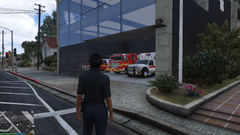
From the album: New Fire Skins
-
Created some skins for personal use. New for Ladder and engine co.
-
Grand Theft Auto V Screenshot 2023.09.12 - 09.08.20.48.png
-
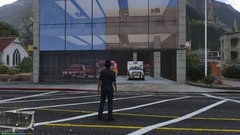 Grand Theft Auto V Screenshot 2023.09.12 - 09.08.01.77.png
-
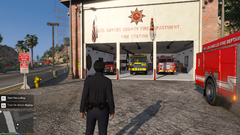 Grand Theft Auto V Screenshot 2023.08.21 - 18.09.41.51.png
-
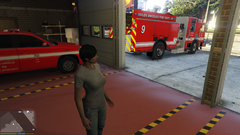 Grand Theft Auto V Screenshot 2023.07.31 - 20.25.28.10.png
-
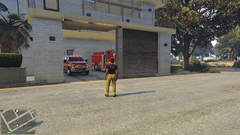 Grand Theft Auto V Screenshot 2023.07.16 - 16.46.50.72.png
-
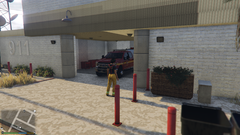 Grand Theft Auto V Screenshot 2023.07.16 - 16.46.25.76.png
-
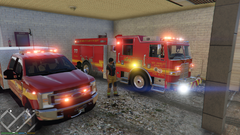 Grand Theft Auto V Screenshot 2023.07.16 - 16.45.54.61.png
-
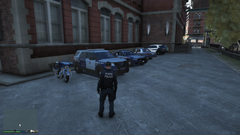 Grand Theft Auto V Screenshot 2020.03.06 - 08.41.44.25.png
-
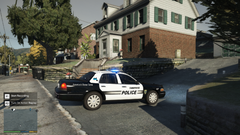 Grand Theft Auto V Screenshot 2020.03.06 - 08.30.53.21
-
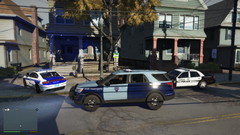 Grand Theft Auto V Screenshot 2020.03.06 - 08.36.54.29
-
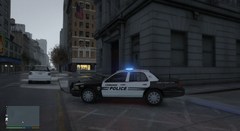 Grand Theft Auto V Screenshot 2020.03.05 - 12.46.01.26.png
-
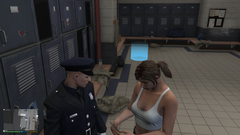 Grand Theft Auto V Screenshot 2020.02.29 - 01.57.57.81.png
-
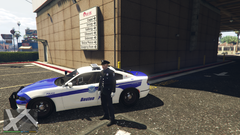 Grand Theft Auto V Screenshot 2020.03.01 - 00.24.10.31.png
-
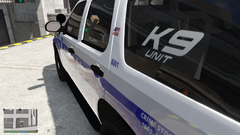 Grand Theft Auto V Screenshot 2020.01.13 - 20.10.43.10.png
-
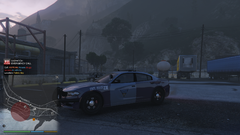 Grand Theft Auto V Screenshot 2019.12.30 - 14.51.00.79.png
-
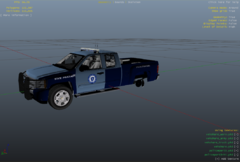 MSP pickup.PNG
-
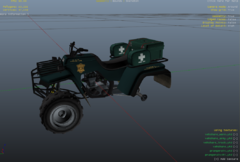 MSEP ATV.PNG
-
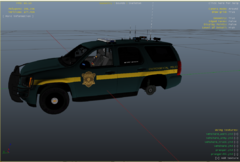 Capture MSEP.PNG
-
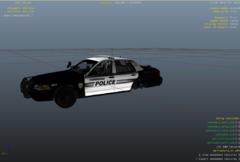 Cambridge MA Police.PNG
-
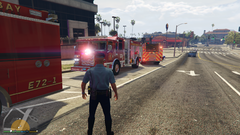 Grand Theft Auto V Screenshot 2020.01.28 - 20.20.58.65.png
-
-
From the album: New Fire Skins
-
From the album: New Fire Skins
-
From the album: New Fire Skins
-
From the album: New Fire Skins
-
From the album: New Fire Skins
-
From the album: New Fire Skins
-
 Love it nice work.
 -
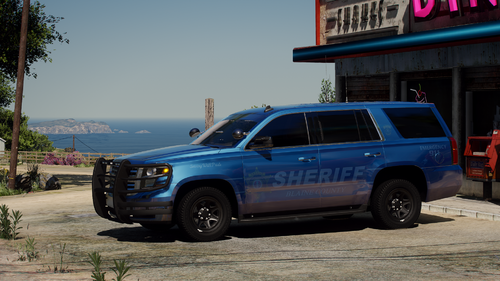 For what ever reason vehicles spawn into game okay however they crash game anytime i try to get into them. Any help would be appreciated. Just FYI uninstalled and reinstalled same issue.
- 75 comments
- 10 reviews
-
I have had the same issue. I solved it by going into Open IV and delating my update2 file and then copying the new one back to my mods folder, Issue solved
-
-
Okay I will try that
-
Okay rage hook log is attached along with system report at the bottom it references the crash with GTA 5 and Rage RagePluginHook.log CortexDiagnoseReport.txt
-
Hi there, Hoping you guys can help me out. Been playing this game for years and modding but not able to figure this one out. Very frustrating with all the BS updates that rockstar pushes breaks my game every time. And takes me for ever to fix. Anyway attached the rage crash report, hopefully someone can see something I'm not. FYI - fresh install - LCPDFR everything updated so gotta be something simple I hope anyway Rage Crash .zip
-
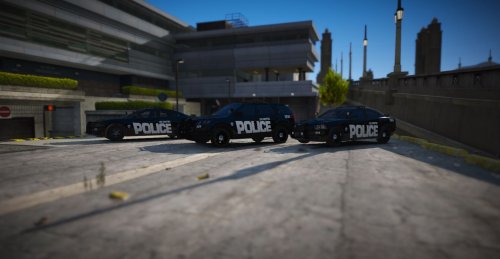 👍
👍 -
Pittsfield, MA really? I grew up there.
-
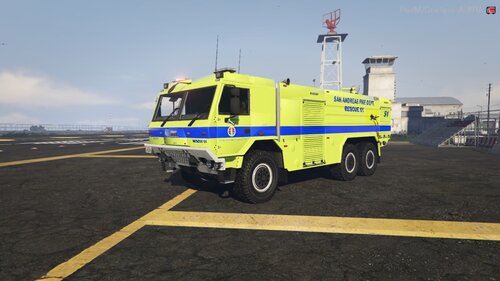 crashes my game to bad was looking for one like this
 -
 Can't wait for the release of these skins, looks awesome
 -
 How and where is the uninstall feature-this is not a good fit for me cars are just flying all over the place.
- 124 comments
- 7 reviews
-
From the album: New Fire Skins
-
From the album: New Fire Skins
GTA V re-visit Liberty City in Liber city rewind -
From the album: New Fire Skins
GTA V Liberty City rewind -
From the album: New Fire Skins
-
From the album: New Fire Skins



