



GravelRoadCop
Members
-
Joined
Everything posted by GravelRoadCop
-
 It could use a pair of white intersection warning lights ... other than this, great job as always.
 -
.png.a8a8a0daa04f0eb5bb3bfceb78e2d823.png) Is this rig out for release or WIP by you ?
Is this rig out for release or WIP by you ? -
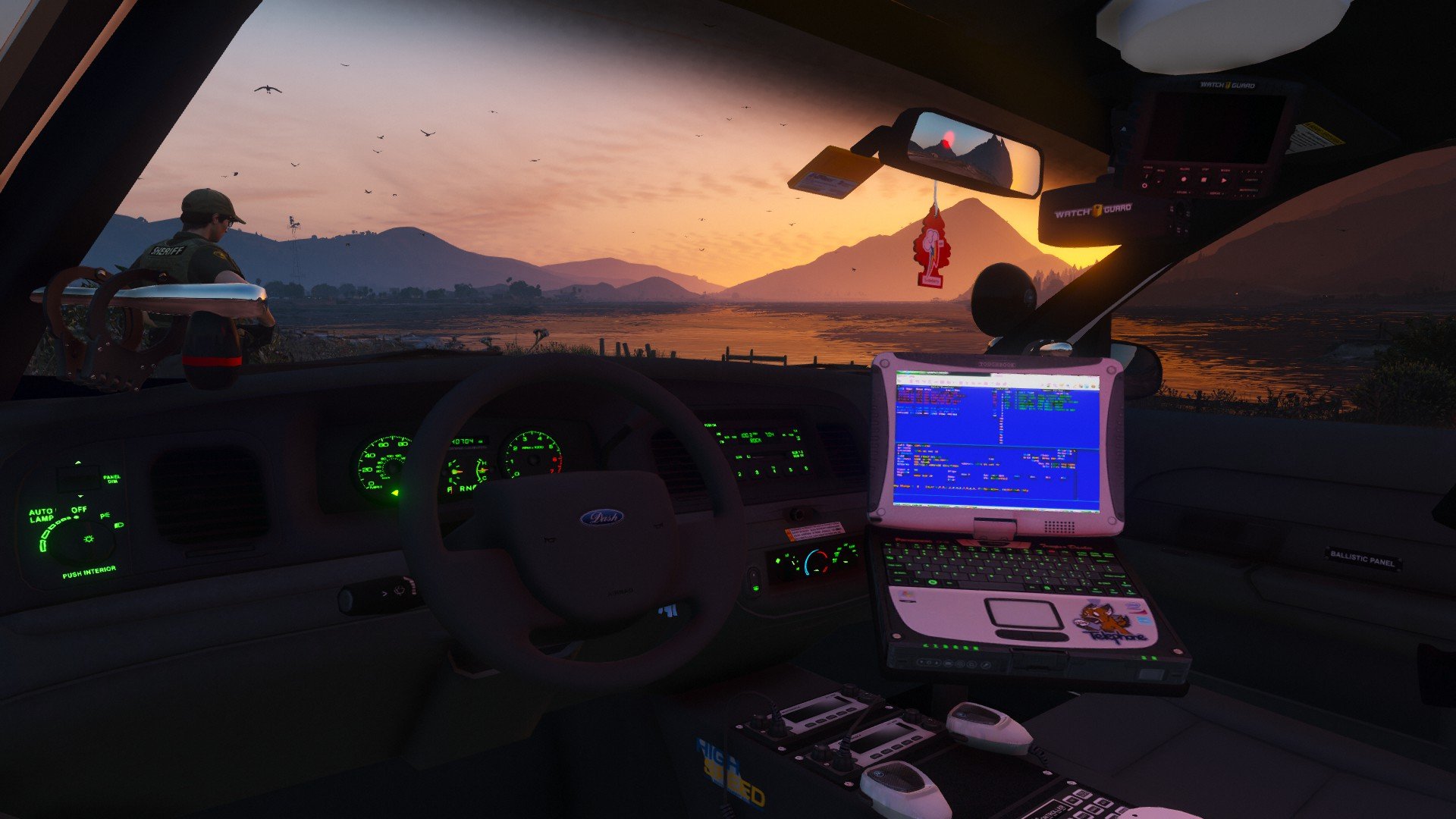
The attention to detail is admirable. I like the manufacture sticker, and the marker writing on the side of the havis. It's the little details that helps make it feel authentic.
-
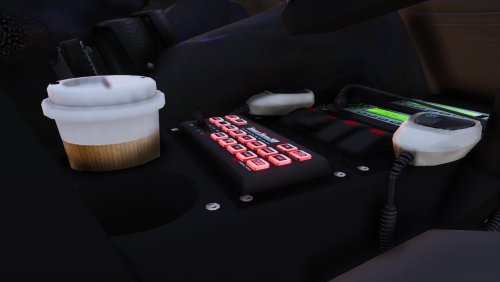 Download modern siren pack, and then transfer my smart siren sound files over to the Modern Siren Pack's vehicle folder and install the .awc from there. It's easy to do the install, so don't fluster yourself.
- 83 comments
- 19 reviews
-
 Do you have plans to create one for Spartan/SVI Chassis or Rosenbauer fire trucks ?
 -
 Thanks for doing this, Toy. I look forward to it.
 -
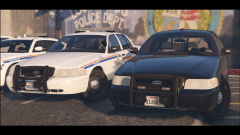 Looks fine, except for one thing, the mirror beams needs improvement. There's a dev model of Whelen mirror beams available for download, I'd suggest that you look into using it for your CVPI models.
 -
Lol. I pressed 4 before switching to 2/3 siren tones. It's actually hi-lo, it's the closest thing I can to mimic the fed sig tone beep. Improvising ;)
- 83 comments
- 19 reviews
-
-

- 1
-
-
It's very Canadian of me ; )
-
I hope that thing has an ejector seat built in so I can eject donnie into the shark infested water any time i want.
-
Really ? I'll have to take a look at the wail. Thanks for bringing this to my attention.
- 83 comments
- 19 reviews
-
Check out Modern Siren Pack. I have that one included and the volume is good. The recent released sirens aren't very good ...
-
What siren did you download ?
-
Correct, Code 3 Mastercom B siren.
-
-
You raised a valid point. They are too raw for some of our taste. Like you, I enjoy the post-effect of the doppler, reverb and echo effect that you hear in the real world, post processed from the siren speaker. I guess I placed my trust in the Grand Theft Auto V's environmental reverb effect, but itself is not perfect. I will include two versions in the next update, one will consist the siren tones that was made available before this update ( natural sounding,) and the raw siren tones in this current build. Thank you for the constructive criticism.
- 83 comments
- 19 reviews
-
-
- 4
-
-
Okay, disappointed or not, you still fail to help me understand what exactly is the matter with this version ? Care to elaborate how I should improve the tones ?
- 83 comments
- 19 reviews
-
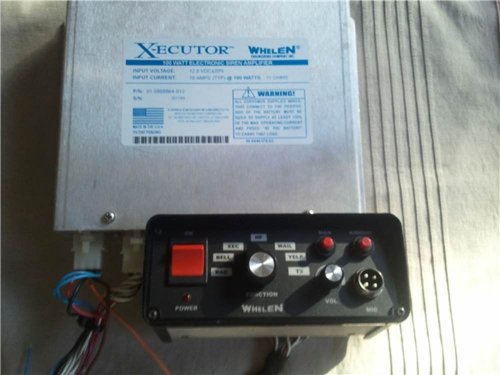 Hi there. Thank you for sharing the sirens to the community. I have a soft spot for Whelen X-ecutor I / II series and it's a dinosaur nowadays, so it's nice to see it being revived for this community's sake. It's a wonderful siren and it deserves more recognition. Needless to say, your files needs a bit of improvement, mostly volume balancing. If you can increase the volumes and have it match the same level with the rest of the tones, then I think you will plant a solid root here. All the best.The ELS mainframe coding hasn't changed since it was released, so therefore it still recognizes a few siren traits, and until Lt.Caine updates ELS ( assuming that LMS also updates the mainframe with new traits ) it will stay the same.
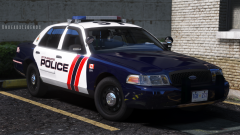 Goddamn.
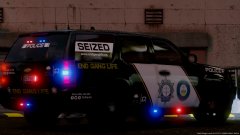 Should be a Cadillac :P
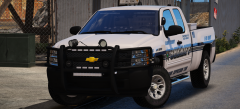 Yikes. Too much forward lighting on the push-guard. Perhaps eliminate the 4 head dominator, and move up the off-road LED bar light to that spot . Also, the dash LEDs needs to go too ... crazy gump.
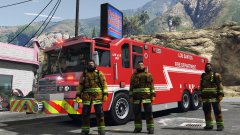 Enjoy.

.png.a8a8a0daa04f0eb5bb3bfceb78e2d823.png)

