


Jakeus
Members
-
Joined
-
Last visited
Everything posted by Jakeus
-
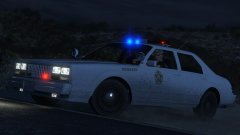 This here is all kinds of awesome!
 -
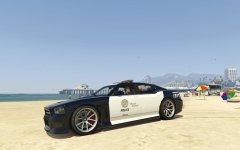 Yeap, I'd like a this also, I was actually looking and wondering why noone had uploaded one yet! :)
 -
Same here man.
-
Disorderly conduct/Breach of the peace type calls. Drug deals Arson Attack on Paramedics. Just some first responder type calls.
-
The backup re write, the ability to select units to roll Code 2 or 3 is, quite simply, amazing.
-
We're just rollin' smoke on the hype train Sam, you keep on fixing :)
-
Is anyone else F5-ing like a sonofabitch? Seriously guys, amazing effort all round with this mod, the trailers and LSPDFR feature have been epic and as always, your feedback and commitment to the community here is second to none.
-
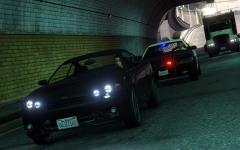 Slicktop??
 -
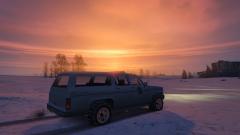 I look forward to the day we can get the snow off those Yankton cruisers, I love retro! Awesome shot though :)
 -
Probably more to do with you being "no trace". If, for instance, you've no traceable ID, such as a driver's licence and you've not come to the attention of the Police or other authority in the past, then a more thorough check could have been getting carried out. It also depends on how common (or uncommon) your name is, for instance there could be several John Smiths with the same date of birth recorded. Finally, the control room may just have been busy, thus the requesting officer was put in a "callback queue". Many, many reasons that it could be delayed. Thanks, William.


