
AlexVonShep
Members
-
Joined
-
Last visited
Everything posted by AlexVonShep
-
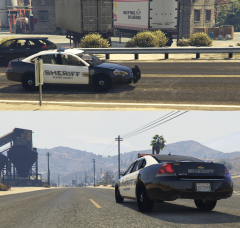
From the album: AlexVonShep's Works
Sorry, I've forgotten to show you this nice BCSO Impala! Link to similar textures (and more):© AlexVonShep
-
I suppose there is no place left for BCSO in dispatch.meta . So many law enforcement agencies!
-
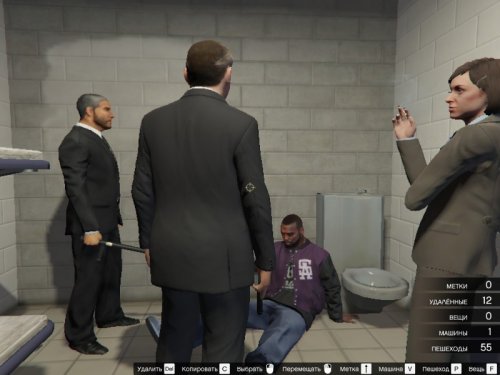 Ты уж прости за настойчивость, но на скринах я все еще вижу АК в руках у женщины-копа. Все, больше ничего исправлять не надо, выглядит круто и весьма реалистично.
- 6 comments
- 1 review
-
-

- 1
-
-
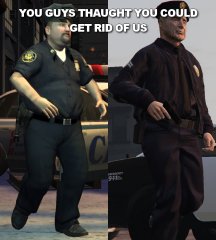 Know nothing except Burger Shot. I really have to learn some gta brands!
 -
 NY security guards?
 -
"Back from Burger Shot" Aaaaaaaa what a coincidence LOL!
-
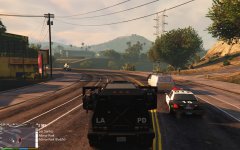 What plugin do you use to see your current location? А вообще, по русски говоришь? :)
 -
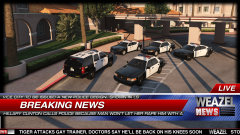 I just understood that I don't pay attention to the cars anymore. These WEAZEL NEWS titles are much more interesting!
 -
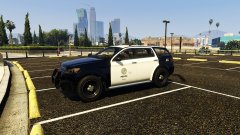 Yard, you are the best. You make my dreams come true. I wonder, how many various mods for GTA V are you going to create?
 -
Aaaaa sorry OpenIV is enough for such work. Although, there are still some files with embedded textures and you will need to export them in Open Formats.
-
Oh, that's easy! 1. Find the files which include textures you want to modify [OpenIV] 2. Extract them [OpenIV] 3. Open them with Texture Toolkit 4. Extract the textures you want to edit [TextureToolkit] 5. Edit the textures 6. Import them (IN DDS FORMAT) to the corresponding files [TextureToolkit] 7. Don't forget to save the files [TextureToolkit] 8. Return the files to their place [OpenIV]
-
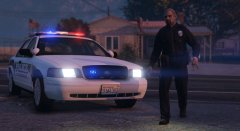 Sorry, @MikoFiticus but I gonna repeat your comment: (to Illusionary) Wonderful! You inspired me to start some new Paleto Bay station textures! :D I will make Paleto PD & Blaine County Sheriff versions without any decals and interior signs. But after updating BCSO AP only.
 -
Thanks! One external link there is quite useful!
-
It has already helped me, but I need more than editing 2-3 code files.
-
I know somewhere on the internet must be a tutorial how to create such dlc. But googling didn't help :( For example, Knight Rider mod has optional "knight" dlc with Vapid Dominator and all sorts of corresponding text files. And I want to create a "bcsocars" dlc. What I have to do and which files should I include in .rpf?
-
-
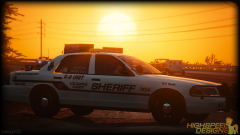 Haha, that was amusing :D BTW, russian translation sounded similar but the meaning was "give!" instead of "mine". They shouted: [Die]! [Die]! [Die]! I really like the fact that the windows are templated. And where did you find that K9 dog head?
 -
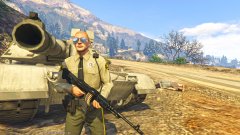 If a regular patrolman carries a machine gun, what will be a BCSO SWAT enforcer equipment? Railgun? Minigun? Rocket launcher? Or a RC P-996 Lazer? Nice stripes though!
 -
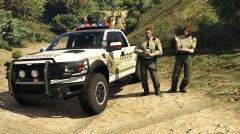 Looks great!
 -
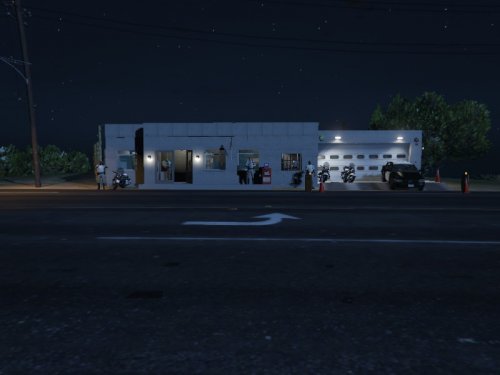 Looks a bit creepy and weird, IMHO. But in general, this idea is quite good. Hope it will become better with roof and SAHP signs and decals.
- 8 comments
- 1 review
-
 If you use Photoshop, you can easily make it "extra-extra bold". There is a menu on the right side with an icon of letter A.
 -
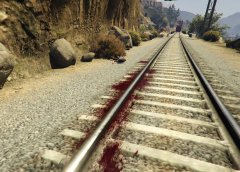 ⊙﹏⊙ Is everything ok with her?
 -
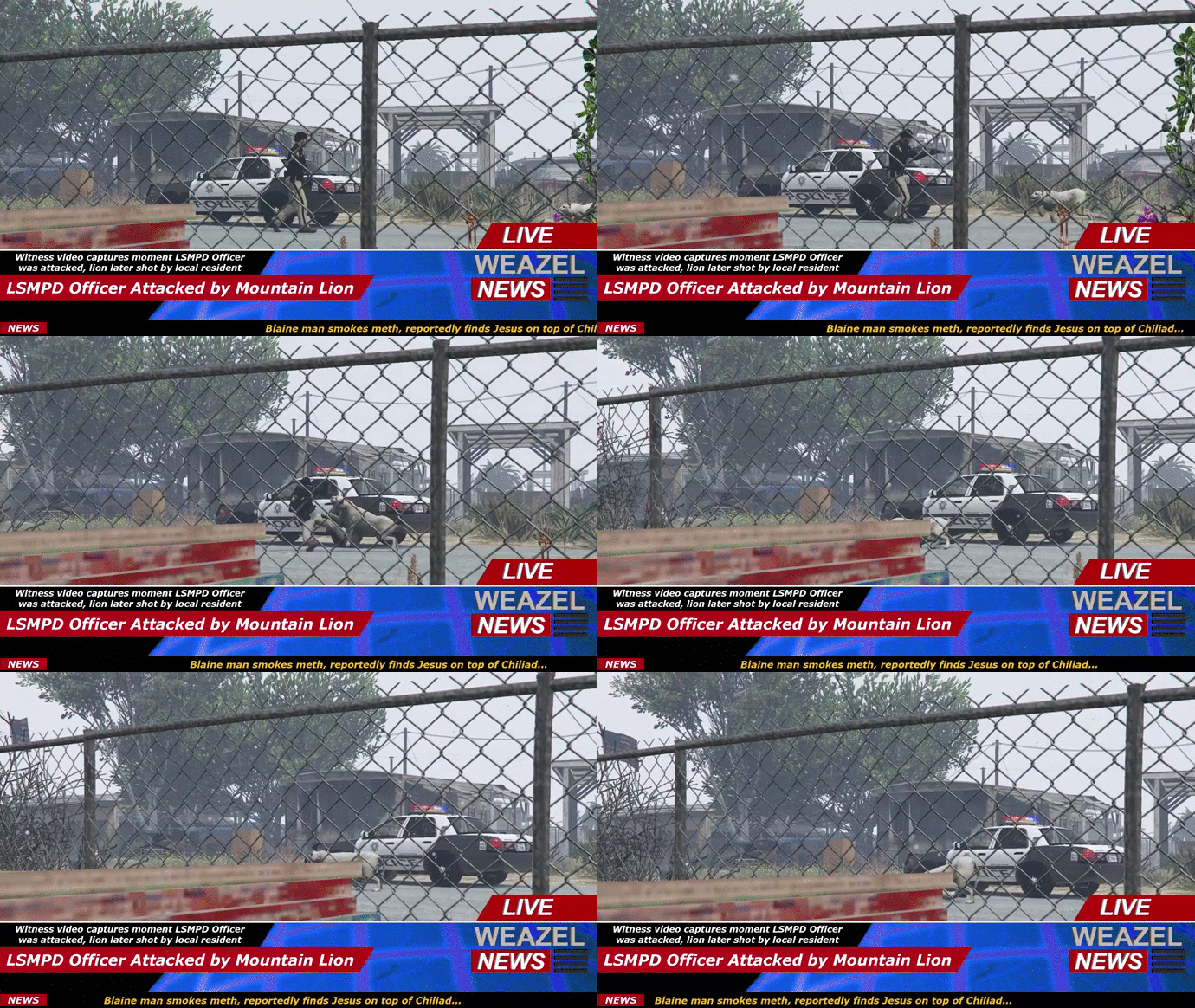 That Lion just saw LSMPD Officer's nice winter hat and intended to examine it more clearly...if I was on its place, I'd do the same! P.S. Seriously, where did you find this winter uniform?
 -
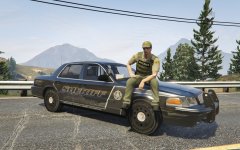 My comment is more stealth than this skin, IMHO
 -
This color scheme is beatiful! But the LSSD badge is a fake one. I've attached the badge texture they actually use on their stations and vehicles. "Serving Sandy Shores" sounds a bit confusing cause R* forced LSSD to patrol the whole Blaine & LS Counties (I hate them for this). I'd create similar livery with Paleto Bay signs too. That's more logical, to my opinion :)