


Sperry6591
Members
-
Joined
-
Last visited
Everything posted by Sperry6591
-
-
 Hey, wondering if there was a fix for the dark windows? They are way to dark, I am unable to see the lights.
- 58 comments
- 20 reviews
-
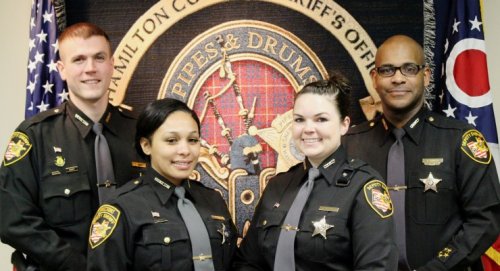 Hey, the female texture should be put into patchday6ng for it to work, figured it out and it looks great!
 -
Hey, I agree the male peds work / look great! But I am also having trouble getting the female version to work in game.
-
Hey, awesome work! A couple things I would like to mention and see in this MOD would be Felony Car Stop callout, maybe branch it off of the Traffic stop assist, and maybe stage a scene with 3-4 cruisers and a suspect vehicle. Also, a better callout for a "shooting/homicide would be cool, also have a scene staged with detectives, patrol vehicles and EMS, and secure the area with tape or road blocks.. maybe give the player the task of canvassing the area for crucial Information leading to the apprehension of the shooter or later leading to better arrest warrant call outs with a team set in place similar to your bank heist scene. Some call outs to assist EMS with combative patients, or Fire to assist with medical or fire scenes, Domestic 911 hang ups, welfare checks or building checks, leading to open doors/windows (burglaries).. BOLO call outs for a specific area that stay active while you search and take other calls, giving you the option to radio in if the subject is found. Drug, Organized Crime, Prostitution stings, report to a staging area and roll out to the target location, have pre determined setup points working in cohesion with other officers, as well as undercover work. Just naming a few ideas. Again, great work!
