Sgt.Kanyo
Members
-
Joined
-
Last visited
Everything posted by Sgt.Kanyo
-
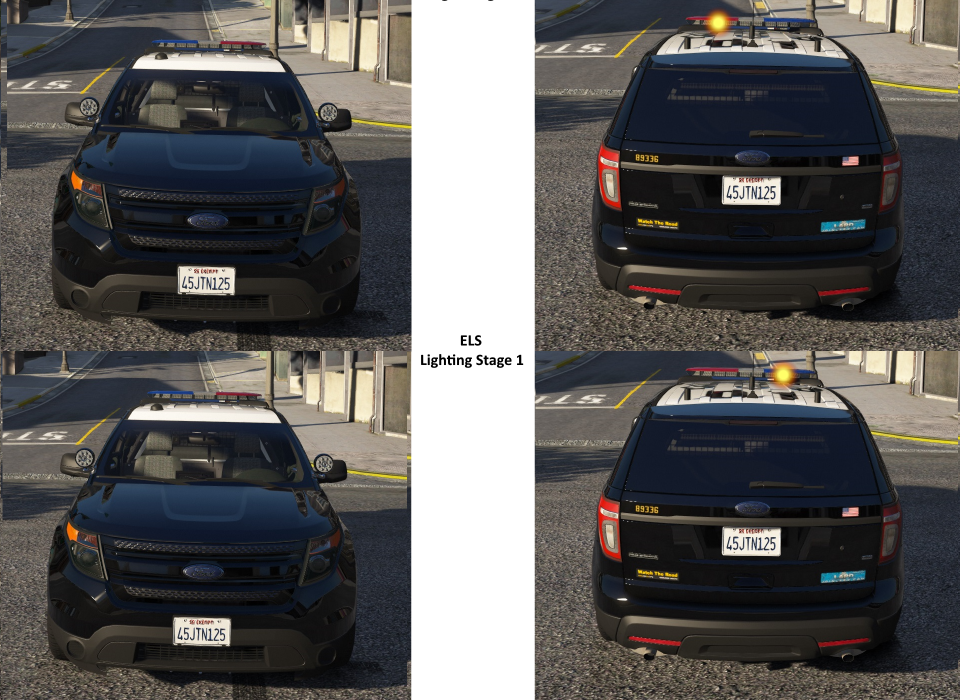
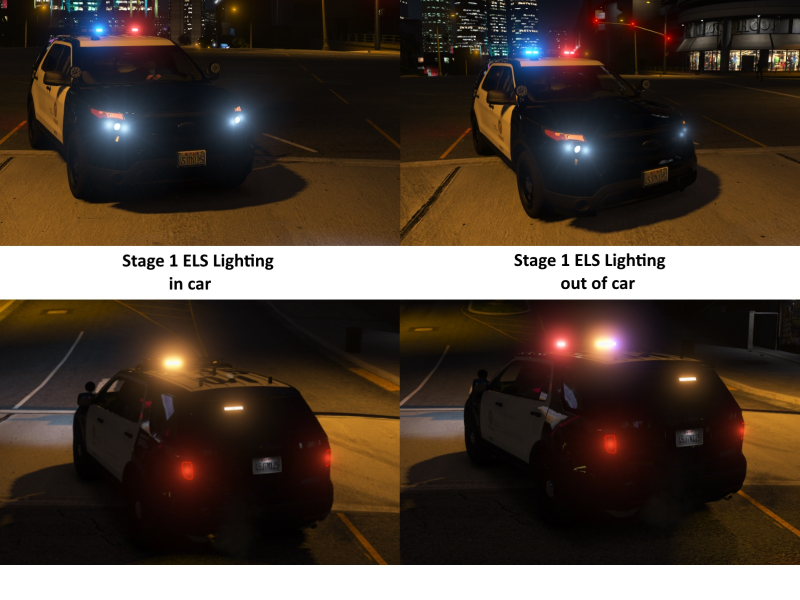
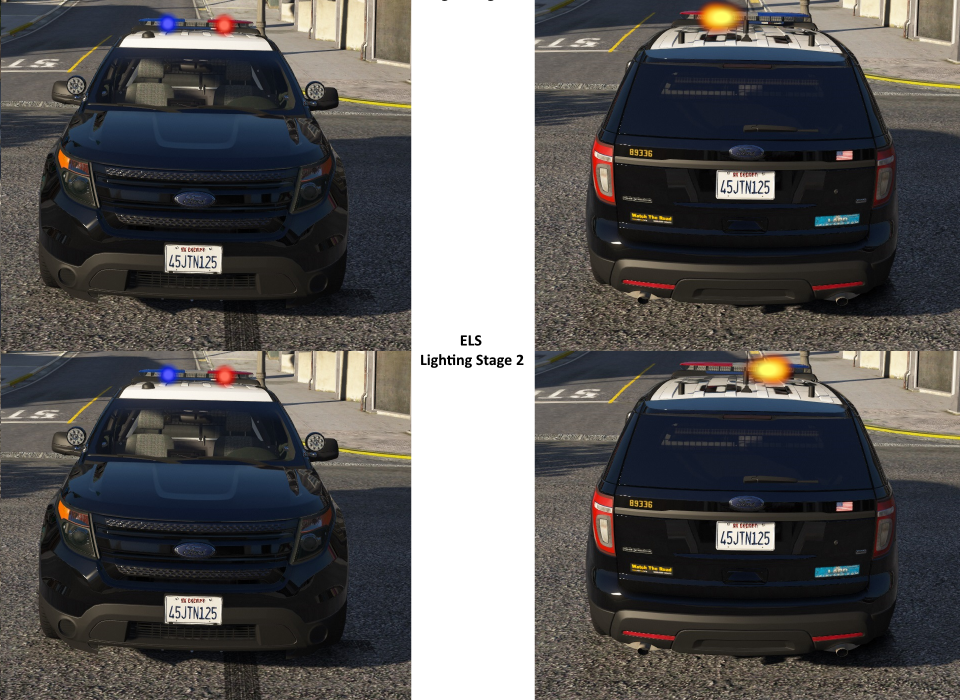
Honestly, I have no idea. No matter how I try I can't even make the current extras work properly. For example the steady burn mode with the flashing ambers at the back change when I get out of the car, where one extra light lights up for no reason: Another one of this weird bug is that sometimes the primary light stage has that very same extra always on, sometime it's flashing out of sync, sometimes it's flashing in sync. Anyway even if these worked properly, there's still the problem of accuracy. Light stage 1 should be like: Light stage 2 should be like: Light stage 3 is fine as it is right now, but the lights need to be synchronized (I'm guessing this is an ELS bug). Also the spotlights should be added to the "takedown" lights as well, so when you turn it on, the spotlights turn on with the arjent's takedown lights.
-
Hey Desmond, any update on the LAPD PIU? Also if you need help in setting up the ELS extras to represent the real LAPD light stages, please let me know, I'd gladly help you.
-
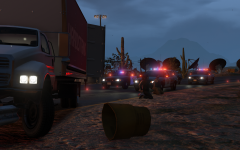
From the album: CHP
At 7:47 pm CHP tried to pull over a commerical truck for a minor traffic offence. That's when the driver decided to fled the scene instead. After a brief chase the truck came to a halt after crashing into the barrier. Police later found out, the truck was carrying illegal immigrants. -
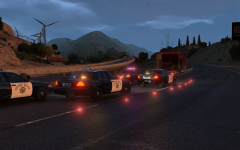
From the album: CHP
At 7:47 pm CHP tried to pull over a commerical truck for a minor traffic offence. That's when the driver decided to fled the scene instead. After a brief chase the truck came to a halt after crashing into the barrier. Police later found out, the truck was carrying illegal immigrants. -
They are sticking out a bit on the right side. Also another thing with the lights is the parking lights' lower and upper part is not being reflected. Sorry if this feels nitpicking, I really do enjoy these vics, but I'd love to have these fixed along with the taillights.
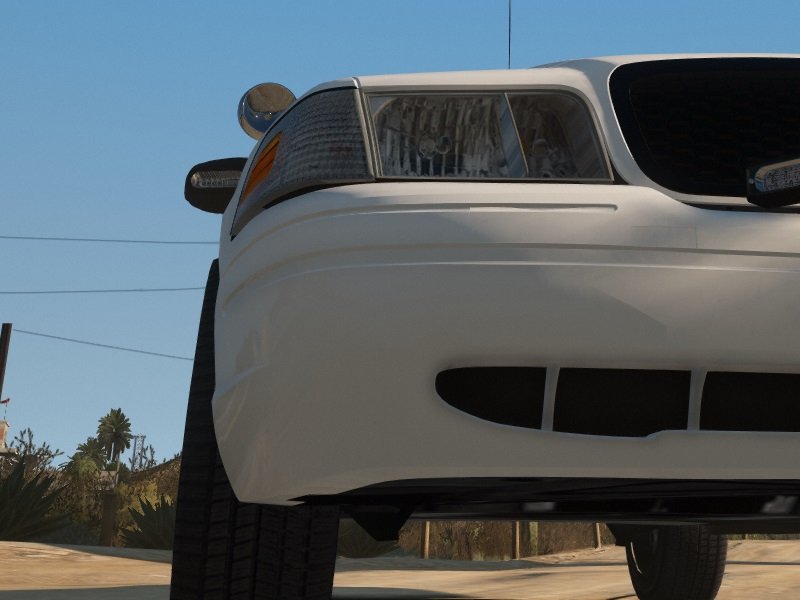
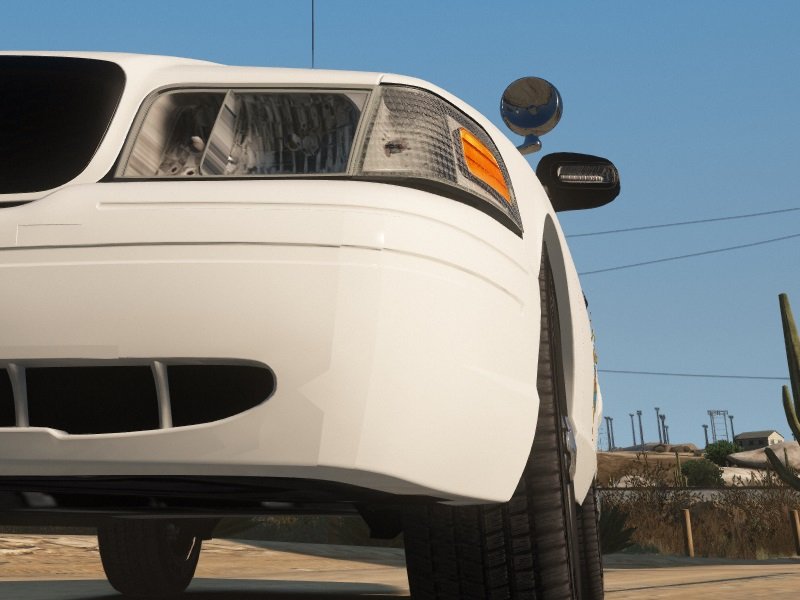
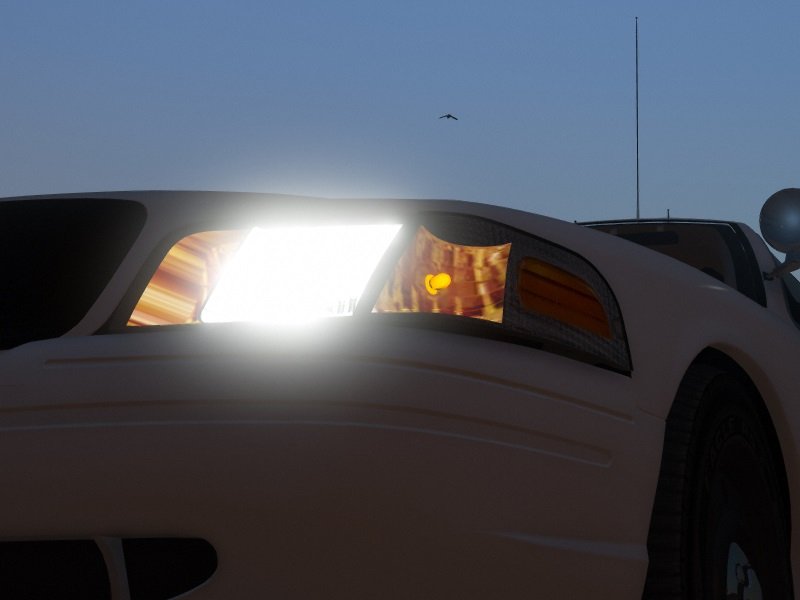
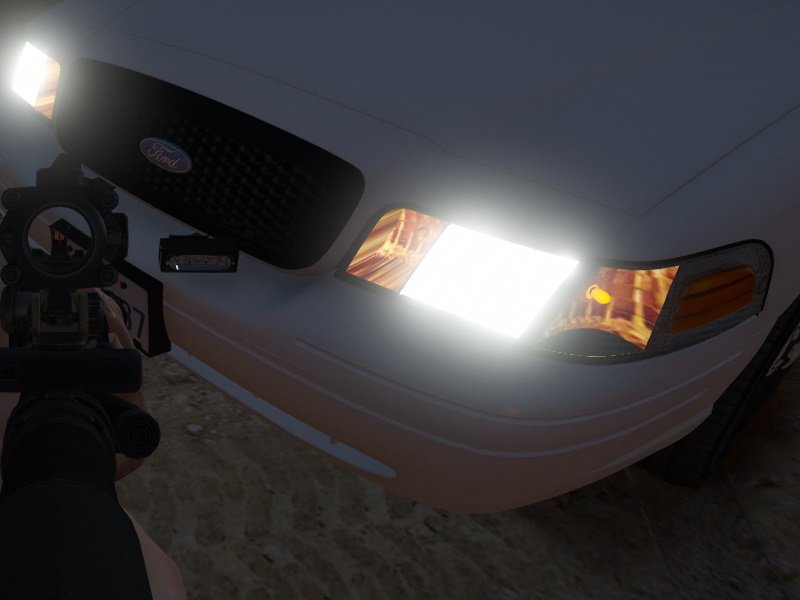
-
I like it a lot. I also hope the CHP CVPIs will get a light update and wheel position update as well.
-
Currently those are the best option for an ELS LAPD pack, however those vehicles are extremely unfinished. Made for eyecandy pictures, but in game they have no dirt mapping, weirdly working lights (no brake lights on the CVPI), bad wheel placement and they are not LAPD. Missing quite a few things. The LAPD CVPI might be covered by Scuderio, but taking into consideration he already had almost finished pictures from mid 2017, I wouldn't count on him releasing it.
-
For real, this game needs proper LAPD vehicles. Thankfully the Police Interceptor Utility is covered by Desmond98, but we still need the CVPI and the Charger.
-
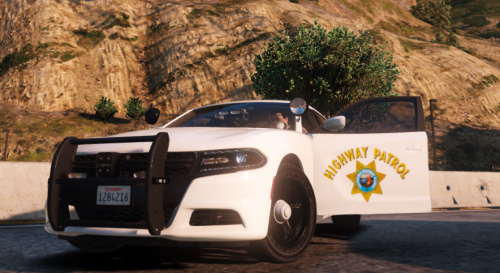 I've heard both, but the offical name was SMPV (Specially Marked Patrol Vehicle) I think. Looks pretty neat.
- 11 comments
- 4 reviews
-
So I was wondering, this game is based off of LA and yet noone has made a fully realistic LAPD Crown Vic for it. Not an ELS one with all the working lights. And I'm NOT talking about all the stickers have to be exactly the same realistic, but simply an LAPD CVPI that looks quite close to the real thing from the outside and preferably from the inside with LAPD light patterns. Forza CVPI would be a nice base as it's quite well detailed and the most accurate looking.
-
It's in the very first post.
-
 I tried modifying the weapons.meta to make the smoking stage as small as possible, so unfortunately I still have the smoking stage, but it's very short in time. Back then I could even remove the smoke all together, but I lost my files and I have no idea what file I modified to achieve that. It could be the weaponfx.dat as well. EDIT: Just figured it out. It's in entityfx.dat. Find the flare's line and set the scale to 0.
 -
From the album: CHP
After a regular traffic stop turned into a police chase, CHP officers managed to catch the driver of the fleeing pickup truck, however one of the occupants after fleeing from police fell to their death in the nearby area. CHP closed the scene off with LAFD on scene. -
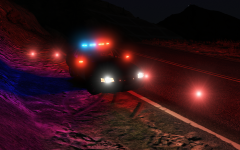
From the album: CHP
After a regular traffic stop turned into a police chase, CHP officers managed to catch the driver of the fleeing pickup truck, however one of the occupants after fleeing from police fell to their death in the nearby area. CHP closed the scene off with LAFD on scene. -
Anyone? I've even tried DLing the latest Social Club by downloading the GTA V Launcher provided by Rockstar, but that didn't help either. Right now I'm trying to install a new GPU driver based on the error code: 0xc000001d which I got from windows event viewer. EDIT: Didn't work. Tried running GTA V with offline mode with my internet disabled. The launcher still crashes at the exact moment, except this time it doesn't try to DL the update obviously. Tried deleting the Rockstar Games folder in the Documents folder. Thanks a lot R*. That's your 2nd GTA game that doesn't work on my PC anymore for no reason. Apparently GTA IV fails because of SecuROM. EDIT2: ISSUE FIXED
-
No, I haven't and I won't, since I haven't done anything to it. Also I do have a lot of mods, some of which I don't even know where I got it from.
-
ISSUE FIXED Solution: I tried the repair option from the GTA V installer and it worked. I'm pretty sure the issues was with antiSocial Club So I've been blessed with my GTA V Launcher instantly crashing right after it finishes downloading the latest 80 MB update. Doesn't matter if I use RPH or just normal GTA V. I've tried restarting my comp, I've tried deleting the Social Club folder, still crashes. Any ideas?
-
I'd love to be able to place road flares just like we can play cones and barriers that stop traffic on the road. We already have flares as "weapons", but usually they don't stay put and obviously they don't stop/direct traffic.
-
So I came back to GTA after not playing it for a month and there wasn't any update to it, but my RPH stopped working. Whenever I start my game RPH just gets stuck at Waiting for game window... message and doesn't start the game itself. RPH is still working as I can still go to the settings and if I start GTA V without RPH it starts up perfectly as well, but I cannot start my game through RPH. I know some people had this problem and they said fiddling around with steam will solve the problem, but my game isn't a Steam version, it's bought from a store. Any ideas what might be the problem? EDIT: I don't know what it was, since I've tried running with admin rights and everything, but nothing helped. But after restarting the computer, the issue was solved.
-
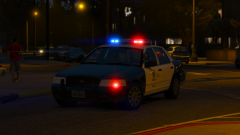 Will it be responding to the download section as well? Ps.: Is that ELS?
 -
Ah yes, that takes up a lot of time. Good luck with it!
-
Has there been any update on the CHP Utility or even the LAPD one?
-
God fucking damnit. That really was the problem. I even tried turning it off in game. Also I'm still amazed how noone wrote this problem at the manual transmission mod's gta5-mods.com comment section. Thanks Crygon!
-
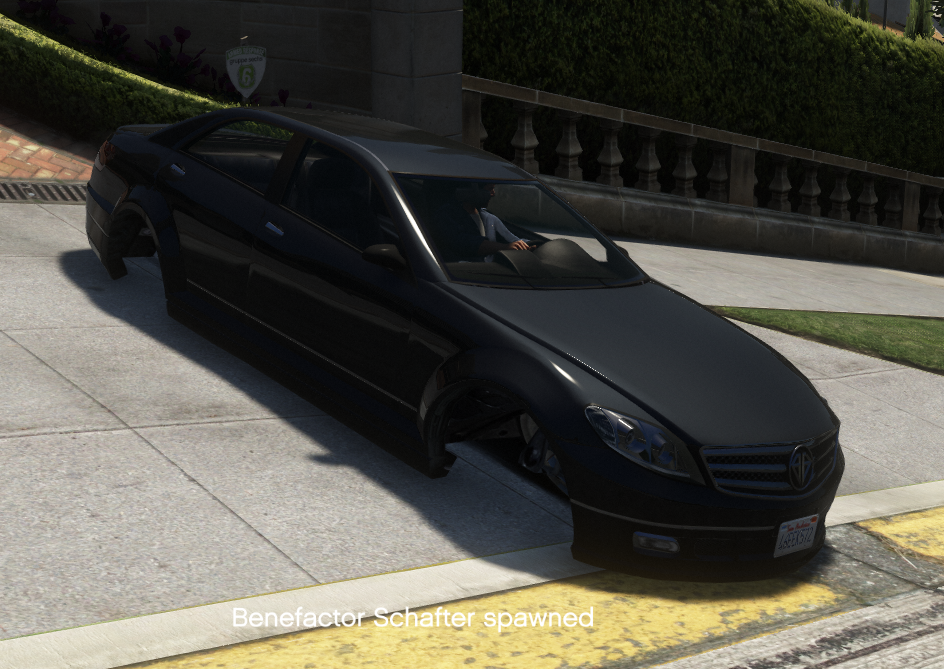
I can't be the only one with this issue. You can see how the wheels are inside the chassis. For all I know, it's not even a handling.meta issue, since it happens on all cars. EDIT: I've just got rid of my mods folder and this is still happening. I'm starting to think it's some script that's doing this, but I haven't seen anyone who had this problem. I've checked the get out of the car with wheels turned script, the manual transmission + steering wheel support mod, but noone has this problem.
-
So after the latest ... superb update for GTA V, I got this bug: Any idea what this might be? Pretty sure the problem lies in update.rpf, however even with a vanilla handling.meta and vehicles.meta, this bug is what I got. Every single vehicle the player enters that has wheels (including helicopters), the wheels disappear or get pushed in, not being able to hold the car, resulting in physics you'd get on ice. (the car slides uncontrollably, brakes don't work etc.) Weird thing is, the AI drives fine, also if you get out of the car and damage it, the wheels pop back out.