


flanders
Members
-
Joined
-
Last visited
Everything posted by flanders
-
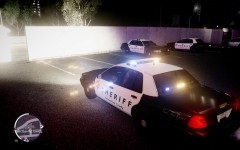
From the album: Flander's Goods
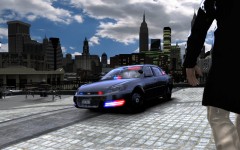
Texture I made based on the Yellowstone County Sheriff's Office (MT) new black and white Crown Vic.© Flanders
-
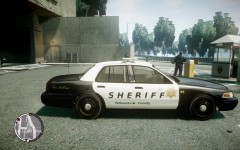
From the album: Flander's Goods
Texture I made based on the Yellowstone County Sheriff's Office (MT) new black and white Crown Vic.© Flanders
-
-
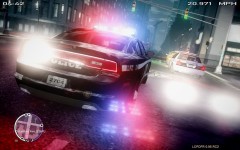 No photoshop. Just ENB, better city textures, and radiance mod. Add that to taking a bunch of screens and then finding that one that just... works. ;)
 -
From the album: Routine Police Work
-
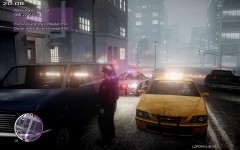
From the album: Routine Police Work
Flanders: Well, Mr. Shepard, I think your going to be over your 30 minute or less limit. Pizza Guy: Well you could just let me go or write the ticket real fast. Flanders: Sure I could... mwuhahaha. -
 Very nice. Is it available for download?
 -
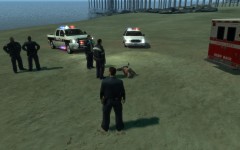 Yup. No one sees it coming till its too late!
 -
From the album: Routine Police Work
The "Hove Beach Coffee Mug Killer" strikes again. Will we catch him before there's another victim? -
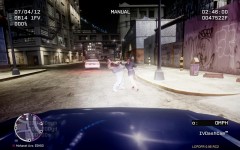 EFLC ENB Series v1.2 by P1ch3 http://www.gta4-mods.com/misc/eflc-enbseries-v11-f10653 and Radiance mod v1.3 by Bxbugs123 http://gtapolicemods.com/downloads.php?do=file&id=3
 -
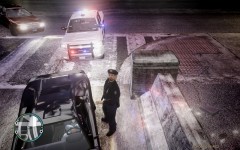
From the album: Fun with guns
As if her stopping right here was bad enough. -
From the album: Fun with guns
What I can only assume is a transaction gone wrong. Horribly, horribly wrong. -
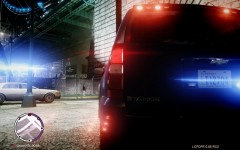 here http://gtapolicemods.com/downloads.php?do=file&id=1581
 -
From the album: Fun with guns
-
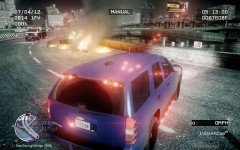
From the album: Fun with guns
-
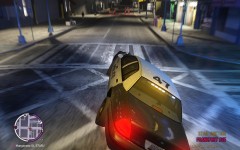 I believe the overall maps are the same. There are a few new interior areas (ie. night clubs)
 -
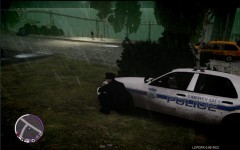
From the album: Fun with guns
Trying to put a dent in 'the oldest profession' -
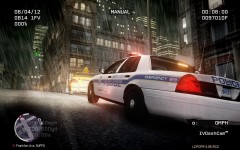
From the album: Fun with guns
-
TBoGT is what I use since it has more police car slots. Graphically you can do more with GTA IV regular and use the 1.0.4.0 patch. LCPDFR is made for 1.0.7.0 and up so that is what I use. If you are fully patched, it doesn't really matter which one in my opinion. Theey will run the same.
-
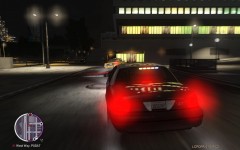
From the album: Fun with guns
I took this one a little too fast. Not shown: 2 pedistrians that jumped head first into a wall to avoid me careening around the corner. -
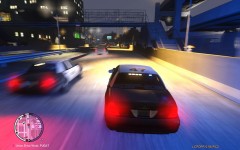
From the album: Fun with guns
He ran 2 stop lights right in front of me. Of course, he didn't stop for my lights. -
From the album: Fun with guns
To avoid a traffic jam at a stop light while on pursuit, I took a slightly different route. -
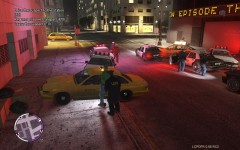
From the album: Fun with guns
After a lengthy pursuit we finally caught our man. The Yellow cab serial killer. *he matched the description... -
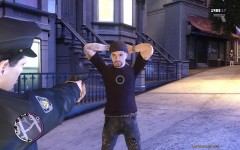
From the album: Fun with guns
No, really. I'm Edge from U2! Sure, Pal. Sure. -
 I'll have to try that. Thx!


