
jjlaupixie
Members
-
Joined
-
Last visited
Everything posted by jjlaupixie
-
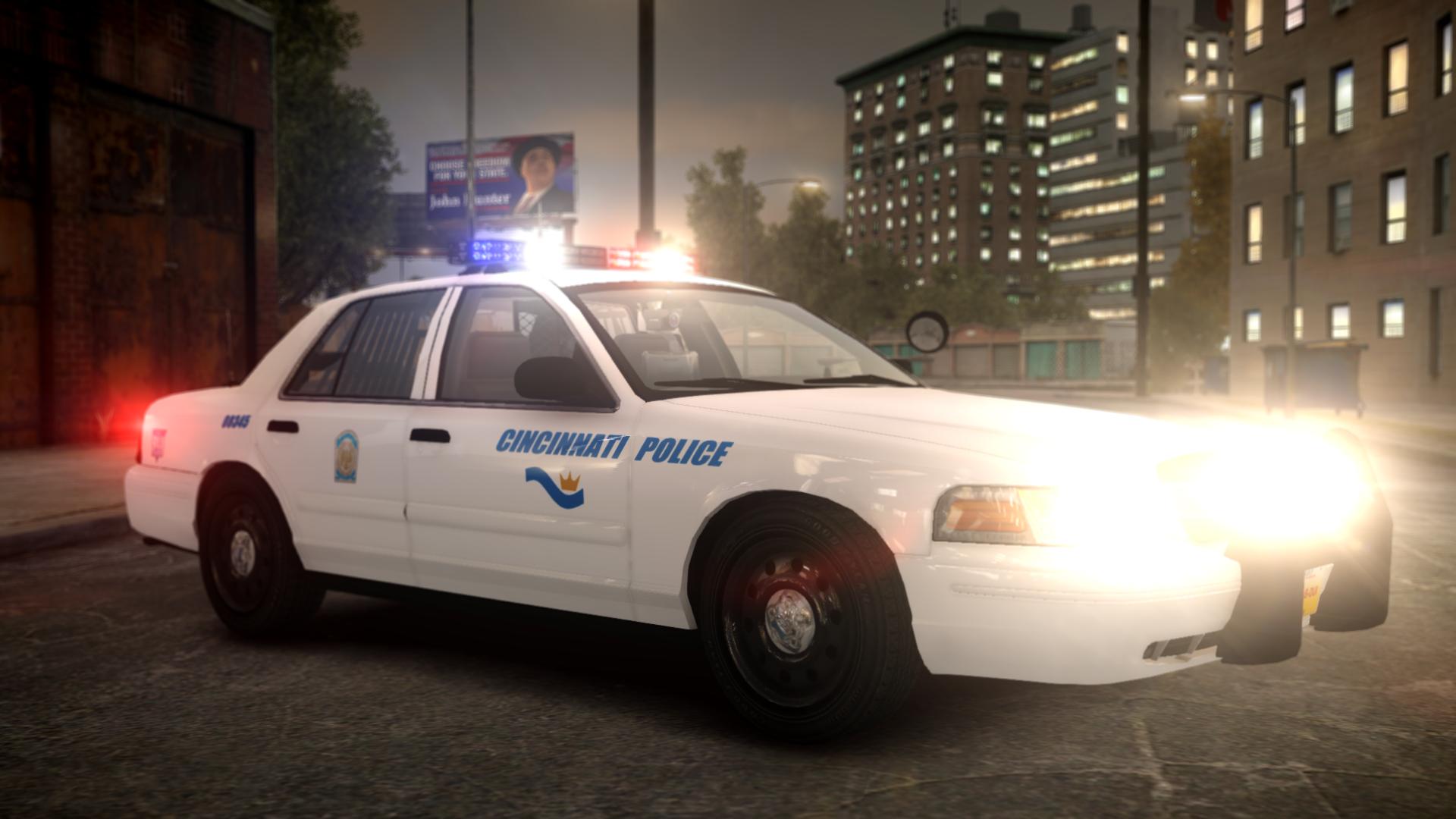
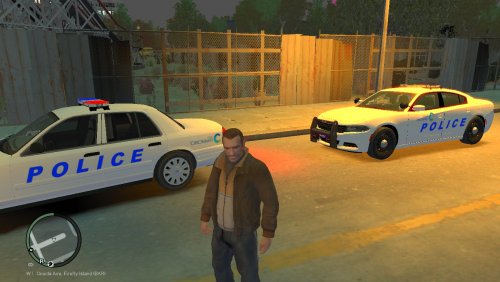 Hello everyone! I'm back with newer and better textures for the Cincinnati Police Department. This mini pack of textures is custom made by me for a charger and a CVPI. The vehicles shown in these photos are these: http://www.lcpdfr.com/files/file/11010-liberty-city-police-ford-cvpi/ http://www.lcpdfr.com/files/file/11022-2015-liberty-city-charger/ Please feel free to download these textures and these models and use them for your own personal use! Do not reupload these anywhere else without my permission!
 -
My problem here, is its not logging in for me and my friend. One of us needs to host a live server, but we can't because we need to be logged into social club.
-
Hello everyone, I know this is a common issue, I'm just not sure how to fix it. I tried looking around and couldn't find any fixes that work. Me and a friend are trying to create a Live server but we need to be logged into social club to host. Is there any way to bypass social club to make it say we are logged in? We tried creating another account and changing our passwords. Nothing worked. Please tell us (me and my friend) the best way to fix it.
-
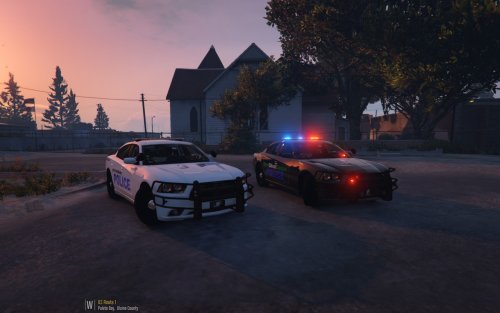 No, no I did not. But I believe they would appreciate having something made specifically for them.
- 16 comments
- 1 review
-
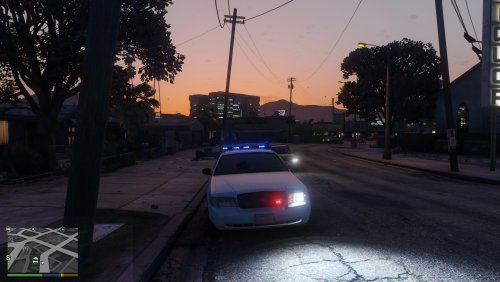 OSP uses the same lighting setup for all their cars. You will rarely see a Tahoe. Crown vics are less rare. But Chargers are the ones I see mostly. Blue lightbar with the radars on the bar. One or two antennas. Two red lights in the grill. And thats all I remember.
- 25 comments
- 6 reviews
-
It is how GTA does it. Only way to fix it is by making the texture darker blue. I believe this is the correct blue as I live in Ohio and see OSP.
- 25 comments
- 6 reviews
-
-
-
-
-
No because I can't really play GTA V. Can onlly do textures for it and GTA IV No because I can't really play GTA V. Can only do textures for it and GTA IV
- 16 comments
- 1 review
-
-
Hello fellow police officers and deputys. I put this together for two of my favorite youtubers. Jeff Favignano and BereghostGames. I never got around to emailing it to them so I thought, why not release it to the public instead. So here you guys are. These textures work with BxBugs123 Charger. Please enjoy! This is free for anyone to use, though jeff and bere with be linked here. Jeff's Channel: https://www.youtube.com/channel/UCLVnwvxqF2n6CELUZaEJ3SQ Bere's Channel: https://www.youtube.com/user/BereghostGames
- 16 comments
- 1 review
-
-
 Link me to the model and the template.
 -
-
-
-
tried that. wasn't working like it should have
-
Same. And thats for GTA V I believe. Im looking for GTA IV.
-
Quick question. Does anybody have a link to a good american firefighter uniform? I am trying to develop a Cincinnati Fire uniform.
-
-
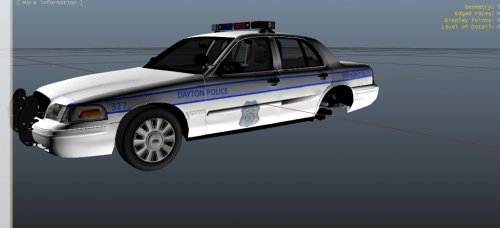
Here you guys go. The Taurus. I am not linking the model, just including it in the file with the texture on it Dayton FPI.zip If you go to my profile I already made the CVPI.
-
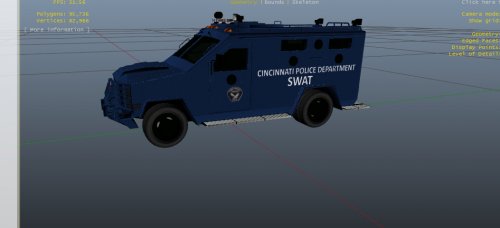 I know its too bright. I'm working on darkening it. Just can't find the right color.
 -
 I tried to convert it myself but couldn't figure out how to do it. I have problems making textures so I can't remake it.