


Rayne
Members
-
Joined
-
Last visited
Everything posted by Rayne
-
Hi all! I'm trying to remember how to change the type of flash associated with a vehicle's light bar. I remember that it was a common issue when the Arjent started getting popular, one of the Taurus uploads had an explanation in the comments, but at this point I'm unable to find it. I don't remember if it was changing a number in vehicles.meta or another file, but I remember having to change something text-wise for it. Any help would be greatly appreciated. EDIT: It's coming back to me. Sirensetting is a thing, isn't it? Carvariations.ymt. However I'm having a bugger of a time getting it open. EDITAGAIN: Carvariations.meta, I'm a dumb. Someone can lock/delete this. I apologize for the trouble.
-
 Not really a technical bug. But if I get the SWAT guys to follow me, and then fire a shot, they'll immediately stop. If I'm on the upper floor in a shootout and they suddenly don't care, it's a biiiit of a problem.
- 1,081 comments
- 166 reviews
-
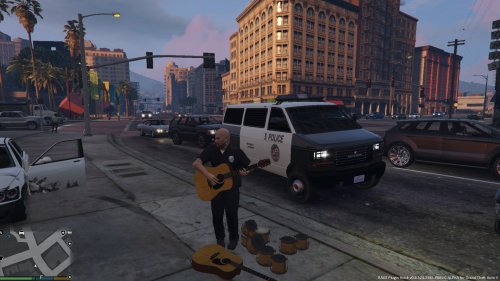 Can't see it in the screens. Does this also have an LAPD-version of the Interceptor?
 -
Well I wish you the best of luck/speed/whatIshouldbewishing over the rest of your development on these. The work is magnificent.
-
That's absolutely beautiful. I've been looking for someone to do a bit of a vehicle pack, if you're interested in taking on another project when this one is completed. For such quality, I'd be very glad to put forward whatever necessary. And even if not, thank you for putting together something just quite so excellent.

