



CreepPork
Members
-
Joined
-
Last visited
Everything posted by CreepPork
-
Hi there, I had been creating my own plugin for the API but never got round to finishing it and just got bored in the end. It's not the best and there are bugs, comments are not accurate and most likely to be out of date, but still useful for people starting out coding. All the things you should know about it is in the README.md file in the repo. https://github.com/CreepPork/RandomCallouts Enjoy!
-
I don't think that exists, I'll do some digging, but if I set the player not to pick up weapons, that makes it more broken.
-
It doesn't matter, I would prefer to make it as a pickup.
-
Hello! I've been trying multiple times to make the player drop the weapon that is currently in his hand. I had tried DropToGround() but I think I didn't properly set it up and also I have tried the native, which is: NativeFunction.CallByName<uint>("SET_PED_DROPS_WEAPON", Game.LocalPlayer.Character); That works, but the weapon is dropped right at the players feet, and he immediately picks the weapon up. How could I change it so he drops it a further in front of him? Thanks!
-
-
Does this mean they will automatically shoot the cops that they see?
-
Hello! I'm having some issues with the Rage.Tasks. I want to create a Task for a ped, that makes it attack every single officer in the area. Is there any way of detecting cops around the ped? Thanks!
-
Technically, infinite. You can add as many police vehicles you want via the DLC feature. By default there is: Police Police2 Police3 Police4 Sheriff Sheriff2 PoliceB PoliceT Polmav Riot Policeold1 Policeold2 Predator Fbi Fbi2 PRanger
-
Thanks, will try that later!
-
Hello! So I have a car crash callout but to make it look at least somewhat realistic the windows have to be broken, some doors must be missing and the car itself must have damage. So far I have only managed to make the engine be really messed up, fuel tank also is damaged but haven't figured out any way of doing the three things mentioned above. Could anyone help me? Thanks!
-
Thank you, that works brilliant!
-
Hello! So I am creating callouts and using Rage and the API, I spawned a vehicle which is a police vehicle equipped with lights and sirens but I can't find a way to turn on the lights and sirens. Could anybody help me? Thanks!
-
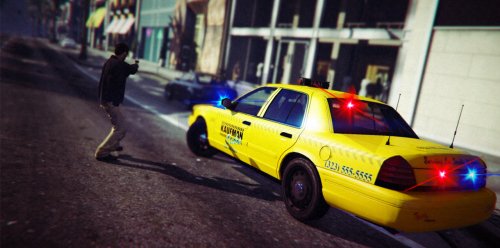 That brought nostalgia to me! Looks amazing, nice job!
 -
-
Thank you very much that works!
-
Hello! I am creating a couple callouts and thinking about posting on them LCPDFR, but that's not the point, I have created a kidnapping callout but the Victim in back of the vans just jumping out and basicly doesn't give any point to the callout, below I have a line of code that puts the Victim in the back seat of the van: Victim.WarpIntoVehicle(PedoVan, 3);But the other thing is for a diffrent callout is a HGV chase I can't manage to attach a trailer (Tanker) to a Phantom via the TowVehicle(). When I get to the callout the trailer just spawns on top of the truck and flips the truck over and doesn't attach to it. Thanks, for any help!
-
It's sad that I can't push the crap out of that "Like this" button! Good work Sam and the whole LSPDFR team including MulldeDK19!
-
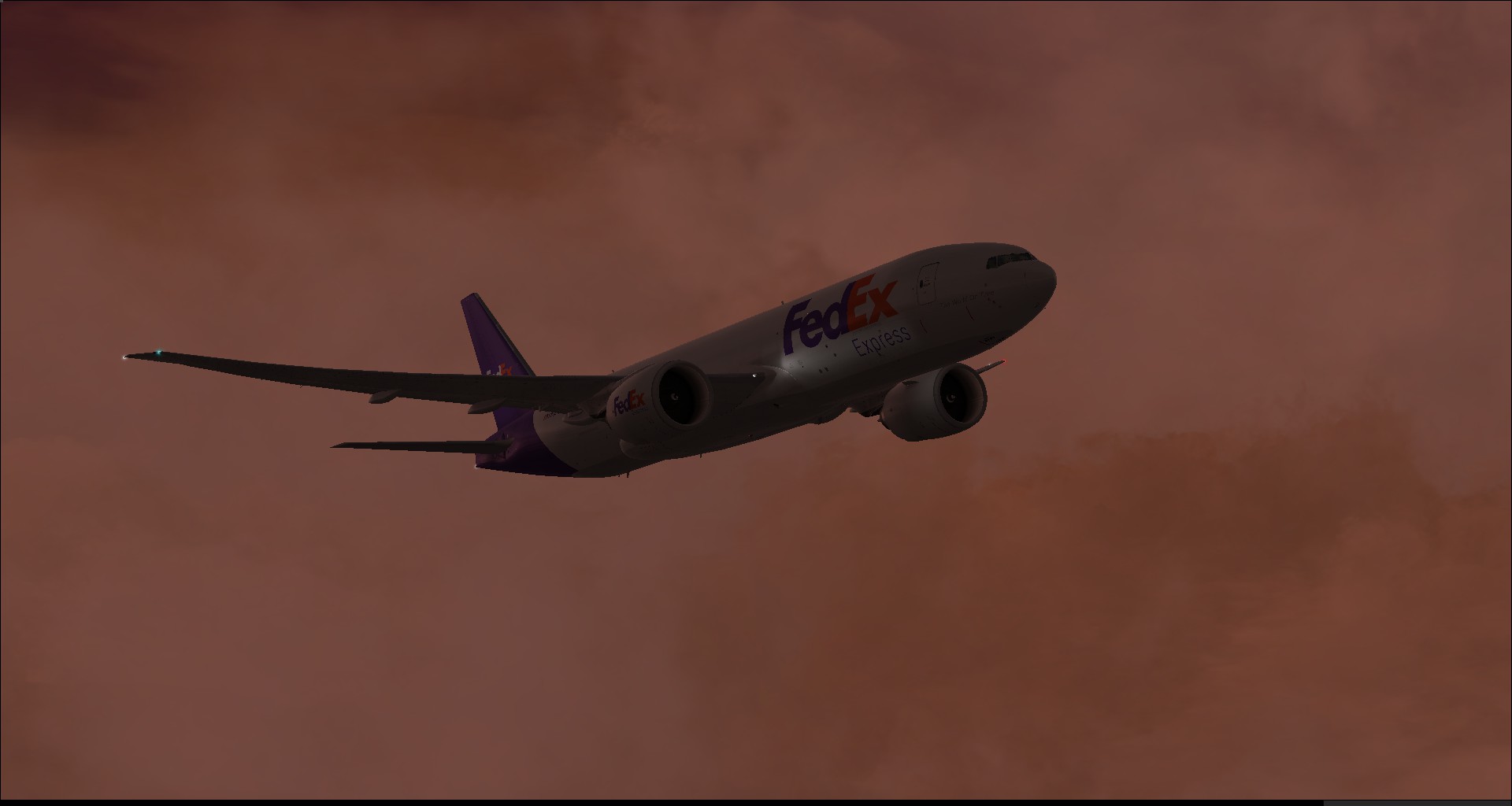
 I more prefer the 777 due to the better Fs2Crew and the FMS.
 -
-
 Just finishing catering and preparing to depart from OMDB to EGKK.
 -
-
 One of my all-time favorite pictures!
 -
-
-




