
Sopphic
Members
-
Joined
-
Last visited
Everything posted by Sopphic
-
hey, i have a small issue, I've been trying to install this car but i'm getting nowhere. i added all the files correctly, model files, carvariations, vehicles.meta. but when i spawn the model nothing happens, no error, no crash, just.... nothing. what is happening? carvariations.meta vehicles.meta
-
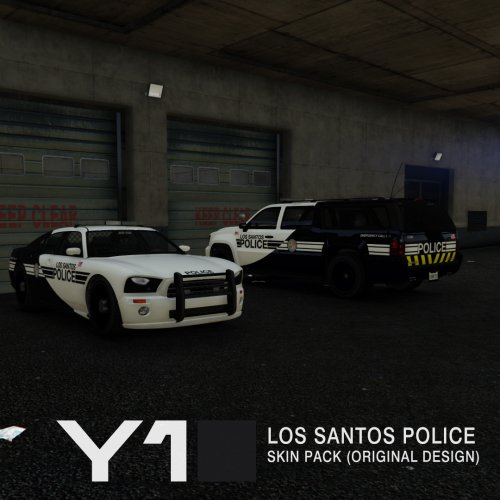 hey, can you make liveries similar to this, but for the sheriff? i thought the granger skins would be, but they are not. Thanks! :)
- 13 comments
- 2 reviews
-
what are your specs?
-
can anybody else help me with this? like is there anything obviously wrong in my log file?
-
nope. nothing but lspdfr and ragehook, as i said in the post i'll try that. thanks!
-
I am using the most recent gtav steam version, rph 0.42, and no mods, just lspdfr+plugins, and when i launch the game with ragepluginhook.exe, it loads, get's to the loading screen and immediately crashes. So far I've: - reinstalled the game - uninstalled and installed lspdfr again, then put in the most recent working ragehook (.42) -removed all other mods Nothing's worked... any help? here is my ragepluginhook.log and other relevant files: RagePluginHook.log lspdfr.ini backup.xml
-
-
if you've got the mustache, can we have the vehicle when it's done?
-
CustomBackup.xml try that, i had to remove the policebike menu entry, but it should hopefully work. :) btw... the "SAPR Response" menu entry, is the SAPR with pistols, not carbine rifles, as opposed to the "SAPR ESU" menu entry, which is the rangers with carbine rifles, not pistols. tell me if it doesn't work and what doesn't work, and i'll look at it again.
-
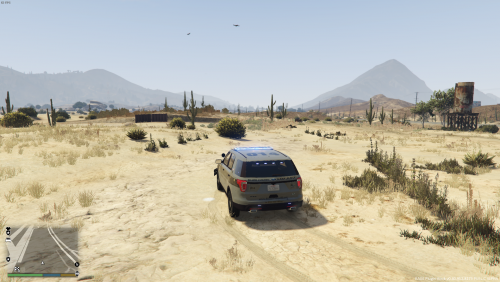 hey, does this have the same bug radiance has where the window lights in the default staniers (sheriff and police) are a bright orange and not red?
- 31 comments
- 17 reviews
-
 umm..... so the lightbars look lovely with this, but all the window lights in the default staniers (police and sheriff), are a very light blue, and orange, and they don't look very good. can you fix this?
- 336 comments
- 70 reviews
-
that's awesome!
-
-
-
love your art style!
-
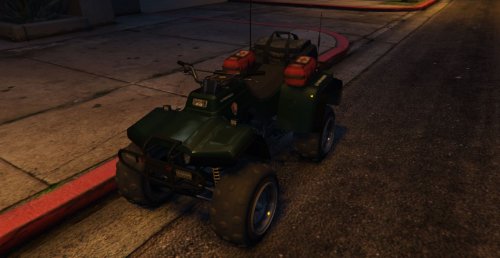
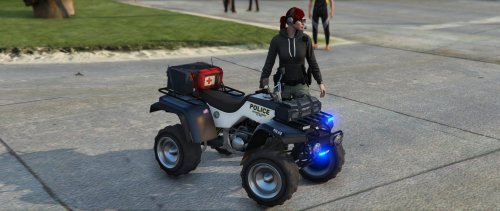 Yah, and, unlike the other police ATV (Which is an add on.), you can choose this in the LSPDFR garage screen, as it replaces an original vehicle.
- 15 comments
- 2 reviews
-
-

- 1
-
-
it got updated
-
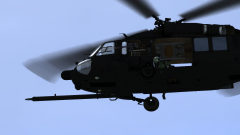 heli model link?
 -
-
-
-
-
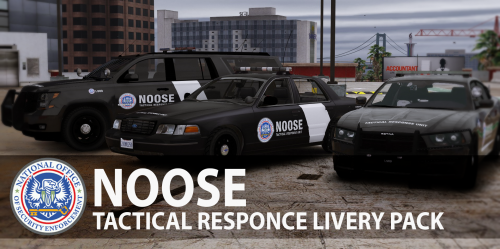 is there any way i can use these liveries without needing the mapped cars? as they all seem to have some issues (especially the stanier)
- 25 comments
- 8 reviews
-
-
 tow truck works, but transport doesn't... EDIT: Just looked and......... I fucked up the config. Whoops!! sorry......
- 1,915 comments
- 242 reviews