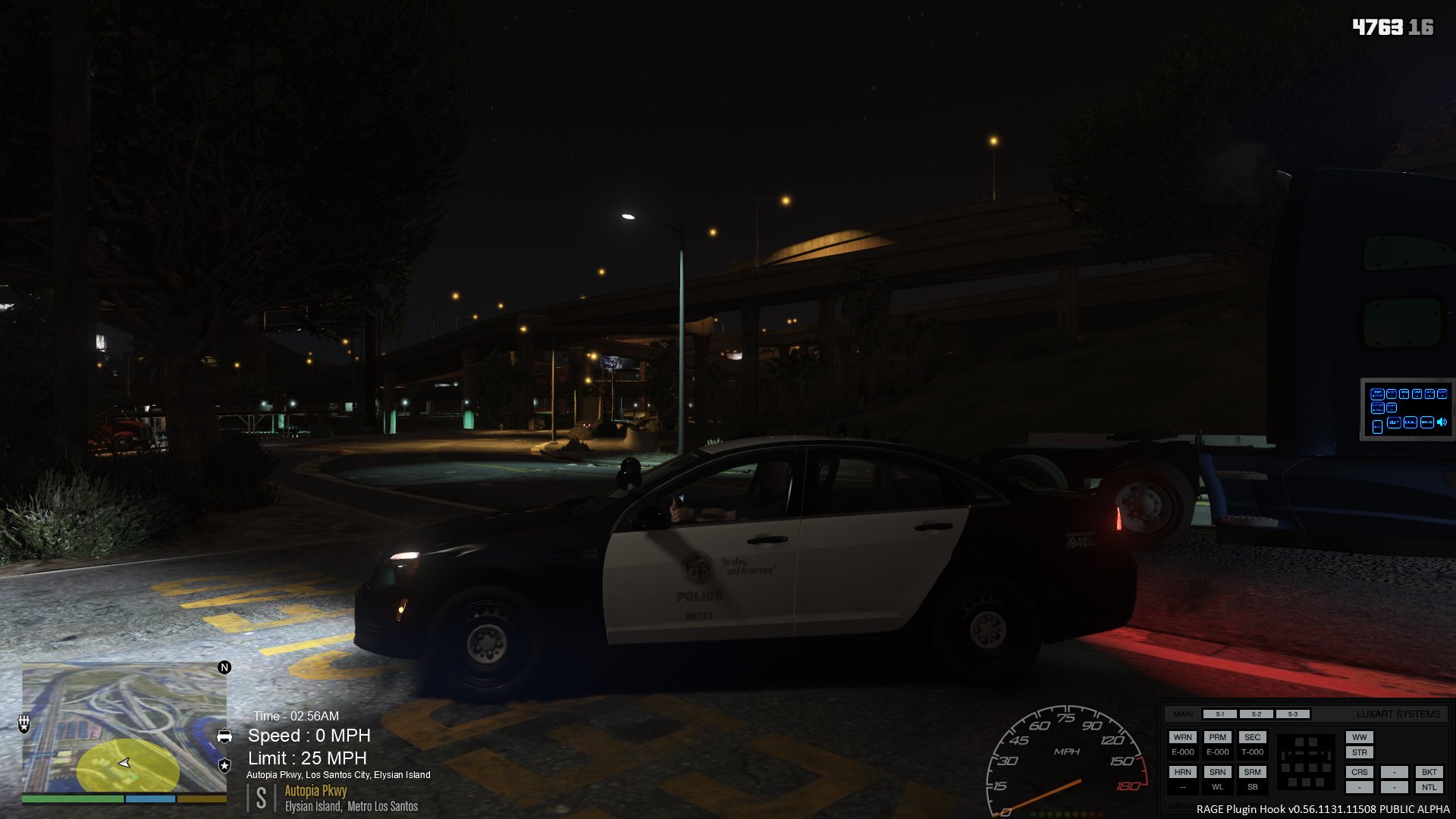
I am a happily divorced, law enforcement officer (16+ years) by day and a really part time gamer at night, some nights, if I'm lucky. I have 2 kiddos with one of them, a newbie, that keeps me busy...
Die Hard Bears Fan, as if you didn't notice... I also hate the Packers... 
My YouTube Account: https://www.youtube.com/channel/UCILEr0ePFb6phngqaV_0V2Q?view_as=subscriber
My Steam Account: https://www.steamcommunity.com/profiles/76561197996528383/
My Computer:
Windows Version - Windows 10.1 (64 bit)
Motherboard - Gigabyte 990FXA-UD3 R5
System Memory - 32 GB
CPU Type - AMD FX(tm)-8350 Eight-Core Processor (Black Edition Overclocked)
Core Speed - 4.00GHz
Monitor - 34" Class 21:9 UltraWide® WQHD IPS LED Monitor LG (34" Diagonal)
Keyboard/Mouse - Consair K95/Glaive Alum Gaming Mouse
Video Card:
Graphics Card Manufacturer - Powered by AMD
Graphics Chipset - Radeon(TM) RX 580 Graphics
Bus Type - PCI Express 3.0
Current Bus Settings - PCI Express 2.0 x16
Memory Size - 8192 MB
Memory Type - GDDR5
Memory Clock - 1750 MHz
Core Clock - 1366 MHz
Total Memory Bandwidth - 256 GByte/s
Memory Bit Rate - 8.00 Gbps
GTA Visuals:
VisualV
ENB Series V0351
GTA V Addons:
LSPDFR 3.1
ELS 1.05
OpenIV
Rage Plugin Hook
ScriptHookV
Cop Holster
Enhanced Native Trainer
Emergency Strobes
EUP
More License Plates
Persistent Weapon Flashlight
Police Station Armory
LSPDFR Plugins:
ALPR Lite
Arrest Manager
Arrest Warrant
Assorted Callouts
Attempted Crime Callouts
Average Callouts
Basic Callouts
Be A Prison Guard
Better EMS
Checkup Plugin
Cheep Callouts
Code Red Callouts
Computer+
Custom Backup
Dash Cam V
Drop The Weapon
Interaction+
LP Callouts
LSPDFR+
On Scene Backup
PeterU Callouts
Police Smart Radio
Pursing Callouts
Search Warrant
Smarter Policing
Stop The Ped
Traffic Policer
Traffic Stop Backup
XScanner Full
Scripts:
Aircraft Radar
Better Chases
Improved Cop Reactions
Radar Zoom
Vehicle Controller