
TopCop72
Members
-
Joined
-
Last visited
Everything posted by TopCop72
-
 Good Day everyone, Simple replace the skin in the sengine1.ytd file using OpenIV in edit mode and you're done. Vehicle Download: That is all, Now carry on...
 -
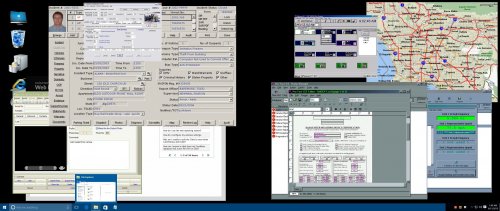 Good Day everyone, I made a revised Computer Plus for those that have a ultrawide monitor where the standard screen doesn't fit when you engage Computer Plus ingame. Its standard and universal for any department you are playing with. Just copy, paste and rename which one you want to replace or like me, all of them in the \Grand Theft Auto V\plugins\LSPDFR\ComputerPlus\backgrounds. You must have the program LSPDFR Computer+ Installed in your plugins That is all, Now carry on...
 -
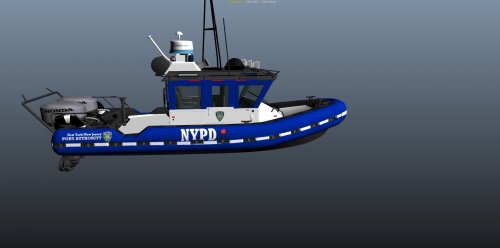 @diabetik81 and @Pavy I did some research and yes port authority is part of NYPD. I believe the side if these boats say NYPD and has the port authority patching on the sides. https://en.wikipedia.org/wiki/Port_Authority_of_New_York_and_New_Jersey_Police_Department
- 7 comments
- 2 reviews
-
-
-
-
-
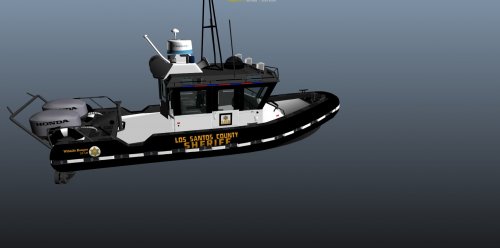 Blaine County Sheriff's Office replacement skin for the Los Angeles Sheriff Boat. Simply replace the SD skin in the YTD file using OpenIV and you are all set. Quick Video: BOAT DOWNLOAD: That is all, Now carry on...
 -
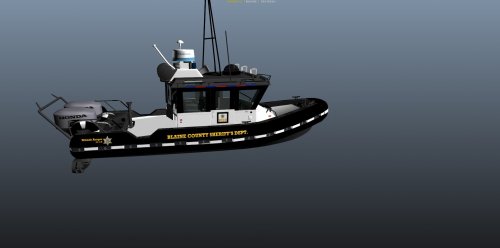 Blaine County Sheriff's Office replacement skin for the Los Angeles Sheriff Boat. Simply replace the SD skin in the YTD file using OpenIV and you are all set. Quick Video: BOAT DOWNLOAD: That is all, Now carry on...
- 1 comment
- 1 review
-
New York Port Authority replacement skin for the Los Angeles Sheriff Boat. Simply replace the SD skin in the YTD file using OpenIV and you are all set. Quick Video: BOAT DOWNLOAD: That is all, Now carry on...
- 7 comments
- 2 reviews
-
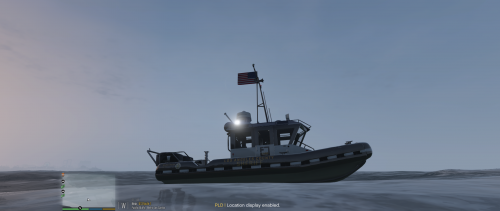 This is my Los Angeles County Sheriff's Department Boat With the file now downloaded, simply replace the standard Predator Police Boat with all 3 files located here using OpenIV into the latest Patchday Folder (update\x64\dlcpacks) Then open up each file, one at a time HANDLING.META and VEHICLES.META, and replace with the information located in each xml file. Once that is all complete, you are set. Quick Video: ADDITIONAL SKINS That is all, Now carry on...
- 36 comments
- 5 reviews
-
-

-

- 7
-
-
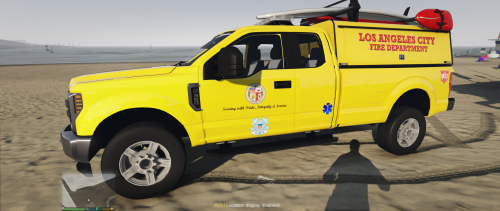 First off, all vehicle credits go to @medic4523 for his vehicle which makes making this skin possible. My thoughts on a Los Angeles City Fire Department Lifeguard Rescue Vehicle.... Quick Video: Vehicle Pack: To install simply, download his vehicle pack Now select the topper and make sure all files are name {lguard.***} including YTD and YFT files. Using OpenIV install the lguard files in to the latest patch folder vehicles. Once installed open the YTD with OpenIV in edit mode and drop all the files in the LGUARD folder then save. Next go to your ELS folder in GTA V and find the default folders and drop the XML file there to makes the lights and reflections work. That is all, Now carry on...
 -
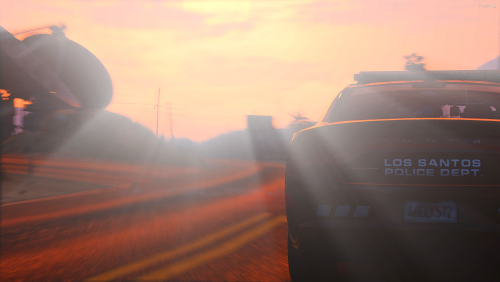 For the FPIS, if I want to have multiple liveries how will I name it? I have tried 17_Ford_Taurus_1 and 17_Ford_Taurus1, any ideas??
- 66 comments
- 26 reviews
-
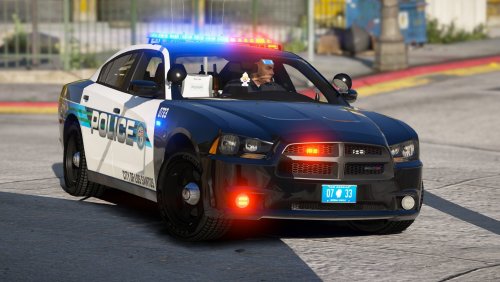 This pack is really awesome... I love the use of the Valor lightbar on the units and the polys look pretty fab... My only negative thing is that I have noticed thus far on the Taurus FPIS. The brake lights are unseeable in the daytime but are doable at night and the turn signals come up just fine day or night, which you can see throughout the video and these pictures... Charger PPV FPIU FPIS A different FPIS - Brake Lights Engaged Jedahdiah FPIS - Brakes Lights engaged
- 22 comments
- 16 reviews
-
-
- 1
-
-
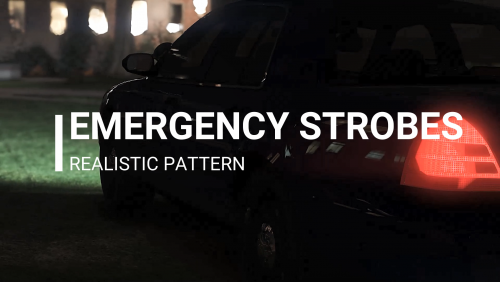 Sorry for late in posting my review... After speaking with the modder of this file @XTREMEHEAT, He was able to get it were the headlights wig-wag but the taillights (WHICH ARE AWESOME!!!!) and true to what we use in my (real) department. This version totally needs to be an available option for downloading... A definite must have... Simple awesome and cool....
- 54 comments
- 5 reviews
-
-
- 2
-
-
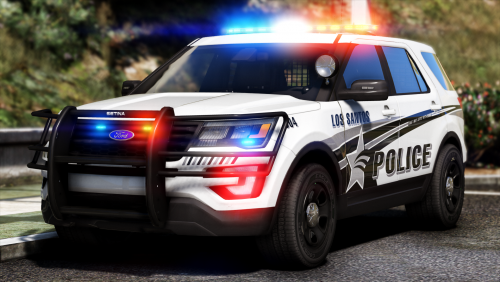 I pulled these out after downloading them way when and never using them.... So finally put them in the game as highway vehicles 1 and 2 (aka Policeold1 and Policeold2)... Even after all this time, still one of the best FPIU out there to use... I love the unique flash patterns available on both the marked and unmarked unit. Size? who cares the look awesome...
- 427 comments
- 75 reviews
-
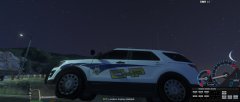
From the album: CHP Workshop
© TopCop72
-
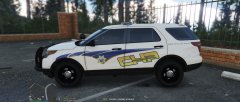
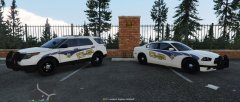
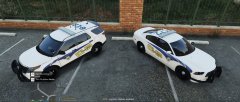
I found and used a CHP skin for a charger originally created by Turpino and couldn't find it for any other vehicles so I just decided to start making my own version.
-
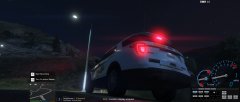
From the album: CHP Workshop
© TopCop72
-
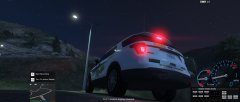
From the album: CHP Workshop
© TopCop72
-
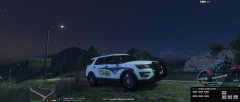
From the album: CHP Workshop
© TopCop72
-
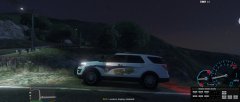
From the album: CHP Workshop
© TopCop72
-
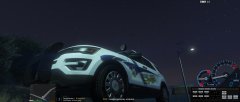
From the album: CHP Workshop
-
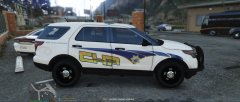
From the album: CHP Workshop
-
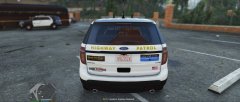
From the album: CHP Workshop