Kippy
Members
-
Joined
-
Last visited
Everything posted by Kippy
-
I had this same problem that I spent days trying to fix, I think the issue might be that RPH hates Windows 10 (for perfectly justified reasons I'd imagine) I had to start GTA V from Steam and load up Single Player, then tab out and run RPH.
-
You might need to set some higher values, I'd assume loading times are going to be partly dependent on your system specs as well, if you could let's take a look at the RPH crash log.
-
Very interesting, so I did a little researching around and it turns out I have to run GTA V first through Steam and then start up RPH, then everything loads up fine and stable so far, even with the mods I had installed beforehand, I'll give it another go later to see if I run into any other issues.
-
I'm assuming you mean the RPH crash message?
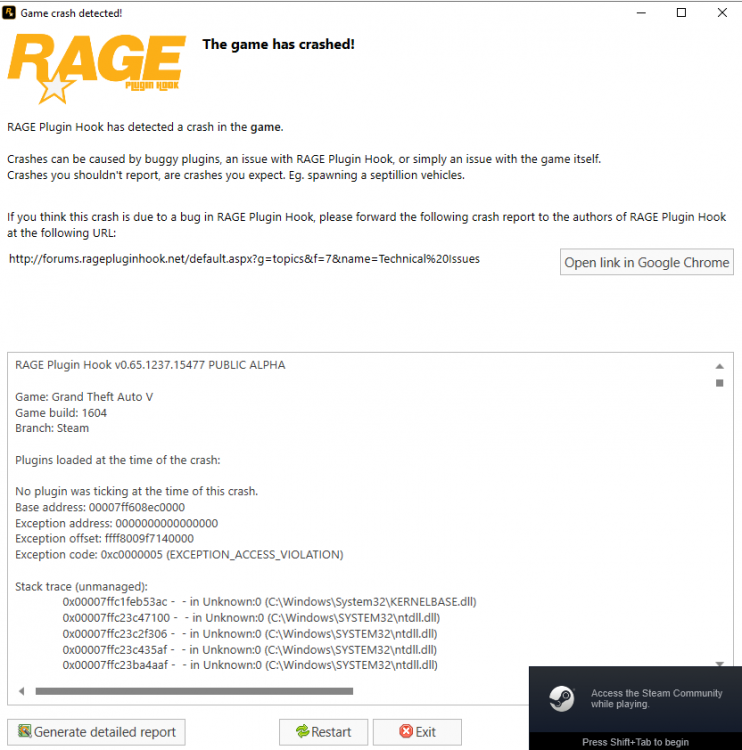
-
LSPDFR is the only plugin I have installed right now, want to get it working vanilla before I add anything to it.
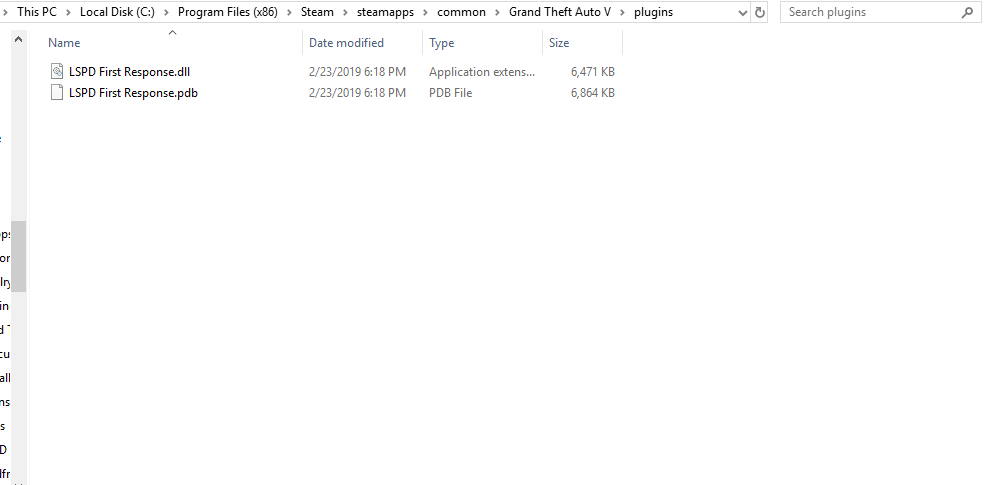
-
The standard Windows 10 defender thing but I have that disabled in place of Malwarebytes, I've added GTA 5 as an exception and still no dice on that either.
-
0.4 for some reason takes a pretty long time to load, try going into the Rage Plugin Hook settings and changing the plugin timeout threshold to the max which is 60000 I believe.
-
Whoops, there's the right file this time. Edit: The "Enable countermeasures against online vehicles being removed" whether it's on or off still crashes the game, was doing a little trial and error with it. RagePluginHook.log
-
Installed GTA 5 on a fresh copy, installed a fresh LSPDFR, with only EUP installed, ran fine once, then I quit out of the game after a while and the next time I launch it I keep crashing, I've attached the crash log, tried looking through it myself to see what was going on and couldn't find much of anything, not even Albo's troubleshooter picked anything up. So far I've uninstalled GTA 5 and LSPDFR, restarted my computer multiple times and nothing seems to work. I can load GTA 5 by itself without RPH with no problem and I've even tried to launch RPH set to not load any plugins at all and still keep getting the crash. RagePluginHook_12032019_075144.log
-
Installed GTA 5 on a fresh copy, installed a fresh LSPDFR, with only EUP installed, ran fine once, then I quit out of the game after a while and the next time I launch it I keep crashing, I've attached the crash log, tried looking through it myself to see what was going on and couldn't find much of anything, not even Albo's troubleshooter picked anything up. So far I've uninstalled GTA 5 and LSPDFR, restarted my computer multiple times and nothing seems to work. RagePluginHook_12032019_061144.log Edit: I think I posted this in the wrong sub-forum could a moderator move this over to LSPDFR support?
-
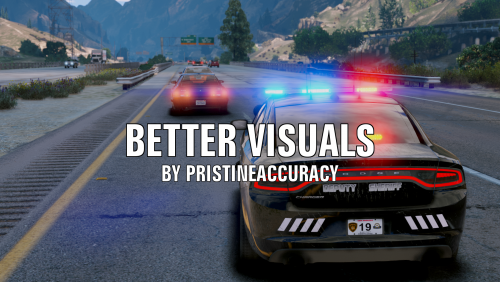 Can't believe this doesn't have any reviews, this mod is great, the coronas on police vehicles look so much nicer and less eye straining compared to Radiance V, good stuff.
- 51 comments
- 17 reviews
-
-

- 3
-
-
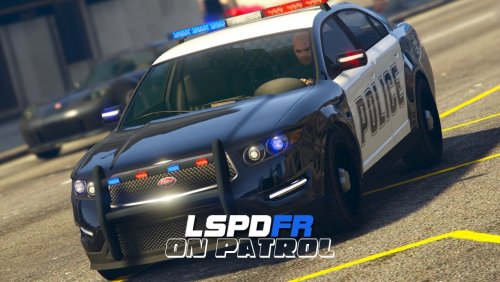 I installed ver. 1.0.0.3 and there were around 30 cops spawning, then I downloaded 1.0.0.5 and now there's only one or two cops. Either overwhelming amount of cops or none at all, I'd like at least 4 or 5 to be around to respond.
- 39 comments
- 4 reviews
-
So the game loads fine, functions like it should but then the minute I press F10 and load my character it turns into an LSD trip. I've done a complete uninstall and reinstall of EUP and so far nothing, I have not the slightest clue what can cause my game to start messing up the way it does. Edit: It happens after I just cruise around without opening the EUP menu, pretty sure it's something that has to do with my game installation but I'm just guessing at this point.

-
Didn't even notice it was 3 pages I thought it was only 1 sorry.
-
Does it work or do you still have an error?
-
Grab the diagnostics tool from my signature or in downloads run it as ADMINISTRATOR when it's done post the logs here.
-
True but I just found out that is a Glock18B Rubber bullets.
-
I got it from LSRP these correction officers carry side arms because they are prison guards.
-
I have joined this RP server's faction also known as SADoC after searching for models that fit it I managed to find these. And the female model another thing I forgot to add when making this post is I have no ownership of these models at all i'm just uploading them for the person who made this Link White Badge:http://www.mediafire...e0fb78lo2xlysbd Link Purple Badge:http://www.mediafire...exa33xizc8b39g1 Thanks Sam for letting me post the link.
-
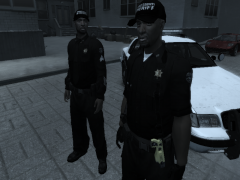 Where did you get that player model?
 -
You know I would say Hawt but uhh that was uh quite the video.
-
Whenever I play LCPDFR everything is fine but when I go to player model selection it only scrolls through Niko models.
-
-
-