Everything posted by EFox
-
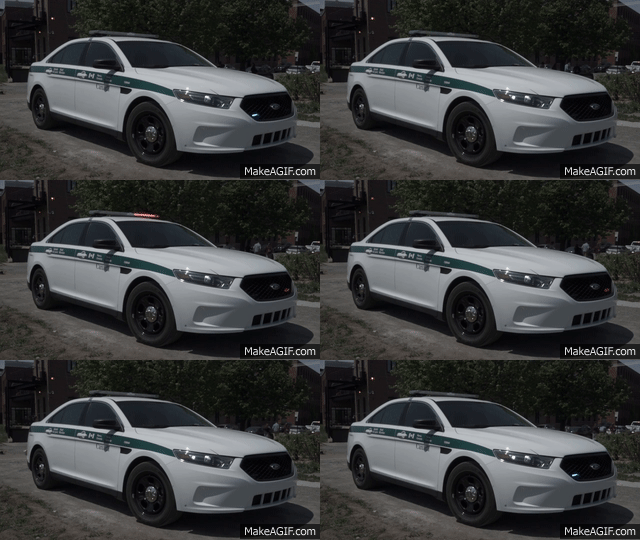 I'd just like to point out that if you look at the video one of those screen shots came from, you can see that the rear license plate is in fact a government plate and not just a decal. https://youtu.be/6UQtR7b0g7g
- 18 comments
- 1 review
-
-

- 2
-
-
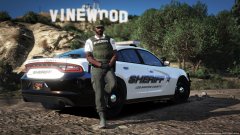 Nice ped model. Is it released somewhere?
 -
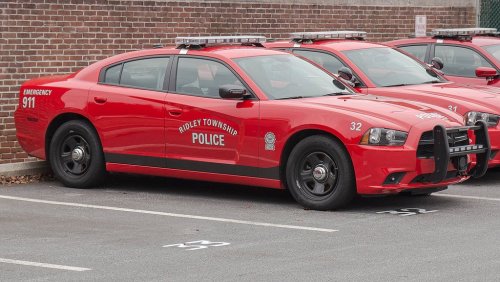 That's not the point he's trying to make. He's saying you don't need 43 screenshots on your file. Maybe 1-3 real life pics if it is based on a real vehicle and then 3-5 of the car in game. 43 screenshots is just rediculous overkill.
- 14 comments
- 1 review
-
-
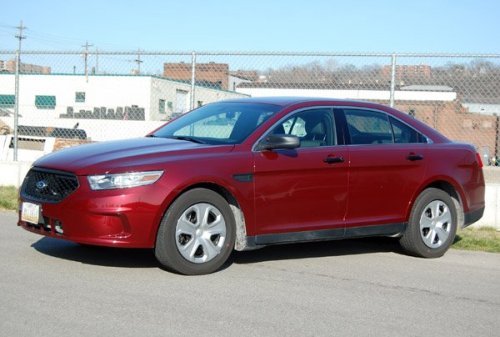 Please, please for the love of God download and use GIMP. https://www.gimp.org For the texture itself, I'm going to have to agree with everyone else. There is simply no reason to post these downloads as anyone can change the color of vehicles in game using a trainer. In fact I use this color frequently but using the trainer setting, not a whole skin. I understand that you are new to this and I was once new to this too. My recommendation would be to try recreating real skins for vehicles so you have picture to go off of. I'd also recommend not releasing your first 15 or so skins as they will not be great quality, trust me, I've been there.
- 14 comments
- 9 reviews
-
 Looking good man! Keep up the good work!
 -
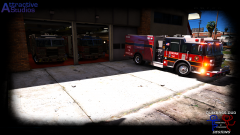 That looks awesome!
 -
 You glorious bastard!
 -
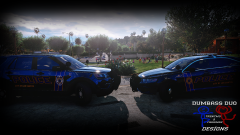 Yeah, I have a discord. I'll pm you for info.
 -
Absolutely! I'd love to see what you've got.
-
You are now on the top of my list of best people on the planet.
-
Those skins are looking great! Can't wait for those and the vehicles!
-
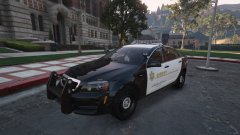 SO much better!
 -
-
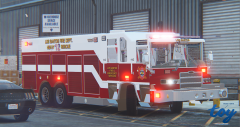 No worries! Just glad to see more trucks are being released!
 -
I'd love to see this released. It would be great to get an engine and ladder variant as well!
-
-
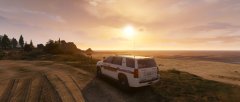
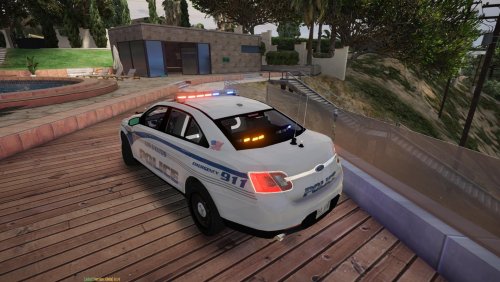
From the album: Los Santos County Sheriff Enjoying a peaceful sunset
A Los Santos County Sheriff Deputy enjoys a beautiful sunset on the coast while catching up on paperwork. The job does have its perks. -
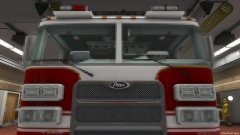 God damn that looks good. I would drive this around all day.
 -
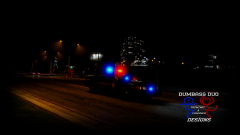 @TrentMU Awesome! There new skins are so much better in my opinion! Especially on the FPI and FPIU!
 -
Based off Akron, Ohio?
-
-
-
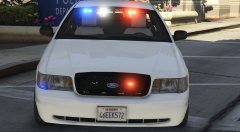 Still bueno!
 -
I'm sorry, are those Feniex Parts?