


Nutt
Members
-
Joined
-
Last visited
Everything posted by Nutt
-
-
-
-
-
-
-
-
-
-
-
-
-
-
-
-
-
-
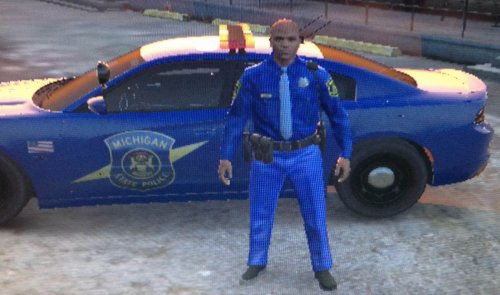 Actually, I was going to start on working on some Michigan related law enforcement agencies liveries and peds for GTA V... however, I'm not impressed with the current vehicles out. Waiting for a good friend (EVI), and maybe my bud Voodoobie to make an appearance soon... Anyhow, great work on the MSP ped!!!
- 10 comments
- 1 review
-
-

- 2
-
-
![LCHP SEU - Jaguar XFR Standard & Special Edition Liveries [FINAL]](//s3-gallery.int-cdn.lcpdfrusercontent.com/gallery/album_3549/sml_gallery_29300_3549_1354647.png) Nice...
Nice... -
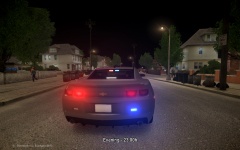 Nice! Who model is this?
 -
You have to make sure you installed the ini.file and make sure it's configured in the main ELS config file. Also, the sirens cannot be on to raise or lower the arrow board.
- 29 comments
- 6 reviews
-
Notes: Please use ALT+K when raising and lowering the Odyssey arrow board during non-siren usage.
- 29 comments
- 6 reviews
-
Something's had to be scaled back a bit, like siren/horn, file would have been too huge for the game. But Voodoobie may update it one day...
- 29 comments
- 6 reviews
-
The one released compared to the earlier video, is different. The odyssey glass clarity was changed quite a bit. You should see brighter reds/blues.
- 29 comments
- 6 reviews
-

![LCHP SEU - Jaguar XFR Standard & Special Edition Liveries [FINAL]](http://s3-gallery.int-cdn.lcpdfrusercontent.com/gallery/album_3549/sml_gallery_29300_3549_1354647.png)
