




flwpheonix
Members
-
Joined
-
Last visited
Everything posted by flwpheonix
-
but seeing as they are not numbered in the carcols, i have a feeling that if you copy say siren18, the siren18 copy will become siren19, and you would then lose siren20 because it is one too many...
-
You currently can have 20 different flash patters for the 20 different sirens. All this does is allow more lighting to be applied (for example a push bumper side light and a lightbar light using both siren1 but be able to have enviromental lighting for both) The problem (or not) with this method that I see is both lights would need to be same color....
-
Ok...will play with it..Gotta give me 24 hours though as I am on shift...
-
If I could get someone to make a MX7000 with the sweeps, I would be willing to test it and see if I could get it to work, but no one seems willing to set one up like that....
-
Oh god no! He got rid of it about 18 years ago or so...
-
I have to check, but on my policeold setting, I had bpm to 90 and one of my rotators is set to unsynch, and speed was 15 or so, and it made a full rotation...a setting of 1 did not move....but like I said, I have to check.....
-
no...I haven't quite figured out the relationship, but I have a feeling that is is refering to a percentage or so of the bpm.
-
Unsynch the LEDs and adjust the speed value under <flashiness>
-
 I stand corrected...the correct term is passant...
 -
Actually you are wrong too...it is called an epaulette.... Just saying....
-
Excellent choice! The bumper gave it away. My dad used to own a Marauder back when I was a lot younger...
-
Mercury Marauder?
-
First, it goes into update/update.rpf/x64/textures/graphics.ytd and not into X64a. Second, make sure your siren item in the carcols matches the filename that you placed. See my instructions earlier in this thread...
-
New observation....Only if spotlight value is false will it flip the texture vertically...why I have no idea....
-
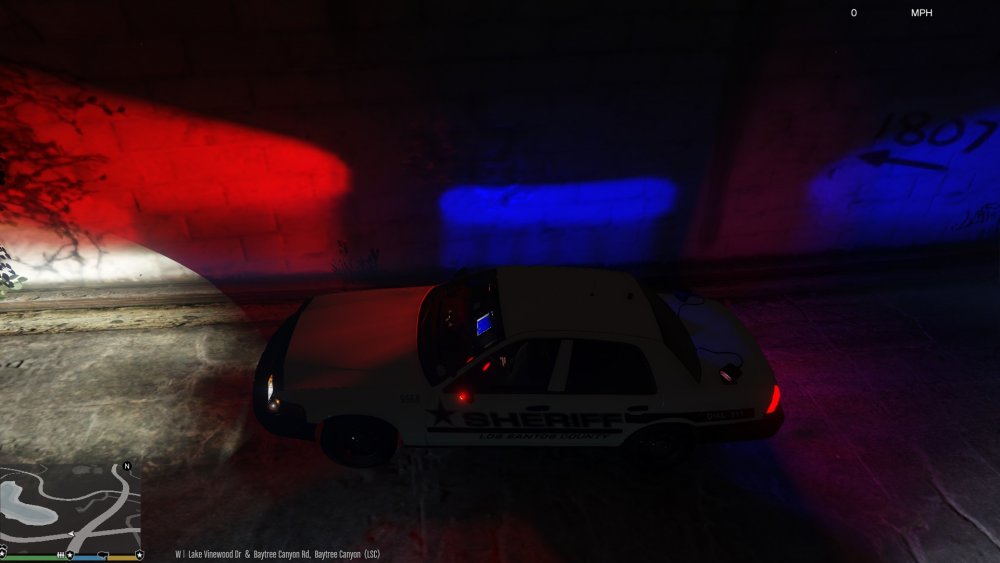
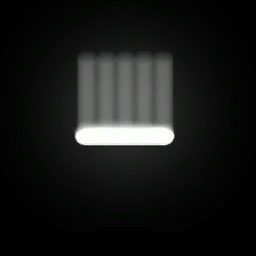
Another observation I just made....not only is the texture flipped vertically (in the above picture the defined line is on top in the texture) but, once flipped vertically, The light splash can also be height adjusted...meaning that the lower on the texture you go, the higher the light output will be. This is useful so that you don't have light from your car shining up on the roof of a sky scraper! The first pic is after flipping the texture vertically. The second picture is the example of the texture I am using in the graphics.ytd.
-
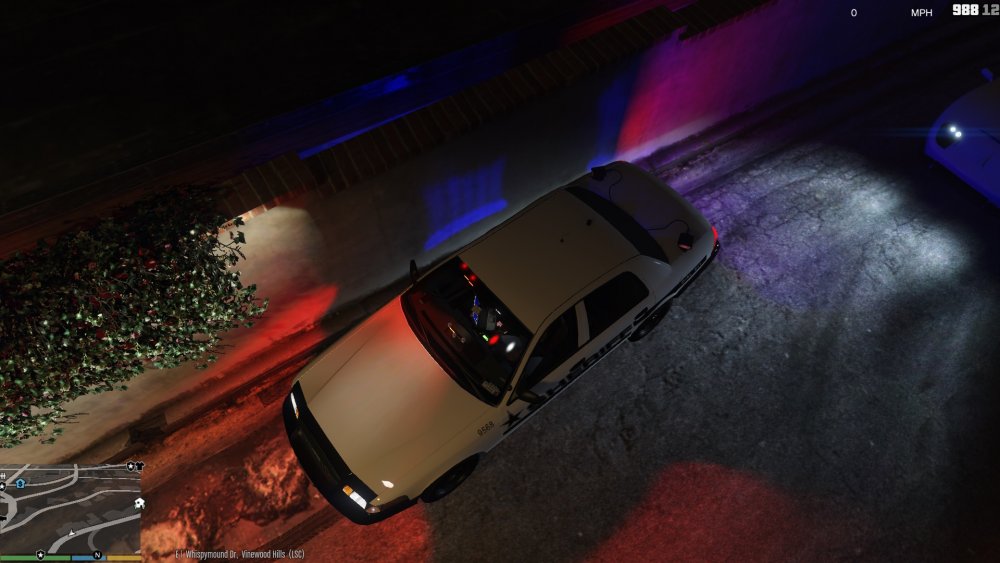
@GravelRoadCop I tested your idea, and it is a no-go. The siren light splashes are pulled from the graphics.ytd file.....so that means that one would have to edit the carcols and put the file into the graphics.ytd. Working on a FedSig Solaris texture....Which brings me to my next point......THE TEXTURES ARE FLIPPED! LOL! Also, the more white you have in the texture the more intense the color will be regardless of the settings in the carcols.
-
-
 Will do....Will take me about a couple of hours...getting off a 24 hour shift...
- 168 comments
- 29 reviews
-
@rushlink getting this error [16:37:54] [ERROR] Failed to load assembly 'SpeedRadar.dll': System.Reflection.ReflectionTypeLoadException: Mindestens ein Typ in der Assembly kann nicht geladen werden. Rufen Sie die LoaderExceptions-Eigenschaft ab, wenn Sie weitere Informationen benötigen. bei System.Reflection.RuntimeModule.GetTypes(RuntimeModule module) bei System.Reflection.Assembly.GetTypes() bei GTA.ScriptDomain.LoadAssembly(String filename, Assembly assembly) the script will not load. Benny's works fine. Only speedradar and benny's are the only scripts in the scripts folder....
- 168 comments
- 29 reviews
-
@GravelRoadCopI don't think so. I believe in order for it to be pulled from the vehicle's .ytd it would have to be modeled in.
-
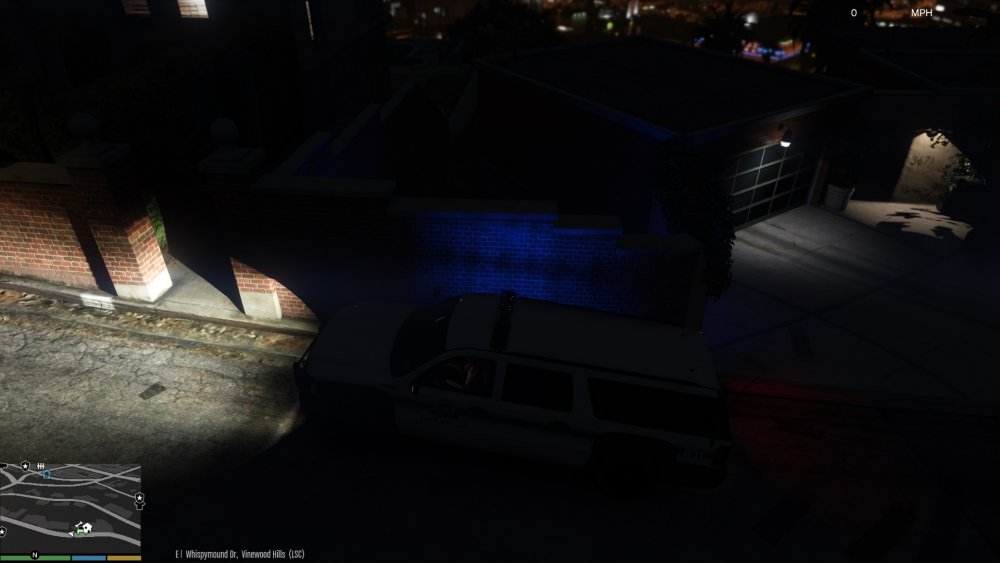
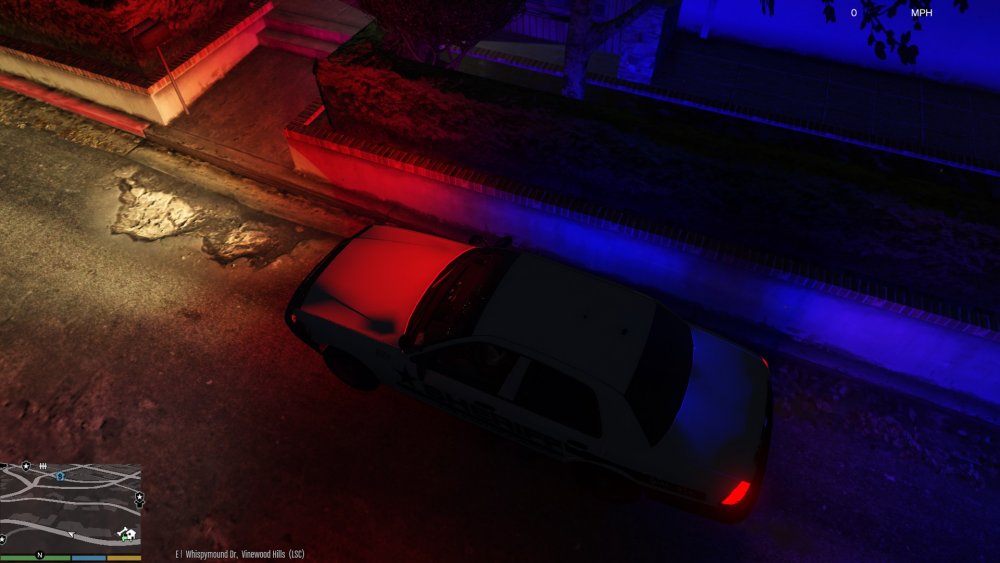
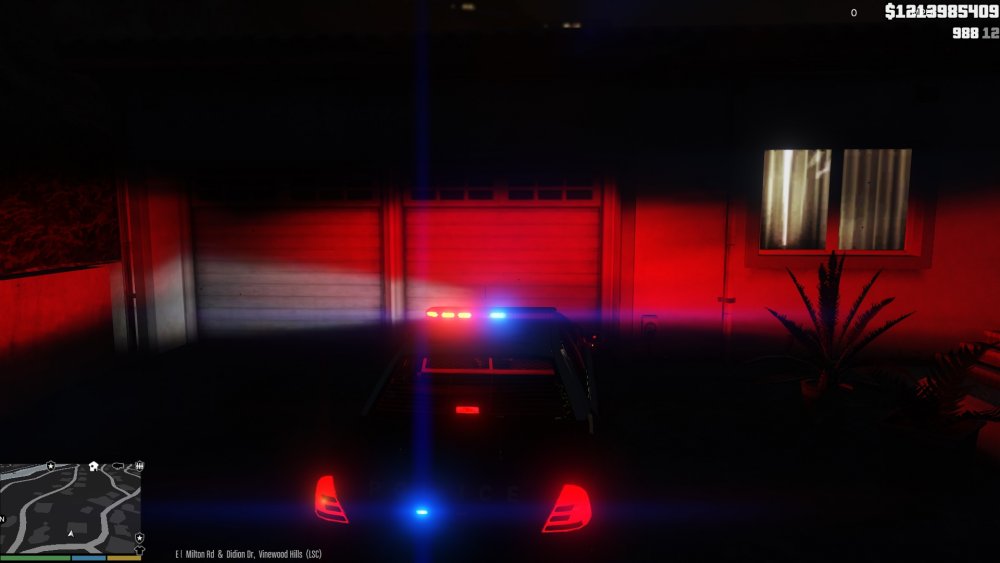
@rekram Linear refers to the type of optic for the LED. Linear optics are great for viewing at angles, whereas TiR optics pack a big punch head on but lack greatly from angles. Most lightbars/light pods either use one or both typ of optics. All the texture does is mimic the type of light splash that would be thrown from the different type of lightheads. Read thru my post about the <texturename> and you will see how to enable it. In the first pic (park ranger pic ) you will see that the stock light splash is made up of 2 rows of 7 dots. They (Rockstar) tried to recreate a TiR style lighthead. In the next pic (slicktop pic) you will see my attempt at recreating a Linear optic light splash, by pointing that <texturename> to a custom light splash. This means that each siren setting you make, you can determine what type of light splash it should have. So for example if your car has an Arjent bar, you can make the light splash look like it is coming from a Solaris light head.
-
better shot with the linear lightsplash
-
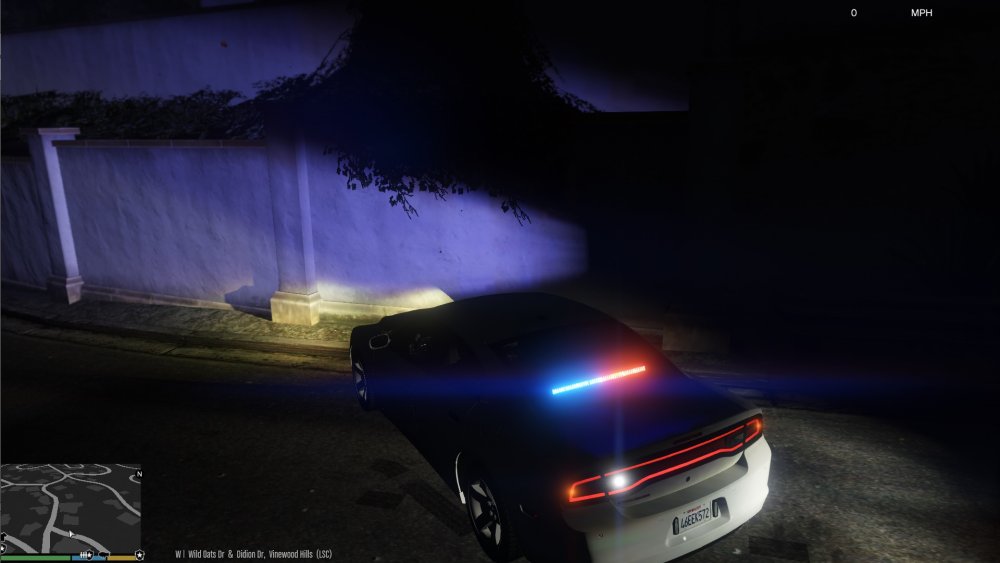
Testing a Linear optic... I have included it, incase someone else would like to try it. Place it in update.rpf/x64/textures/graphics.ytd and make sure your carcols points to vehiclelight_sirenlinear as explained earlier. vehiclelight_sirenlinear.dds
-
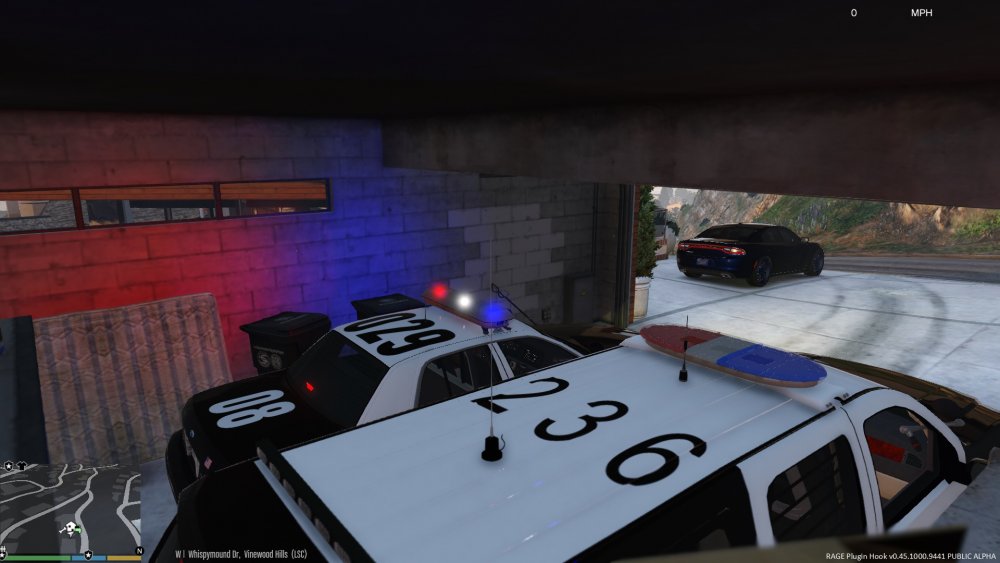
@Macgregor Yes and no. 2 of my rotators are linked to the BPM and the other three are not. This is tested on Lundy's latest '99 CVPI. The outer rotators and the center white one are not linked, The two inboard rotators are linked. As far as I can tell though, the ones not linked make full rotations. I have noticed though that even unlinked they are still somehow basing off the BPM. If I have a BPM of 175 they will spin faster unlinked , than if I use a BPM of 90.
-
@Macgregor I think I have done it....My lightbar now has 2 separate speeds on the rotators.....outters are slower than the inner rotators!




