



LilQ
Members
-
Joined
Everything posted by LilQ
-
 LOL, right, this should be enough for some time. :D
 -
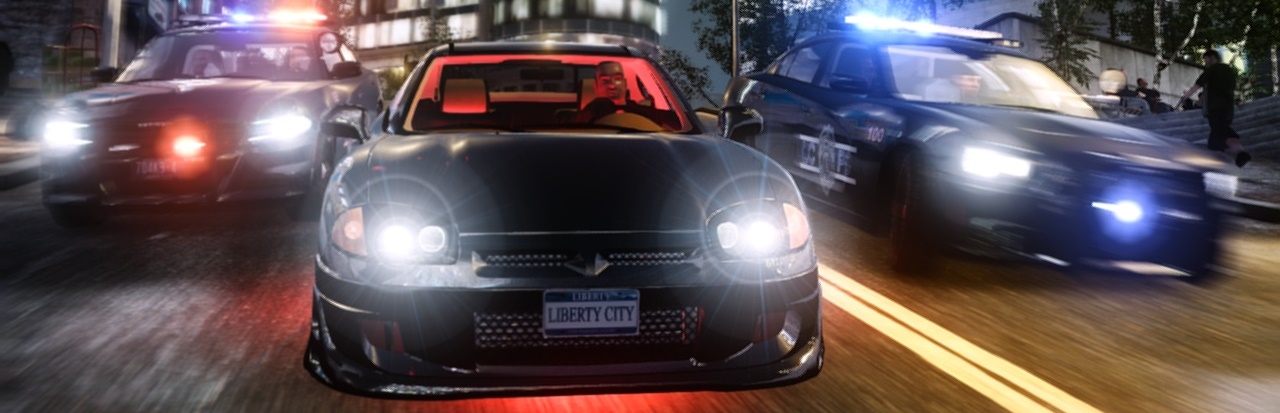
From the album: GTA IV screenshots
160th picture in my album ! w00t enb by Bone 1.0 enbeffect - XC3 ENB v2.0 FX -
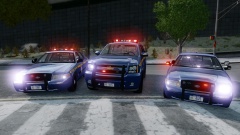
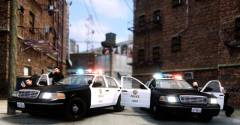 hallucination or not, but you got to love those '03 crown vics ! :D
 -
 Okay okay ! Make an exception this time ! :
 -
-
From the album: GTA IV screenshots
Short pursuit involving only 2 units ends with a standoff in an alley enb by Bone 1.0 enbeffect XC3 ENB v2.0 FX -
KHANT_STAPH_MAKIN_DIS DD:
-
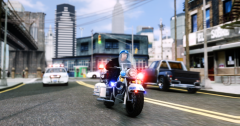
From the album: GTA IV screenshots
enb by Bone 1.0 enbeffect from XC3 ENB v2.0 FX -
From the album: GTA IV screenshots
enb by bone 1.0 enbeffect by schakusa 2.1 -
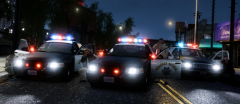 Well those are els enabled cars, so basically that's els... but not really, since I just spawned those extra part's manually without enabling els.
 -
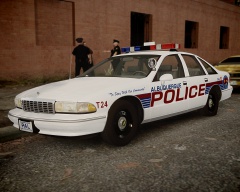 nice !
 -
There are three options in my head : 1) Reduce bloom amount as stated above. 2) Reduce cars emissive lights value in the visualsettings.dat 3) Try using different enbbloom files.
-
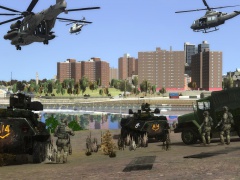 So you two are responsible for this ? '?do=embed' frameborder='0' data-embedContent>>
 -
"- Drop that camera and put your hand's in the air ! Then turn around and slowly walk backwards !!! - Ok ok, hold on, I just got to take this picture !" LMFAO
-
 In case you wonder. In SNT - bodyguard spawning - driving options - set driving speed to 0 then spawn the driver whilst you're inside the vehicle ofc.
 -
Pretty cool I must say !
-
From the album: GTA IV screenshots
with all those LAPD and CHP snaps coming from Sgt.Kanyo I couldn't resist not taking one either... :D -
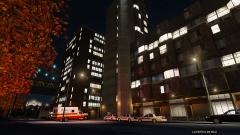 Like sentinel said, delete car blips. Also, if there is a responding ambulance, cop of fdlc there is an option in SNT - clear area of cars, it should help you a little.
 -
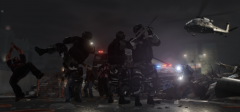 :) enjoy !
 -
From the album: GTA IV screenshots
-
There is no setting, just make the roof light texture darker with any photo editing tool. If you're using standard taxi models, you should find those dark taxi sign textures inside the archive of the RADIANCE mod, there is a fodler that clearly says "TaxiSing". Good luck !
-
 Great to see you CJ still kickin' some ass for us - police mod addicts ! Keep it up ! :)
 -
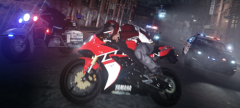
From the album: GTA IV screenshots
-
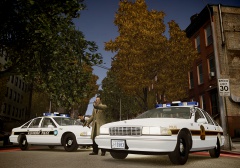 Dayum ! Nice !
 -
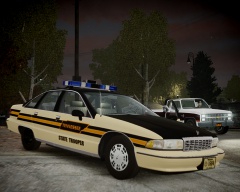 :/ hmm, that looks cool !


