
LilQ
Members
-
Joined
Everything posted by LilQ
-
-
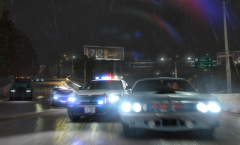
From the album: GTA IV screenshots
enb by leggacy 1.0. Enbbloom file with lens flare from settings by GOOBZ. -
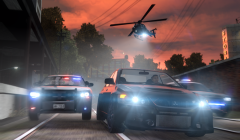
From the album: GTA IV screenshots
enb by leggacy 1.0. Enbbloom file with lens flare from settings by GOOBZ. -
-
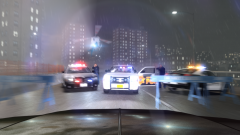
From the album: GTA IV screenshots
-
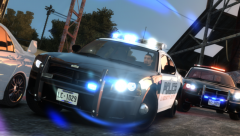 yes, except enbbloom file (adds this lens flare), which is taken from settings by GOOBZ
 -
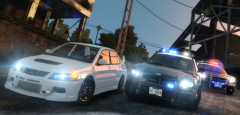 ENB by leggacy 1.0 . ENBbloom file with lens flare taken from ENB settings by GOOBZ.
 -
From the album: GTA IV screenshots
-
From the album: GTA IV screenshots
-
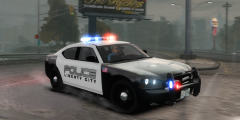 Ha ! I really like the simplicity of this model, not too many lights and it's great looking !
 -
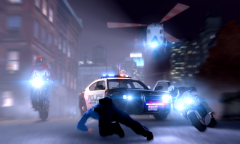 Thanks, just thought I'd share. :D
 -
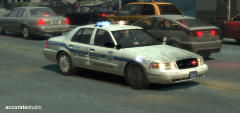 I wonder why modders still use cvpi converted by Chasez . IMO the one from DSF is a lot better looking... I love the "lost hubcap" idea.
 -
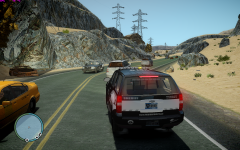 Whoa, that map looks awesome !
 -
From the album: GTA IV screenshots
-
From the album: GTA IV screenshots
Just had some fun editing my previous screenshot in photoshop. -
 Thanks. :)
 -
From the album: GTA IV screenshots
-
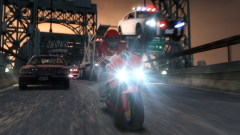
From the album: GTA IV screenshots
there is no easy way out for those LC cops ! -
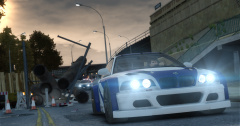 ENB by Leggacy 1.0
 -
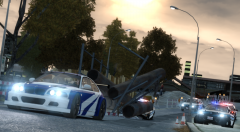 Thanks.
 -
From the album: GTA IV screenshots
BACK TO THE OLD SCHOOL -
From the album: GTA IV screenshots
BACK TO THE OLD SCHOOL -
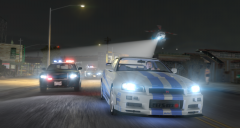
From the album: GTA IV screenshots
-
-
Exactly ! This one kick previous els versions big time ! It is kinda complicated to get used to it after 4,5 or 6 at the beginning... I have no clue what's the fuss around here... ability to set default patterns, custom patterns for each siren type, Rotary environment lighting (I was very pleased to see that one), 100 custom patterns - it's great and it works like charm ! Els 7 doesn't "suck" because some features don't work in your case. They do work for me and many other people... so, it either YOUR fault, or there are some compatibility issues which will be solved, I'm pretty sure.