
LilQ
Members
-
Joined
Everything posted by LilQ
-
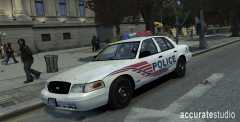 Now that's interesting ! Thanks for the release !
 -
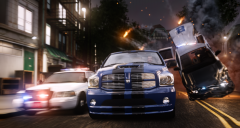
From the album: GTA IV screenshots
enb by bone 1.0 enbeffect taken from XC3 2.0 ELS is disabled, everything is staged with SNT, hence that "flying" tahoe is damaged. lol -
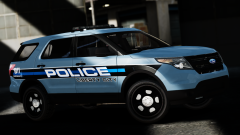 Wow, that looks amazing !
 -
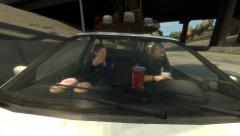 Nice pictures, keep it up ! :)
 -
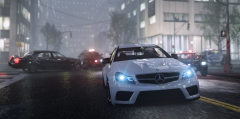 ^ yes, that's your car pack, thanks for it ! :)
 -
-
-
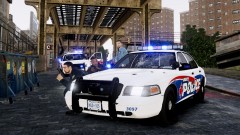 Since ELS uses lightbar textures as extras, you can spawn them via SNT without enabling ELS.
 -
-
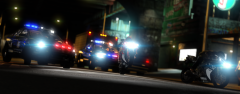 Yes, pure Simple Native Trainer.
 -
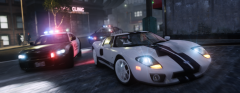 I highly doubt it will, and even if it will work, it won't look they way it looks on patch 3 (or 4 as you see it on the screenshot). There are some good enb's for patch 7, just search and give them a try.
 -
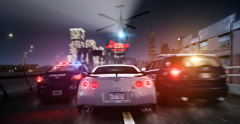
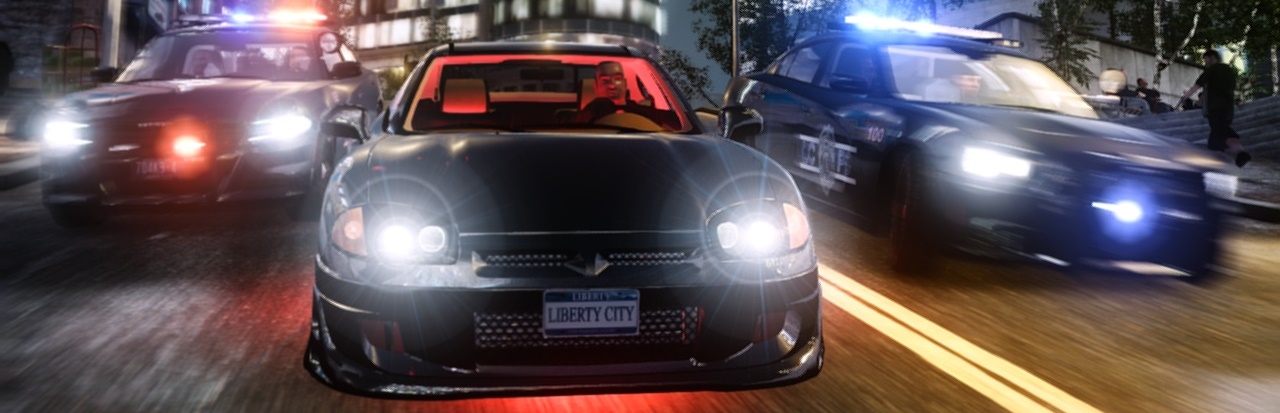
From the album: GTA IV screenshots
enb by Bone 1.0 enb effect : XC3 ENB v2.0 FX -
From the album: GTA IV screenshots
enb by Bone 1.0 enb effect : XC3 ENB v2.0 FX -
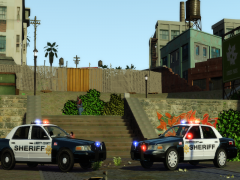 Nice !!! Can't wait. :)
 -
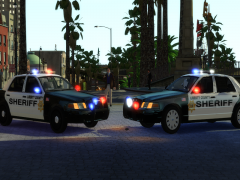 Looking good ! I love DFS vics !
 -
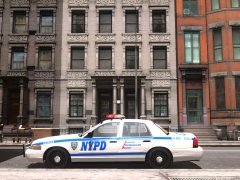 Looking nice ! Are you planning to release it ?
 -
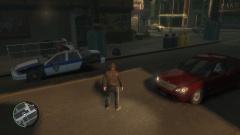 Oh, LOL, I thought there was something wrong with my game ! I had the same issue, hopefully compeast will upload a proper version.
 -
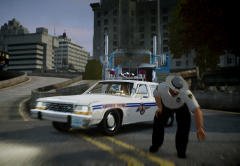 Nice story and great pictures ! :)
 -
-
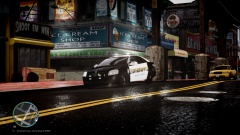 what is that supposed to be ? I mean, which car manufacturer is that ??? Oh, it's a 2012 caprice, if you can call it that way anyways :D
 -
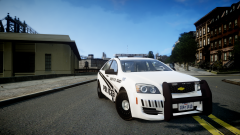 Think it's awesome !!! Have you thought about adding some fancy stripes on the hood similar looking to those one on the sides of the car ?
 -
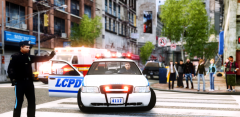
From the album: GTA IV screenshots
a lil closeup enb by Bone 1.0 enbeffect : XC3 ENB v2.0 FX -
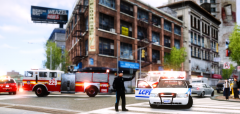
From the album: GTA IV screenshots
enb by Bone 1.0 enbeffect : XC3 ENB v2.0 FX -
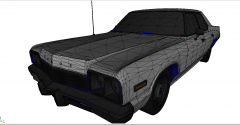 Are you still working on this one ?
 -
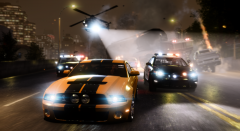 Not that hard when you're manipulating pretty much everything with SNT, but when it comes to these with explosions - it has to be taken in one take, which is a little problem.