



FirstDue Digital
Members
-
Joined
-
Last visited
Everything posted by FirstDue Digital
-
From the album: Larimer County Vehicles
-
From the album: Larimer County Vehicles
-
From the album: Larimer County Vehicles
-
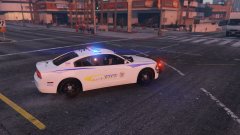
From the album: Larimer County Vehicles
-
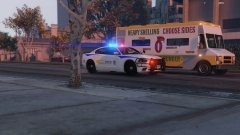
From the album: Larimer County Vehicles
-
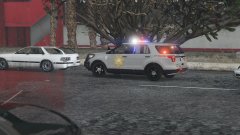
From the album: Larimer County Vehicles
-
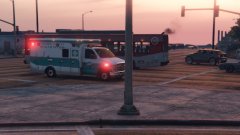
From the album: Larimer County Vehicles
-
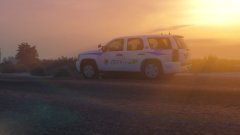
From the album: Larimer County Vehicles
For Gump's 2013 Slicktop Tahoe -
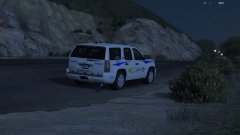
From the album: Larimer County Vehicles
-
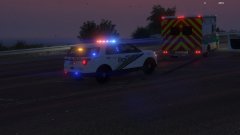
From the album: Larimer County Vehicles
-
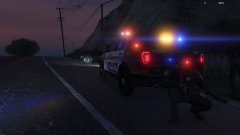
From the album: Larimer County Vehicles
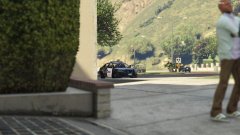
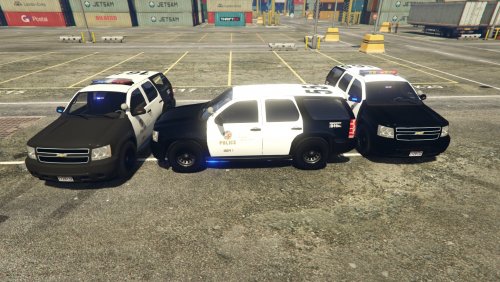
A Sheriff's Deputy takes cover behind a FCPS Interceptor after a pursuit ends in a gunfight -
From the album: Larimer County Vehicles
-
From the album: Larimer County Vehicles
-
From the album: Larimer County Vehicles
-
From the album: Larimer County Vehicles
-
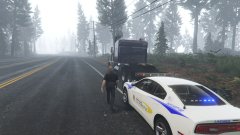
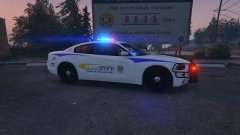
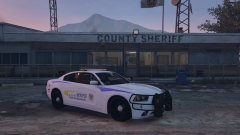
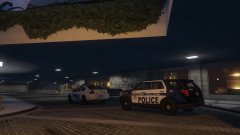
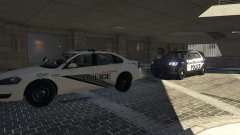
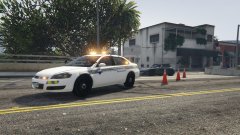
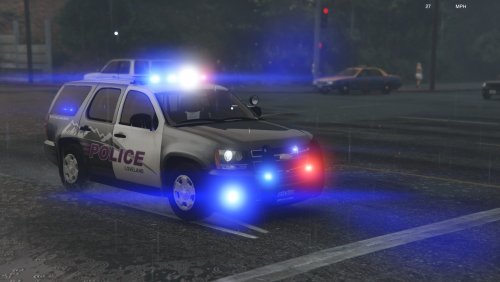 Hi y'all, Today I bring you a texture pack of vehicles from Larimer County, Colorado. This is the first release, so it doesn't include all agencies in the area, however, I plan to continue upgrading current textures, and adding other agencies, until nearly all LE/Fire/EMS agencies are represented! Currently represented agencies: Fort Collins Police Services Fort Collins Police Community Service Officers Loveland Police Larimer County Sheriff's Office Larimer County Emergency Services Colorado State Patrol Poudre Valley/UC Health EMS Thompson Valley EMS Loveland Fire Rescue In the works: Estes Park Police Thompson Valley Fire Additional Loveland Fire Rescue Poudre Fire Authority Many more! Each texture is named with the agency and vehicle the texture is made for, e.g. "LCSO - BxBugs123's 2014 Dodge Charger." THIS FILE ONLY CONTAINS TEXTURES. You need to download the corresponding models. A link to each model used is located in the Readme.txt located in the download. Please let me know if you have any concerns! Y'all stay safe out there! -Deltado27
- 4 comments
- 1 review
-
-

- 3
-
-
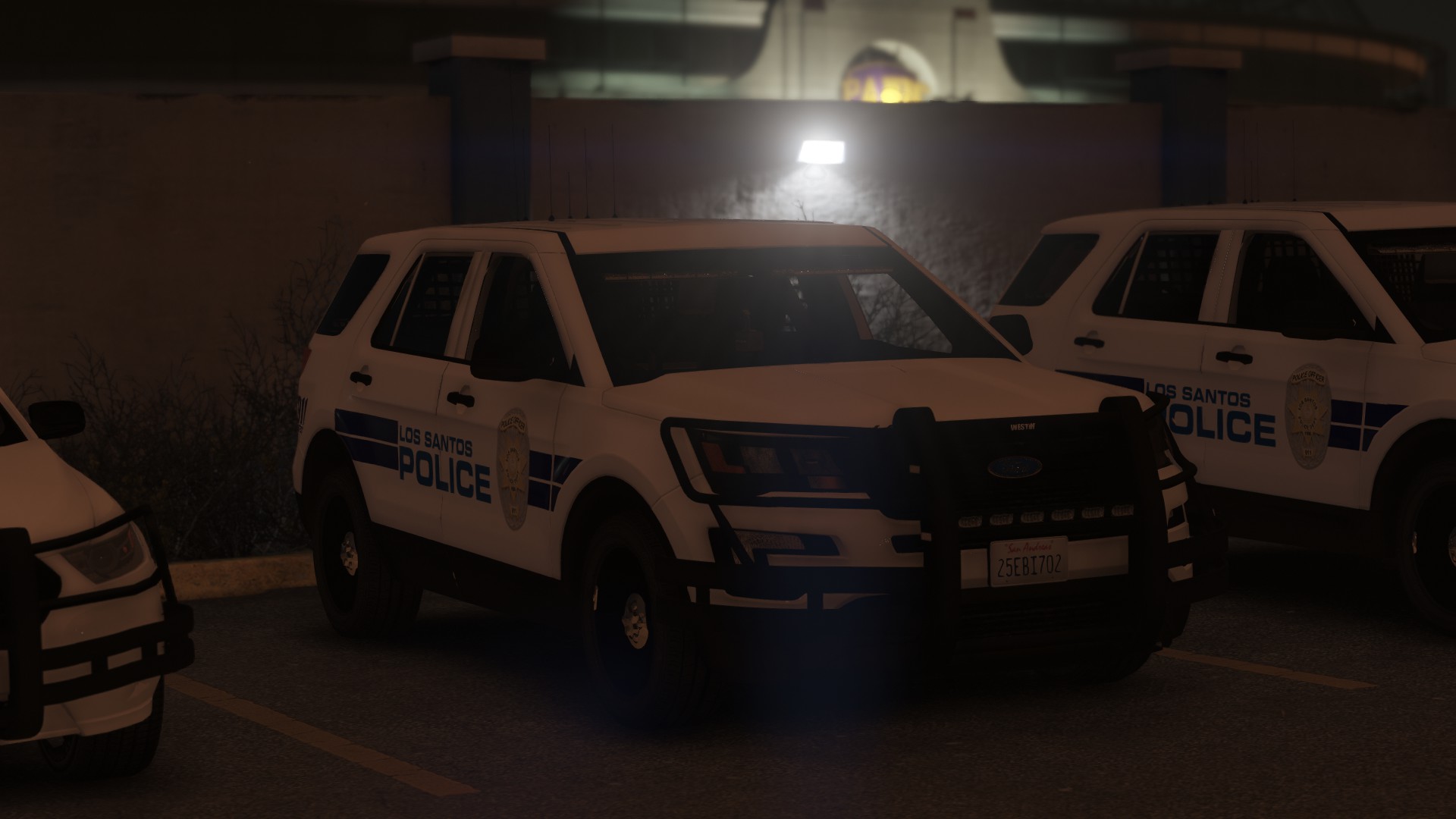
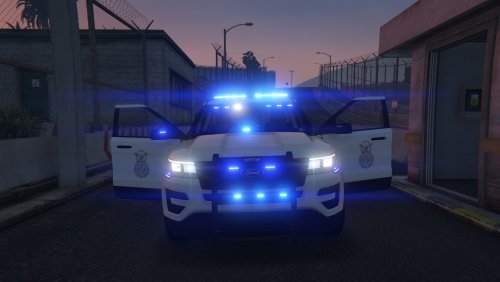 You ever get sick of the random military Jeep that cruises around Fort Zancudo? Well, as an active duty Airman, I do... cause it's totally unrealistic. I created these skins for Thehurk's 2016 Ford Police Interceptor Utility based off of my installation's Security Forces K-9 vehicles, even though I rarely drive on Fort Zancudo when I play LSPDFR. Included in this download are two skins, as well as a folder of replacement textures to give your Interceptor all blue lights, and a window texture, as seen in the picture! Blue lights and the window textures are optional, but highly recommended! If you're familiar with replacing vehicles, I followed all the steps to install his vehicle as a replacement for the Crusader. No more random ugly Jeep! Hopefully this simple texture mini-pack will add to your experience like it did mine! Y'all stay safe out there! -Deltado27
- 1 comment
- 5 reviews
-
-
- 3
-
-
 Gump, I'm trying to change the Chevy bowtie badge on the grille and liftgate from gold to black, but I can't seem to find the texture for it. Can you tell me which file it would be?
- 58 comments
- 20 reviews
-
Excellent model, great lighting setup. My only request is you add PPV style wheels, and remove the Tahoe badge on the side and rear hatch. A Go Rhino wraparound pushbar extra would also be great!
- 58 comments
- 20 reviews
-
-
- 1
-
-
-
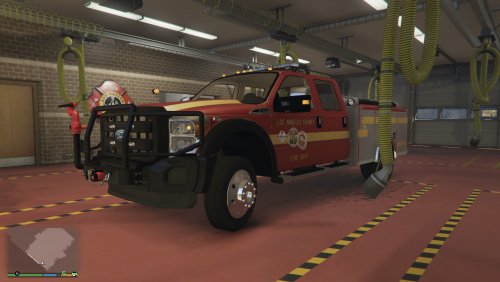 Marker lights are way too bright with Radiance V installed, and I'm not too keen on removing that for one single vehicle. Please remove the marker lights or find some other way to stop them from being so overwhelming!
- 39 comments
- 11 reviews
-
Awesome model! Now that the marker light issue has been fixed, my only "complaint" is that the rear is just too much diamond-plate. Beyond that, no concerns, the model looks and works great! I'd give it 5 stars if I could figure out how to fix my rating. lol
- 39 comments
- 11 reviews
-
 Overall looks great! I love the different options. As you've already stated, a wrap-around pushbar would be an excellent addition. I'd also like to see a version with a more "modern" lightbar (Whelen Liberty, Code 3 Defender, FedSig Integrity, etc), or a version that has the Whelen Outer-edge setup as well. My only negative mark is that the wheels aren't really consistent with a Tahoe, and seem larger than normal. Good work!
- 118 comments
- 18 reviews
-
Great! Thanks a lot!
-
Hi, Dumb question for y'all. Not sure if I picked the right section to post this in. I'm having issues where the windows on some vehicles are by default tinted to the darkest setting. I was wondering if there's a line in the carvariations or vehicles.meta that changes this setting to default to "no tint." I found a "diffuseTint Value" line, but I'm not sure what it actually does and how to alter it. Any help is appreciated! Thanks y'all!

