SgtKyle
Members
-
Joined
-
Last visited
Everything posted by SgtKyle
-
-
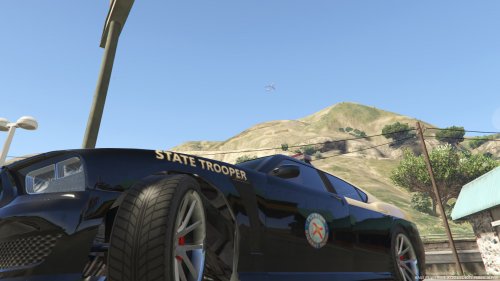 I have a similar problem as WhenPeopleGoMod, but no texture issues. The thing is that the Police4 (the unmarked stanier) comes in 4 different colours. Red, black, grey, blueish, these colours get applied on my car and not the original colour.
- 41 comments
- 3 reviews
-
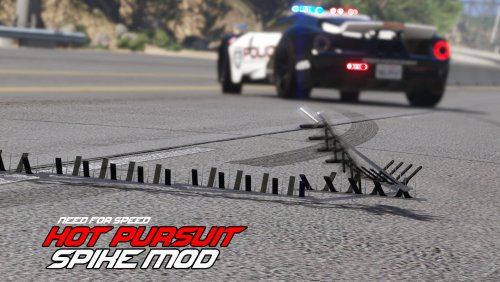 Really great addition, also with the NFS Drop animation ! Sometimes it doesn't work as intended but mostly it does, stops cars immediatly. 10/10 would spike again.
- 33 comments
- 7 reviews
-
-

- 1
-
-
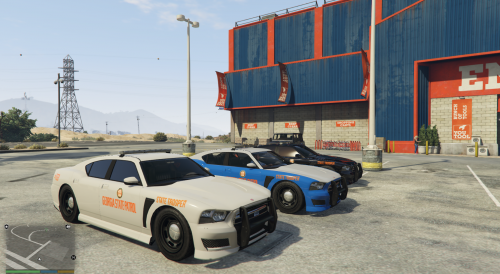 I have a litle Problem, I put in the Buffalo S model and exchanged the textures ofcourse, but the Vehicle won't show up in game, it's still the old buffalo. Thats kind of weird because I have changed the model files. Any solution? Alright, found the solution, I missed to change out some files, great cars!
- 5 comments
- 1 review
-
-