F5544
Members
-
Joined
-
Last visited
Everything posted by F5544
-
yes but i start my night shift in about an hour so i don't have time to wait it out. i want it to be released now
-
What my buddy saidYes the grille lights are there
 No use the 1.5 i have not renamed the rar files. I am sure that are the fixed versions now
- 146 comments
- 24 reviews
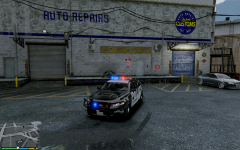 I use improved spotlight and led texture and pinnacle of v
yes arjent after this one.mirror object without axes and then flip the poly's and vertexes
I use improved spotlight and led texture and pinnacle of v
yes arjent after this one.mirror object without axes and then flip the poly's and vertexes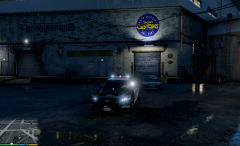
From the album: WIP
searchlights takedowns middle white lights and siren lights. now need to add the rest of the stuff and it's ready in 2 days i thinkgood news. i have permission to use a good 2014 model and can convert it.with that permission issue, that is respect for other his work. that one made it.When the first models are released i will release it unlocked if i get permission from bugsIf i change it to a 2013 model then everybody will need to wait a few months on this model. Because it takes a lot of work. So in the meanwhile i can release this one. Or do you prefer waiting? @SteeleBecause there are 2 versions of the 2013 model that is out. One is not a good model to work with. To high poly for the game to run good. And one that is all the fuzz about it. I have no permission to release that one. So i am thinking of changing the 2012 version. But it takes a lot of work.