Creators: Due to background reprocessing of files, approvals and file security checks may be delayed. Thanks for your patience.


Virzza
Members
-
Joined
-
Last visited
Everything posted by Virzza
-
 @VWking I will be using Lucid V's day timecycles for sure :)
 -
@thegreathah Believe it or not that is the default police3 lightbar with clear glass ;)
-
 @Puwolskyy https://www.gta5-mods.com/misc/projectrage-reload-graphics-enhancer
 -
@Romaine323 I fell in love with it and recognized it as soon as I saw your screen. And Alex said you and a couple others were using it :)
-
@Puwolskyy Project Reload
-
-
From the album: Grand Theft Auto V
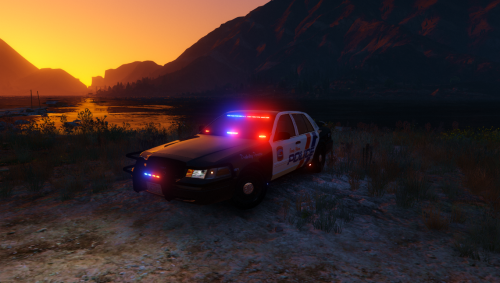
A Los Santos patrol officer responding code 3 to an MVA. -
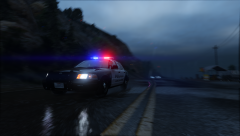
From the album: Grand Theft Auto V
A Los Santos patrol officer responding code 3 to an MVA. -
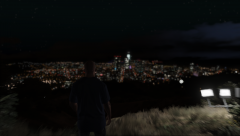
From the album: Grand Theft Auto V
Trying out Project Reload. I think I am in love to say the least. -
@MMotorsport No problem. If you have any more questions or need any help PM me and I'll help you out
-
If the IV DEV part is in a .z3d format then that would be best and you would simply open it in ZModeler 3 and if it was in .yft format you would import it in ZModeler 2 and export it as a .z3d file
-
-
.jpg.cde083d300add70d326e18e3240d9923.jpg) @Nutt Well MattJeter said his cars are all using an updated unreleased version of EVL and so I assumed yours were too because from all of your in-game videos they look fantastic. I hope I see them in the download section one day :)
@Nutt Well MattJeter said his cars are all using an updated unreleased version of EVL and so I assumed yours were too because from all of your in-game videos they look fantastic. I hope I see them in the download section one day :) -
@Nutt Oh, my bad.
-
@getinmybelly0627 It uses a newer unreleased version of EVL so there would be no point. Hopefully if it ever is updated we get some nice cars like this one.
-
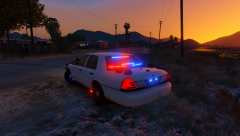 @ShoTzz Simply create a black skin
 -
@ShoTzz It was released!
-
-
@ShoTzz It is. I can't wait for him to release it. It'll be soon :)
-
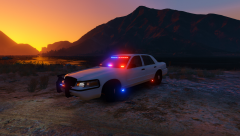
From the album: Grand Theft Auto V
2011 unmarked CVPI by Gump; coming soon -
From the album: Grand Theft Auto V
2011 unmarked CVPI by Gump; coming soon -
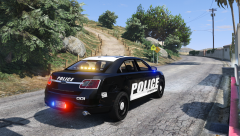 @knightfall You can't just convert any car you want with out permissions. You also need to stop telling people what to do
 -
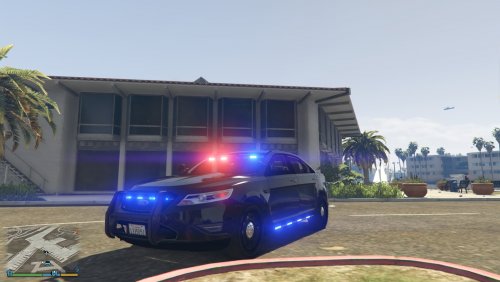 I really like the lighting setup on both cars. Looking forward to more of your work!
- 23 comments
- 14 reviews
-
-
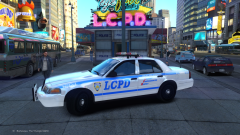 IV brings back nightmares...


.thumb.jpg.8b35893e52d41171d1f588ad35a030e0.jpg)
.jpg.cde083d300add70d326e18e3240d9923.jpg)