



MrGalaxy.
Members
-
Joined
-
Last visited
Everything posted by MrGalaxy.
-
-
-
Hello everyone ive been apart of this community for awhile now and i want to give back. i really want to learn how to make models or maybe just convert them. i know that zmodeler3 is needed but whats needed for the models? like if i see one that says unlocked im allowed to use it right? im just confused on the way of handling things. i guess your not allowed to take models without permission?
-
-
-
 i've been apart of this community since lcpdfr. i love this community i may not know anyone here since its just a single player mod atm. but holy shit cars like this make me love lspdfr even more. just one question wheres the pushbar ;o
- 427 comments
- 75 reviews
-
-
-
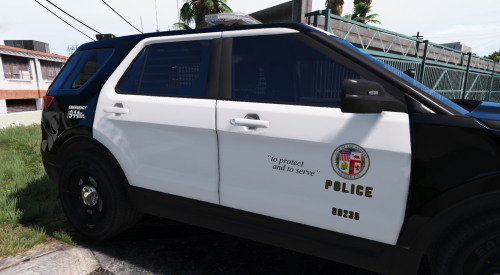 what i've been waiting for. thanks! but maybe make the textures higher quality
- 24 comments
- 4 reviews
-
this bad boy looks good ;o ill try to find another one. would that model work?
-
could a gta 4 model work?
-
how could someone help you get ahold of one? you mean an unlocked model?
-
im just waiting for someone to make a firetruck ;o
-
-
i've tried but no one has offered what i should change stuff to on afterburner. my laptop has a amazing cooling system according to some people. thanks!
-
update. my laptop is build by msi. it has something called shift mode. it overclocks both the gpu and the cpu. how do i know if it does it effectively. how much fps would i gain if i overclocked it myself? temps are 85 when running it at the overclocked mode.
-
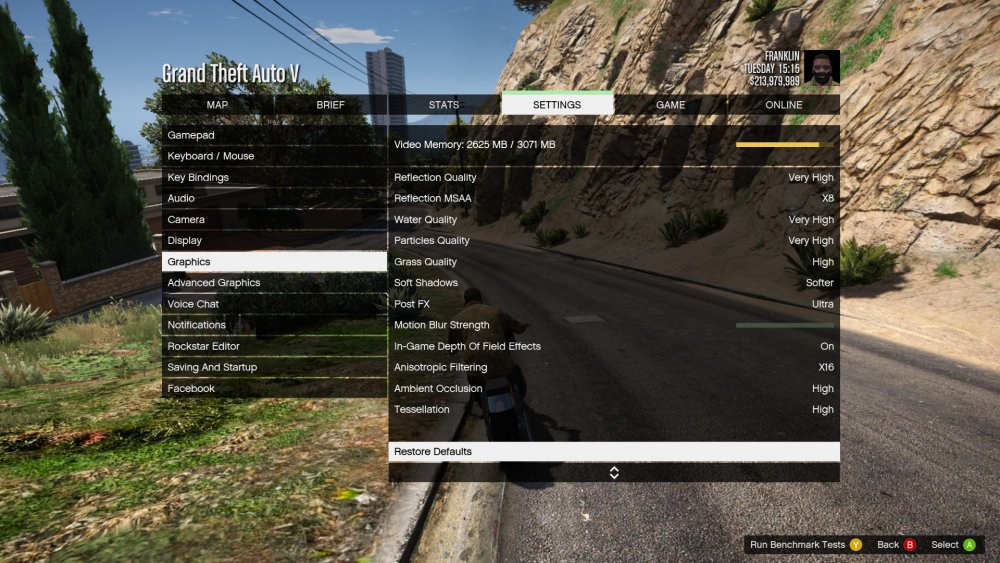
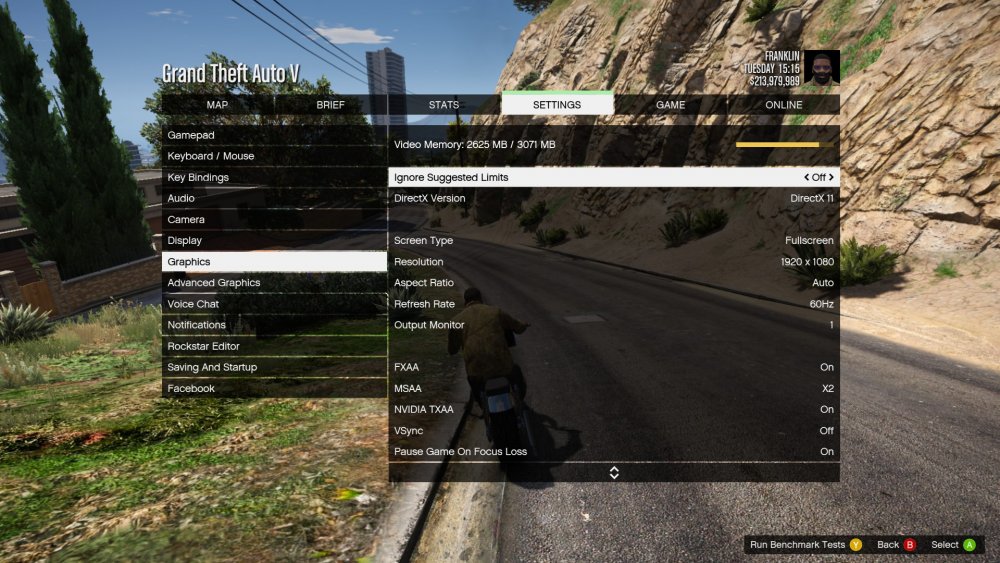
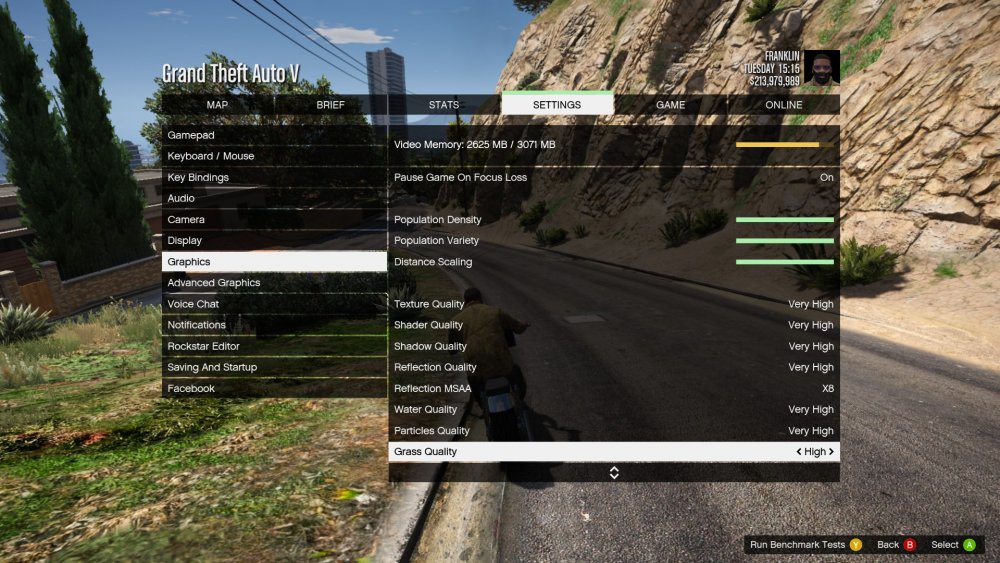
i've looked around about overclocking for awhile now. i have a msi gt72 dominator pro. which can handle overclocking cause it has a really amazing cooling setup. the computer runs a gtx 970m with 3 gigs of vram. i'm new to overclocking and i know the risks. i currently run gta 5 at around 44 fps with gta redux installed gpu temps run around 60 c when playing gta 5. i also have a 240 volts power supply. if any more info is needed i would be happy to provide more info. thanks update. my laptop is build by msi. it has something called shift mode. it overclocks both the gpu and the cpu. how do i know if it does it effectively. how much fps would i gain if i overclocked it myself?
-
 great plugin. but it crashes with the stolen money truck call and some other call.
- 329 comments
- 53 reviews
-
i've noticed that whenever i run redux with lspdfr i lose about 20 fps. but on normal gta i run redux at about 30 fps. would could be the problem? i lose about 10 fps. i usually get around 35 and with lspdfr it runs at 25
-
any slight eta or idea on when its finished or is that classified?
-
will it have working screens and a hd interior?
-
omg ;o you sir are a god. i love the ford explorers. ;3
-
-
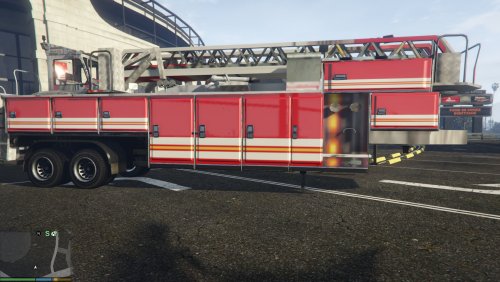 how do i add this to my game? i have no clue and actually feel like using this
 -
OMG ILL LOVE YOU FOREVER IF YOU CAN FINISH THIS





.thumb.jpg.1db0be3e377ccefdd47e57a95ec56762.jpg)
