




GT5abc
Members
-
Joined
-
Last visited
Everything posted by GT5abc
-
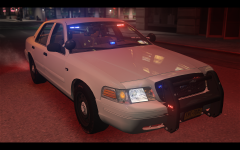
From the album: GTA IV #2
Still figuring out the brightness of the lights. -
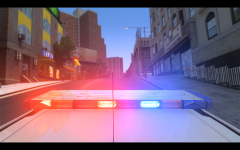 Yes, these pictures are from EFLC. :)
 -
From the album: GTA IV #2
Feels good to be in EFLC again. :D Other pictures: -
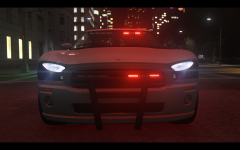
From the album: GTA IV #2
Finally got my ENB to work with EFLC, testing out ELS in these pics. If anyone knows how to take better pictures while ELS is on, help would be appreciated. :) Other pictures: -
I got a new keyboard so I'm pretty happy. :) This is the keyboard i got http://www.amazon.com/Perixx-PX-1100-Backlit-Keyboard-Illuminated/dp/B00AQMUE30
-
-
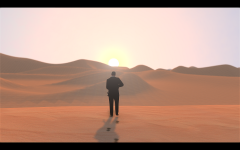
From the album: GTA IV #2
Other Pictures: -
-
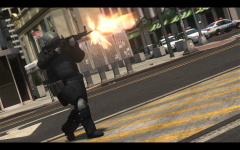
From the album: GTA IV #2
-
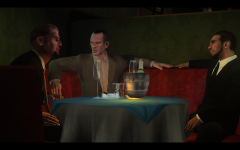
From the album: GTA IV #2
Other picture: -
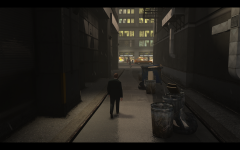
From the album: GTA IV #2
Watch your back. -
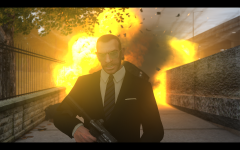
From the album: GTA IV #2
Did somebody call... Micheal bay? :D -
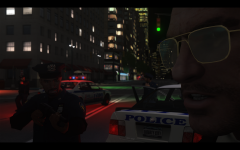
From the album: GTA IV #2
... then this happened. Other screenshots: -
-
Have a wonderful Thanksgiving everyone!
-
That was funny! I want to see more videos of LCPDFR
-
YOU'LL NEVER TAKE ME ALIVE REPTILIANS!!!
-
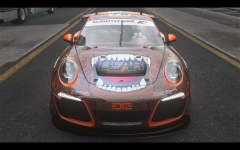 I'll see what I can do.
 -
Its my custom ENB, still a work in progress. :D
-
Car Screenshots
-
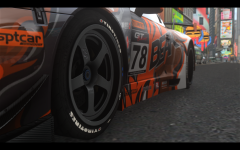 RUF RGT8 GT3
-
RUF RGT8 GT3
-
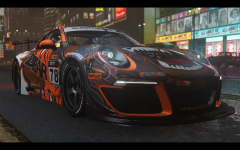 RUF RGT8 GT3
-
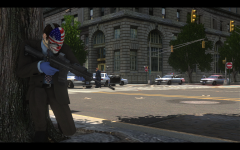 PAYDAY
-
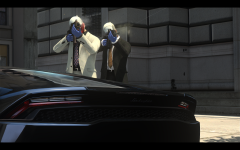 PAYDAY
-
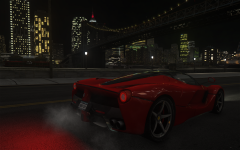 2014 Ferrari Laferrari
-
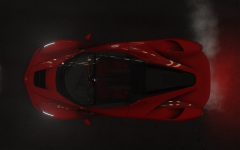 2014 Ferrari Laferrari
-
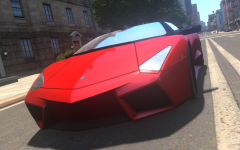 2009 Lamborghini Reventon Roadster
-
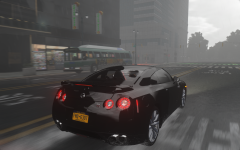 Nissan GT-R in motion
-
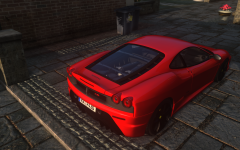 2007 Ferrari F430 Scuderia
-
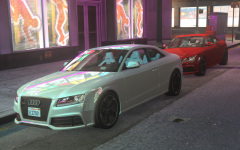 Audi RS5 2011 #2
-
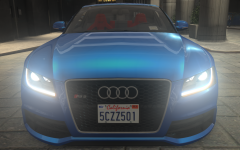 Audi RS5 2011 #1
-
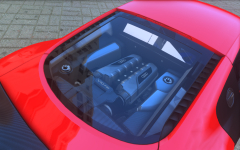 2015 Audi R8 LMX
-
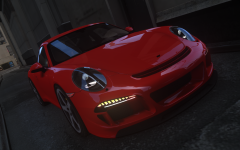 RUF RGT-8
-
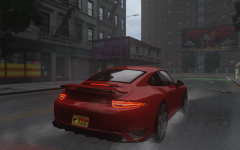 RUF RGT-8 in motion
-
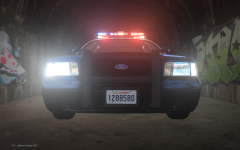 ELS with my ENB
-
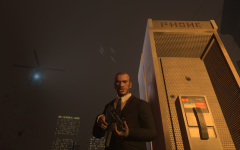 Angry.
-
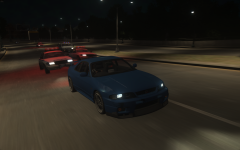 Chase.
-
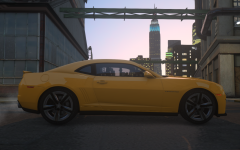 2012 Chevrolet Camaro ZL1
-
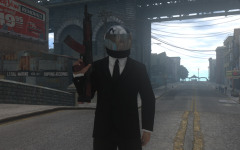 I'm going to finish what I started.
-
-
-
-
-
If you have the rev. 1.2 motherboard then it should support the FX-8320E, but if you have the older version you will not be able to use the 8320. I suggest you get a new motherboard and buy the FX-8350( it's only $30 more).
-




