




GT5abc
Members
-
Joined
-
Last visited
Everything posted by GT5abc
-
Well i guess i get good frames because i also have a FX 8350 & 8GB of RAM.
-
I have a Nvidia GTX 670 FTW and I get about 50-60 fps :)
-
The only way we could probably play MP again after GFWL shuts down is if we could play MP through steam. But if GTA V comes out for PC, We will probably never get to play this online.
-
That sounds amazing.
-
When i entered multiplayer i got a message at the top saying... Welcome to LCPDFR Master server, and then it said something about being host. So whats the deal with that?
-
From the album: GTA IV
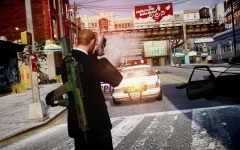
AK5C on the back and firing a Mossberg 500 :) Wow the ENB looks great. Nice pic. :D
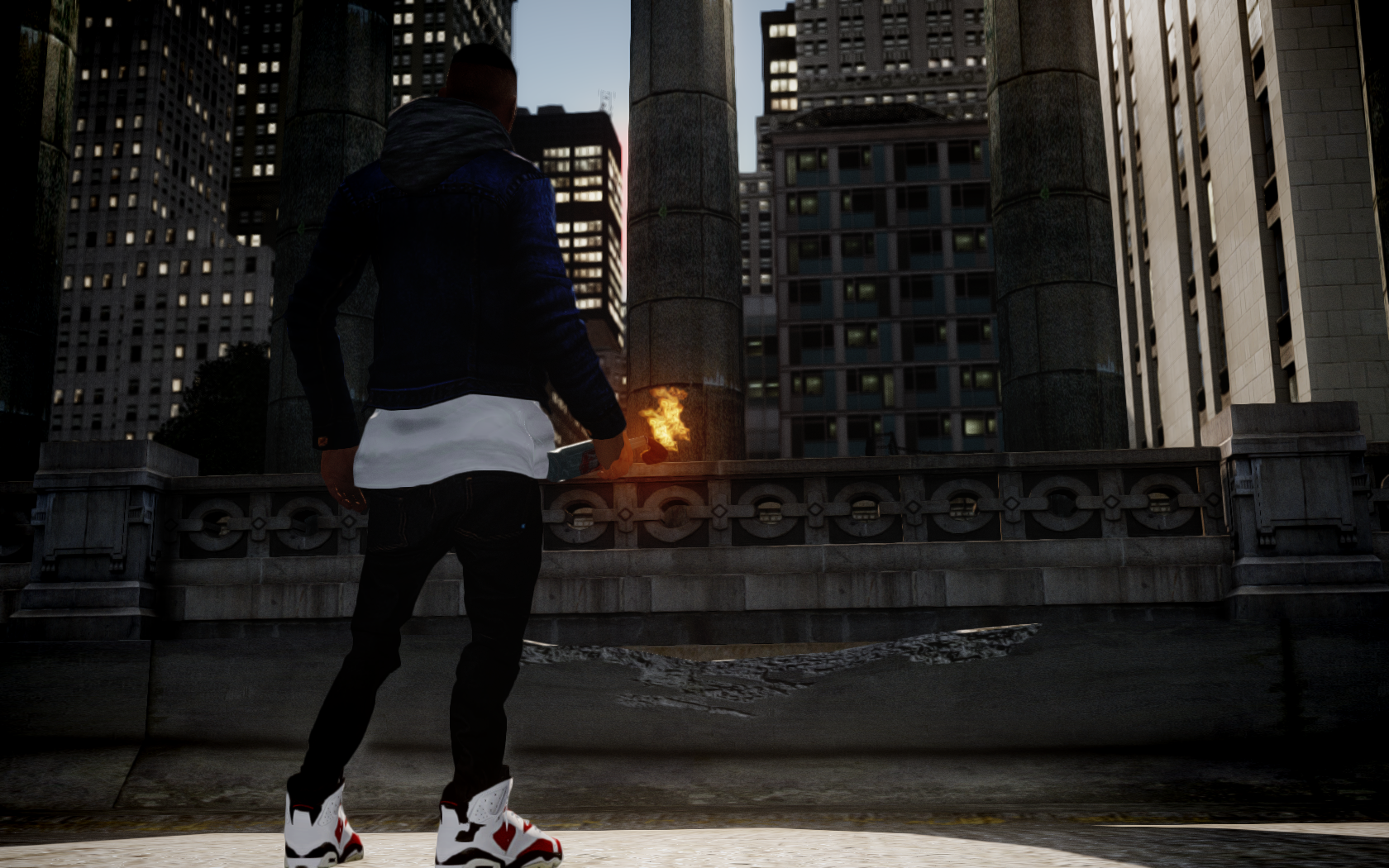 Well that's unfortunate...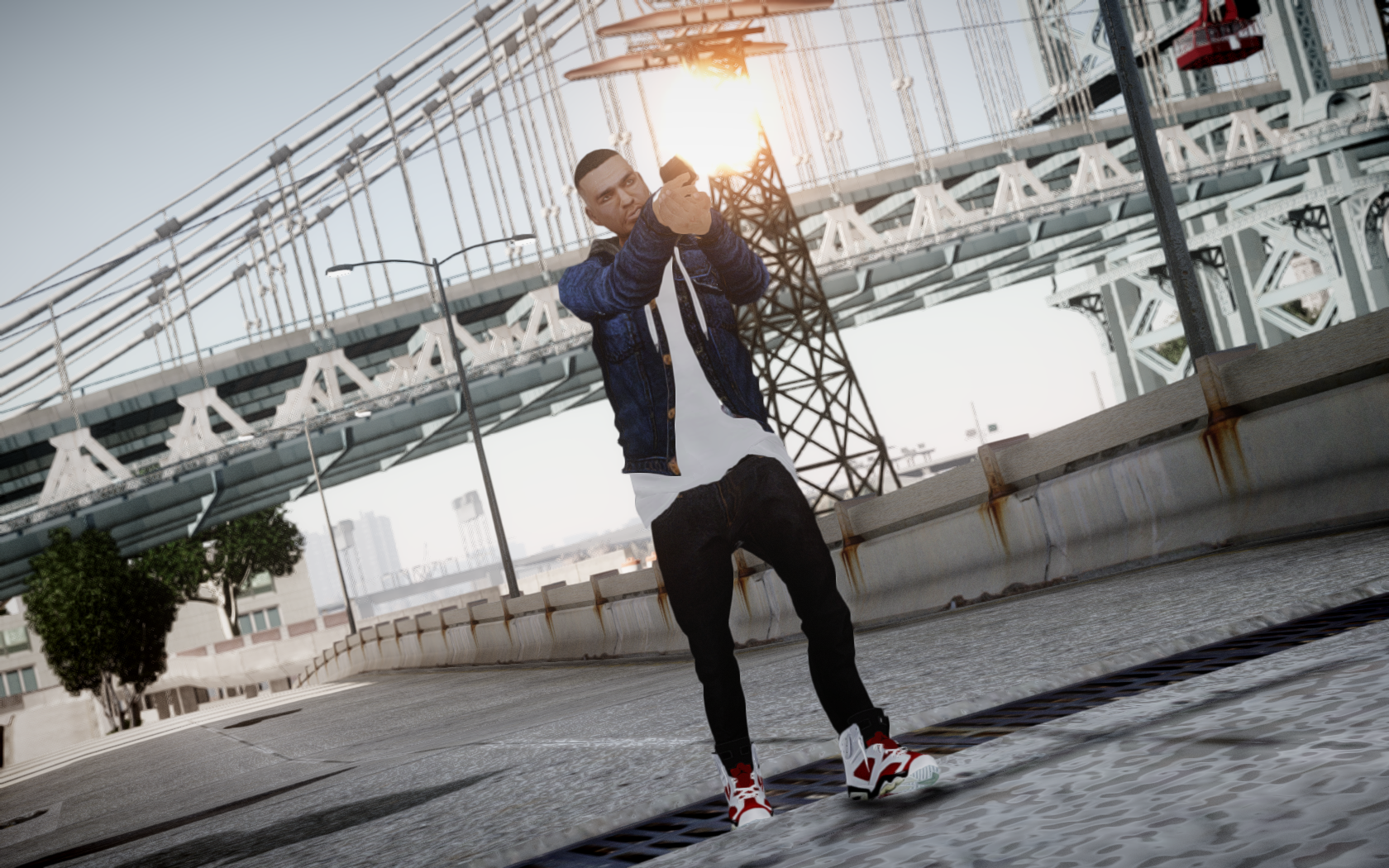
From the album: GTA IV
HE HAS A GUN!
From the album: GTA IV
Its awesome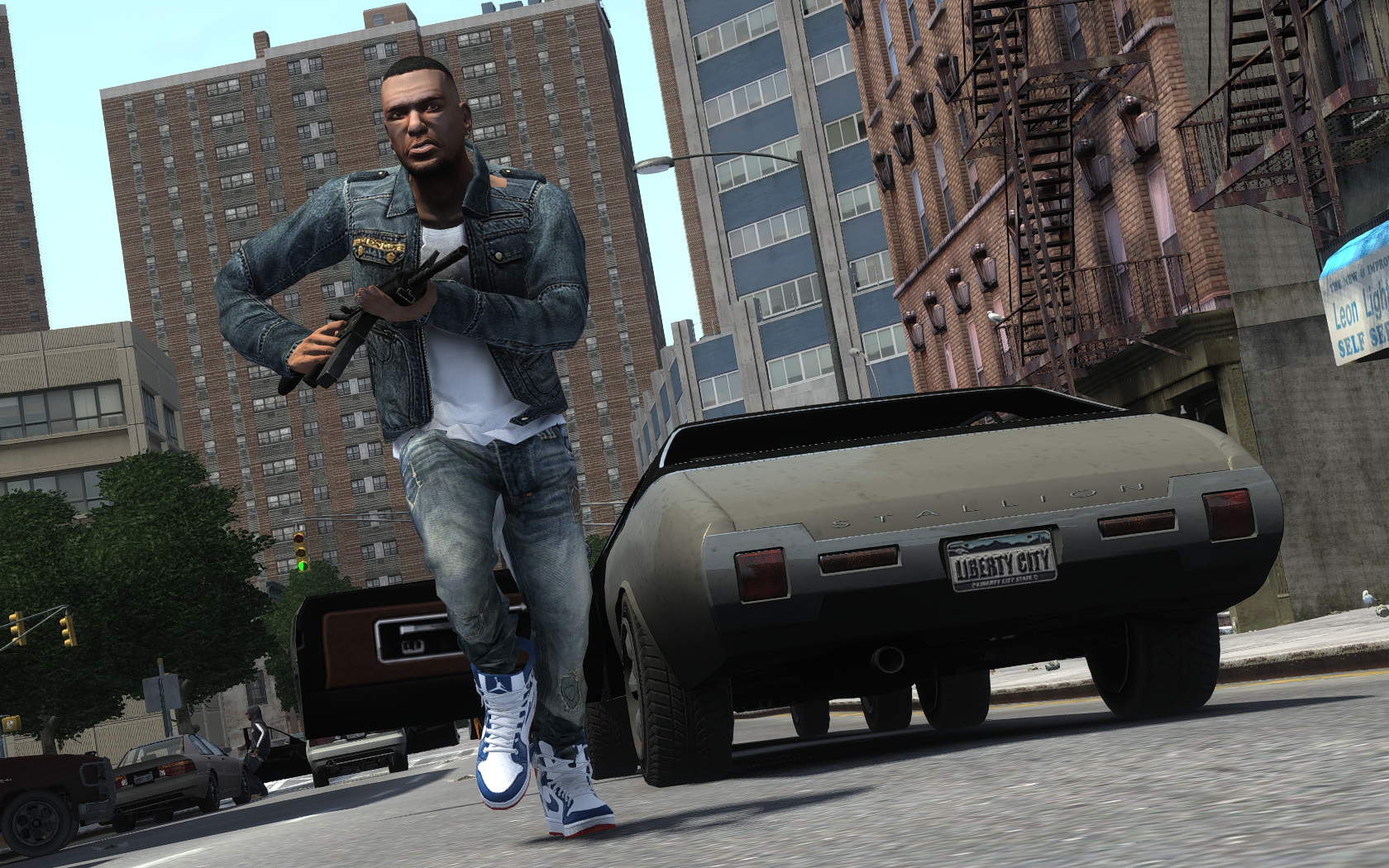 Sorry, because the size of the picture is 1680 x 1050. I dont want to lose any quality lol. Merry Christmas :D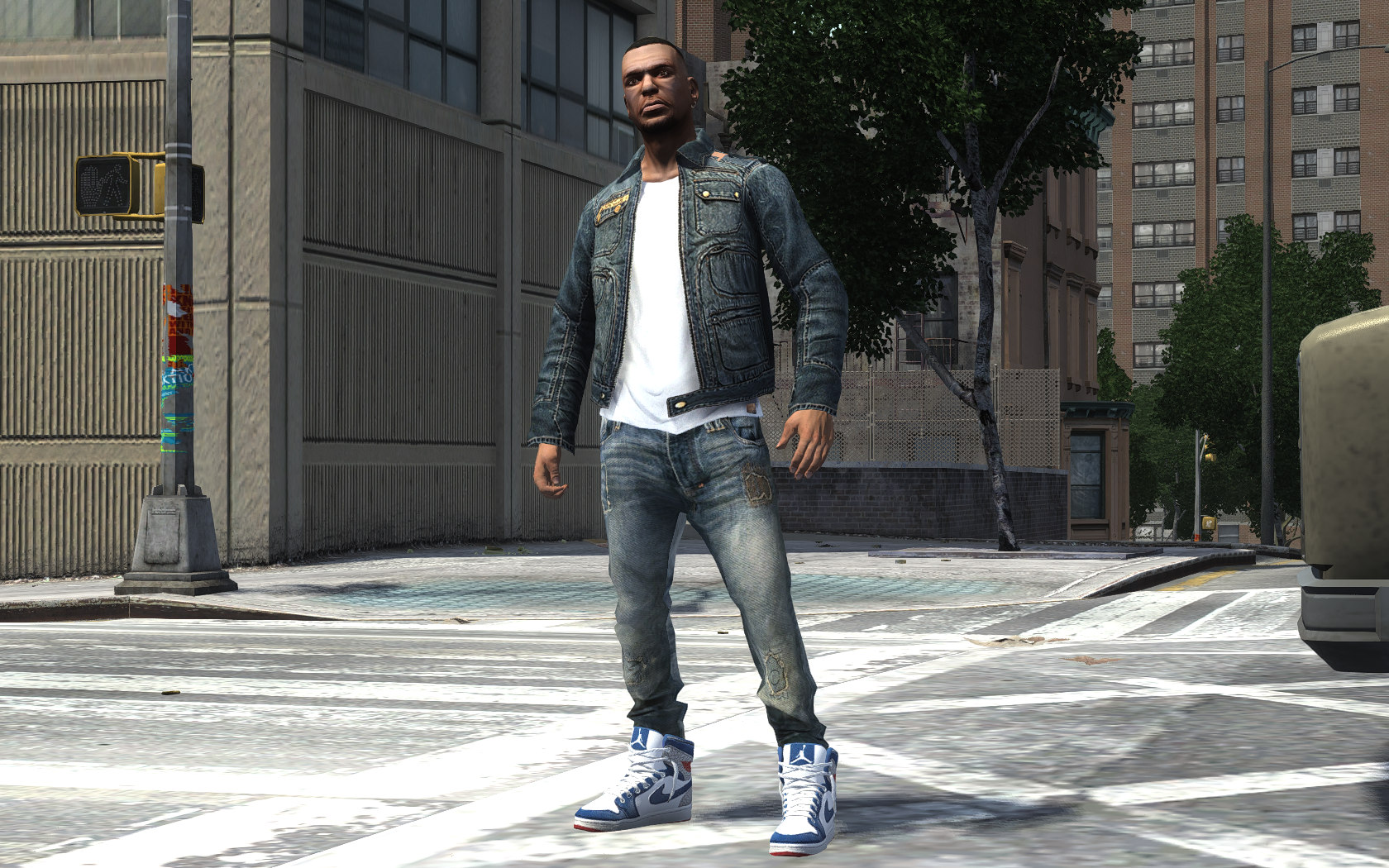
From the album: GTA IV
:D
From the album: GTA IV
Watch out!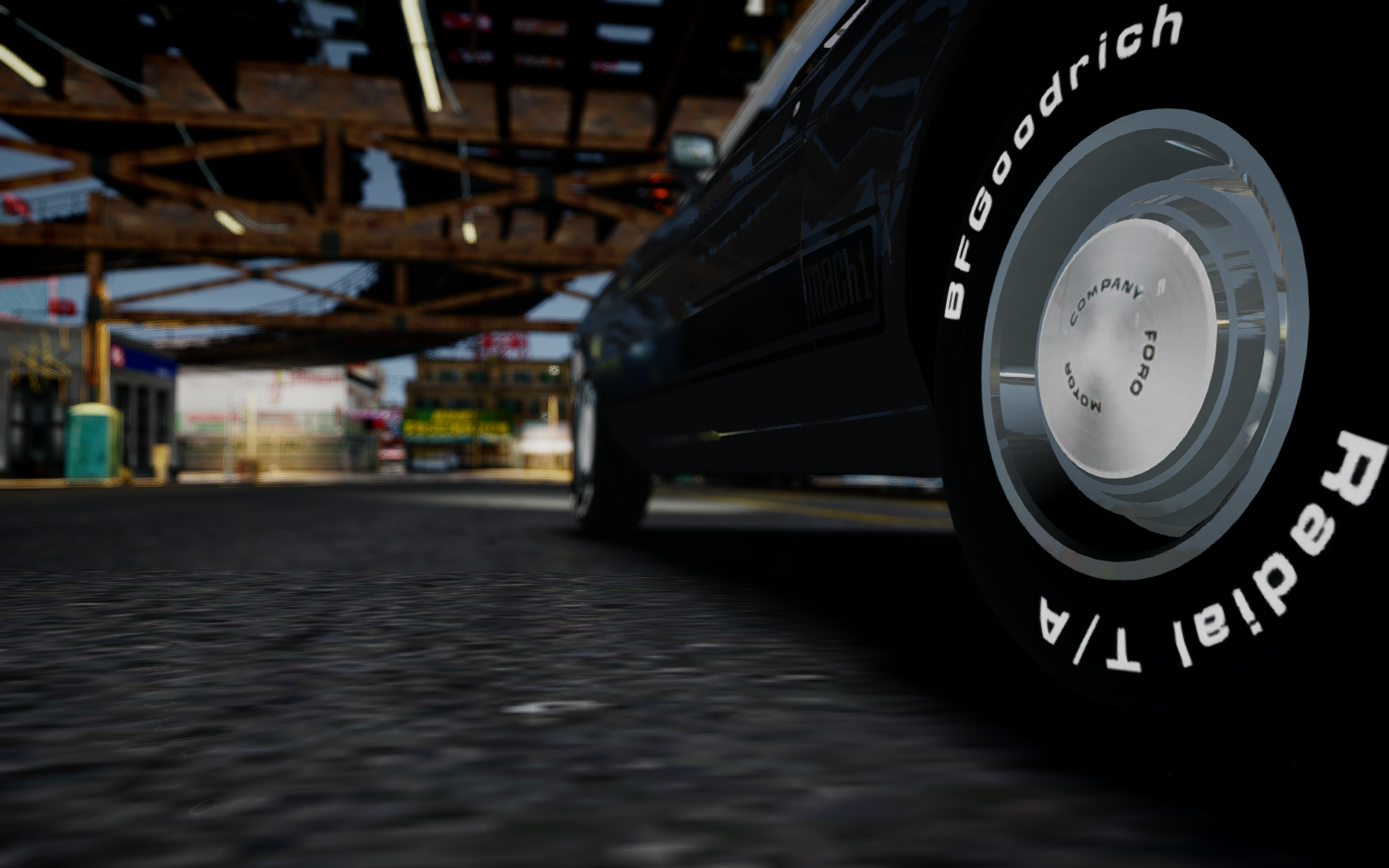
From the album: GTA IV
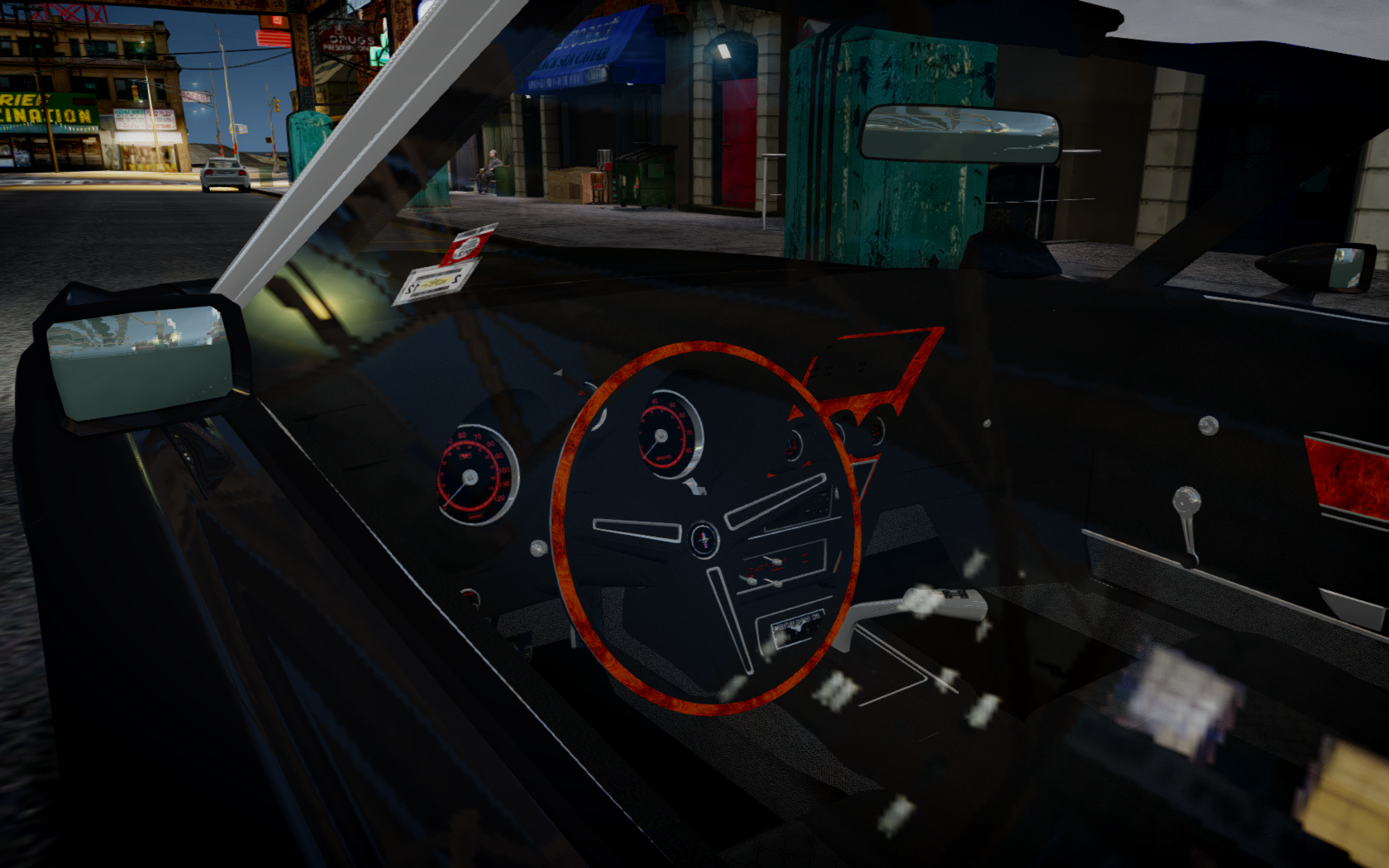
From the album: GTA IV
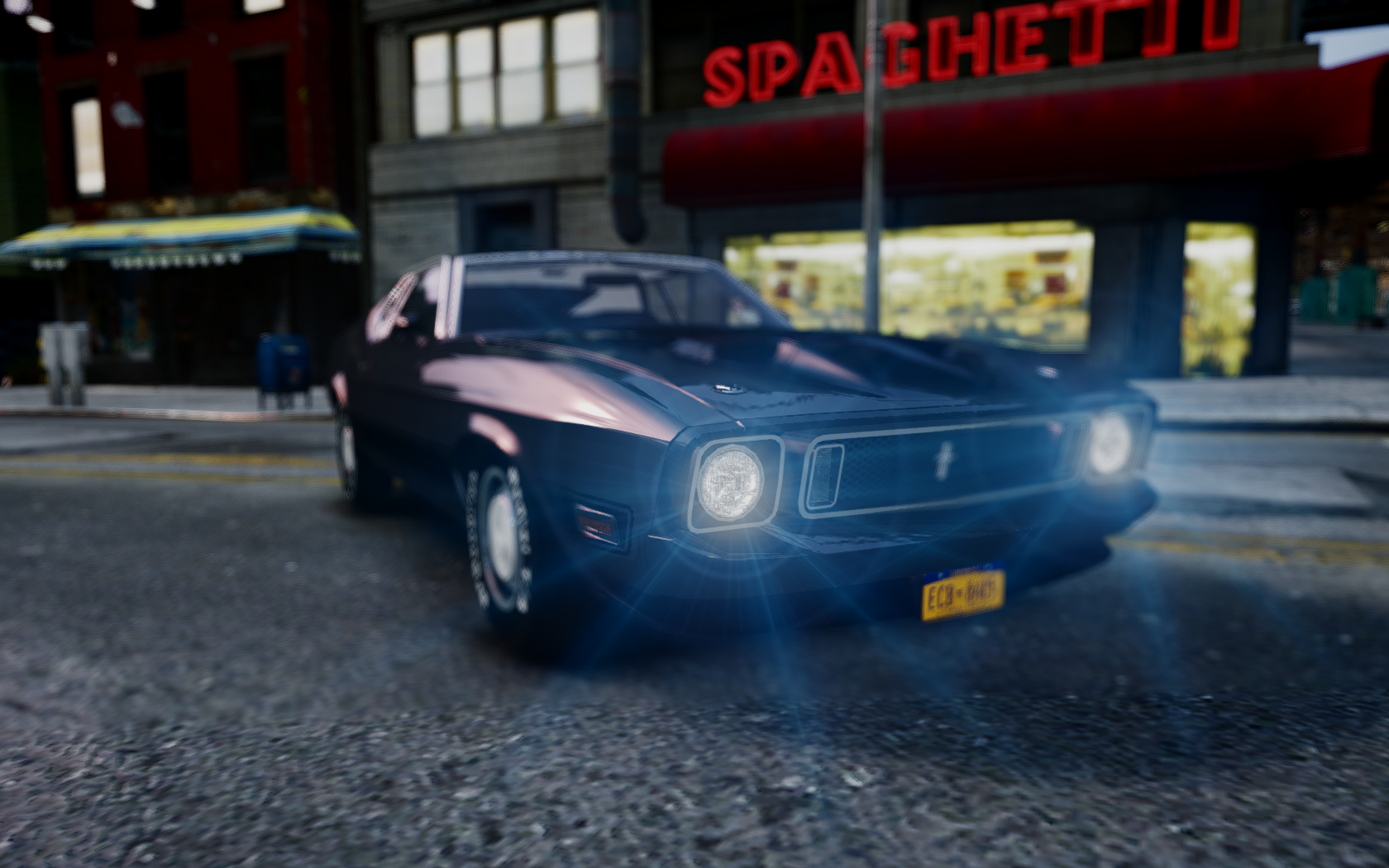
From the album: GTA IV
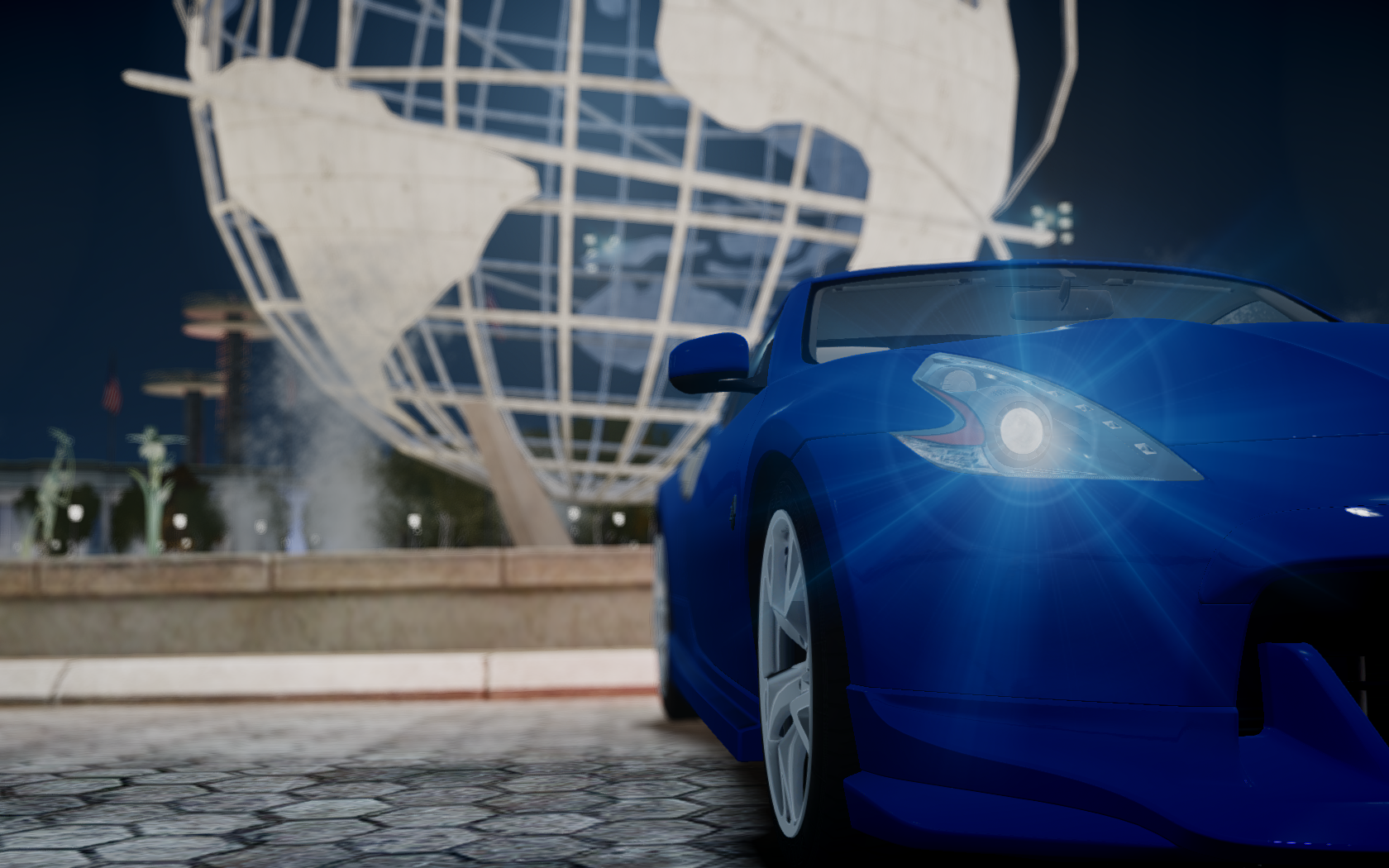
From the album: GTA IV
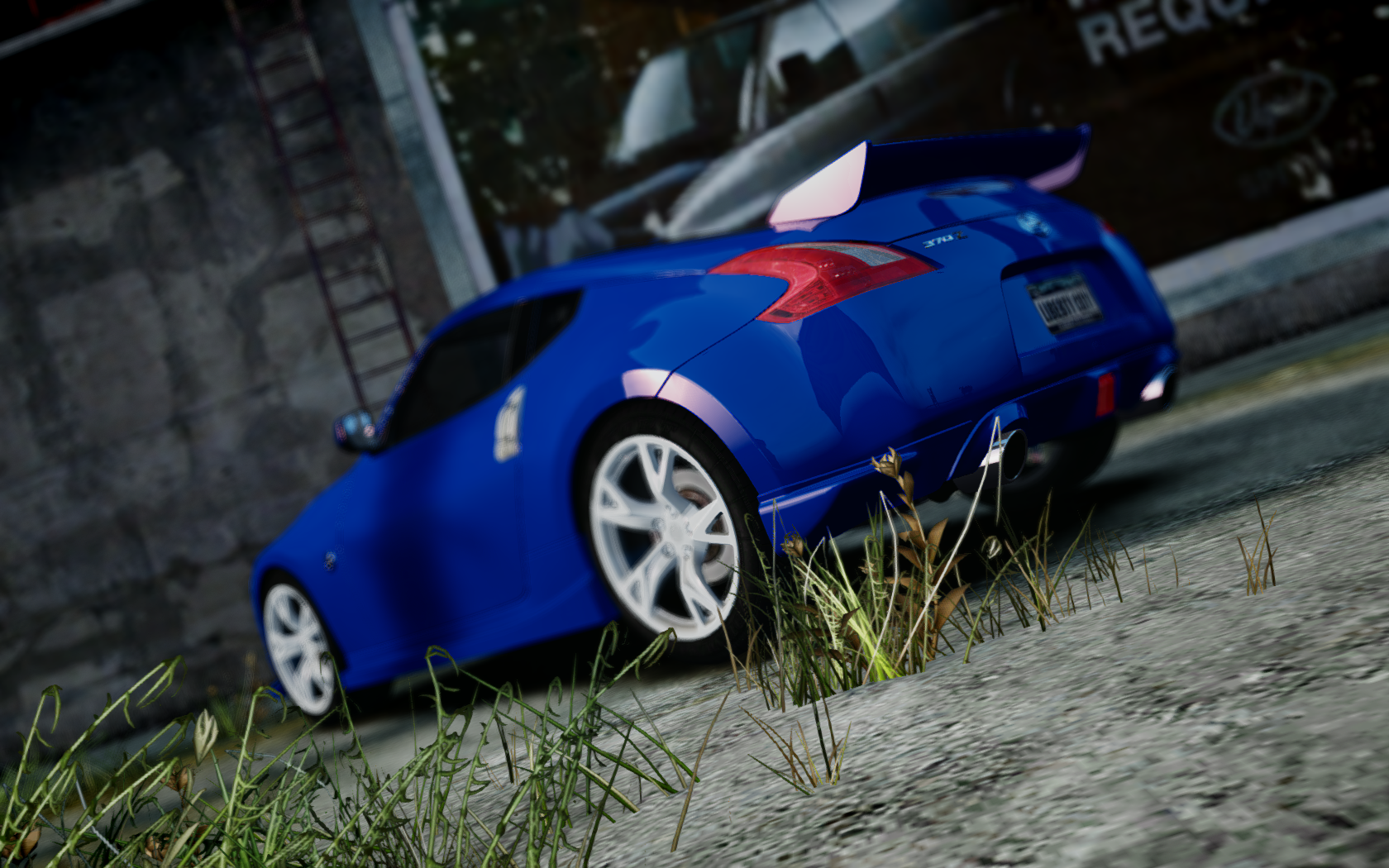
From the album: GTA IV
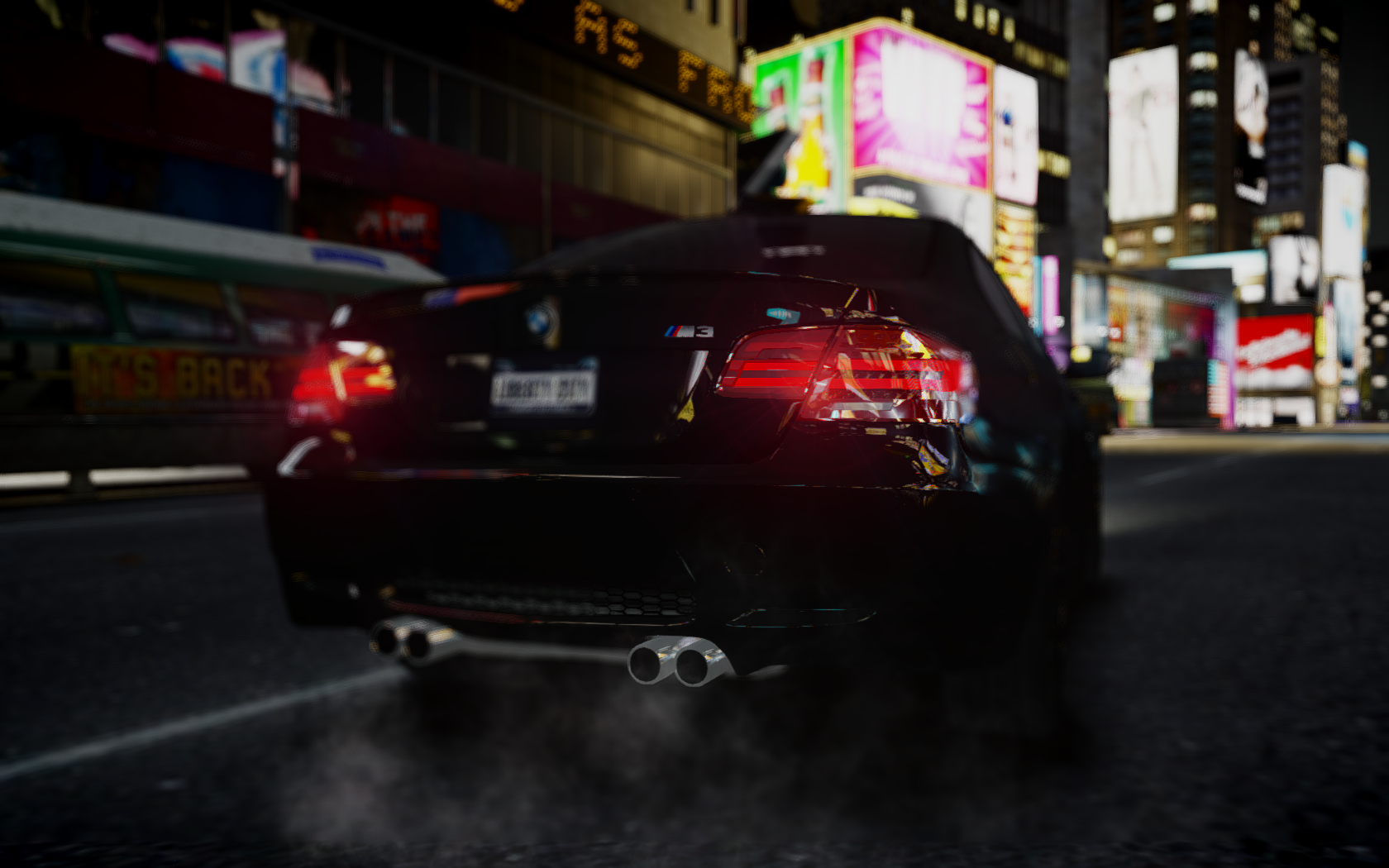
From the album: GTA IV
Automotive goodness.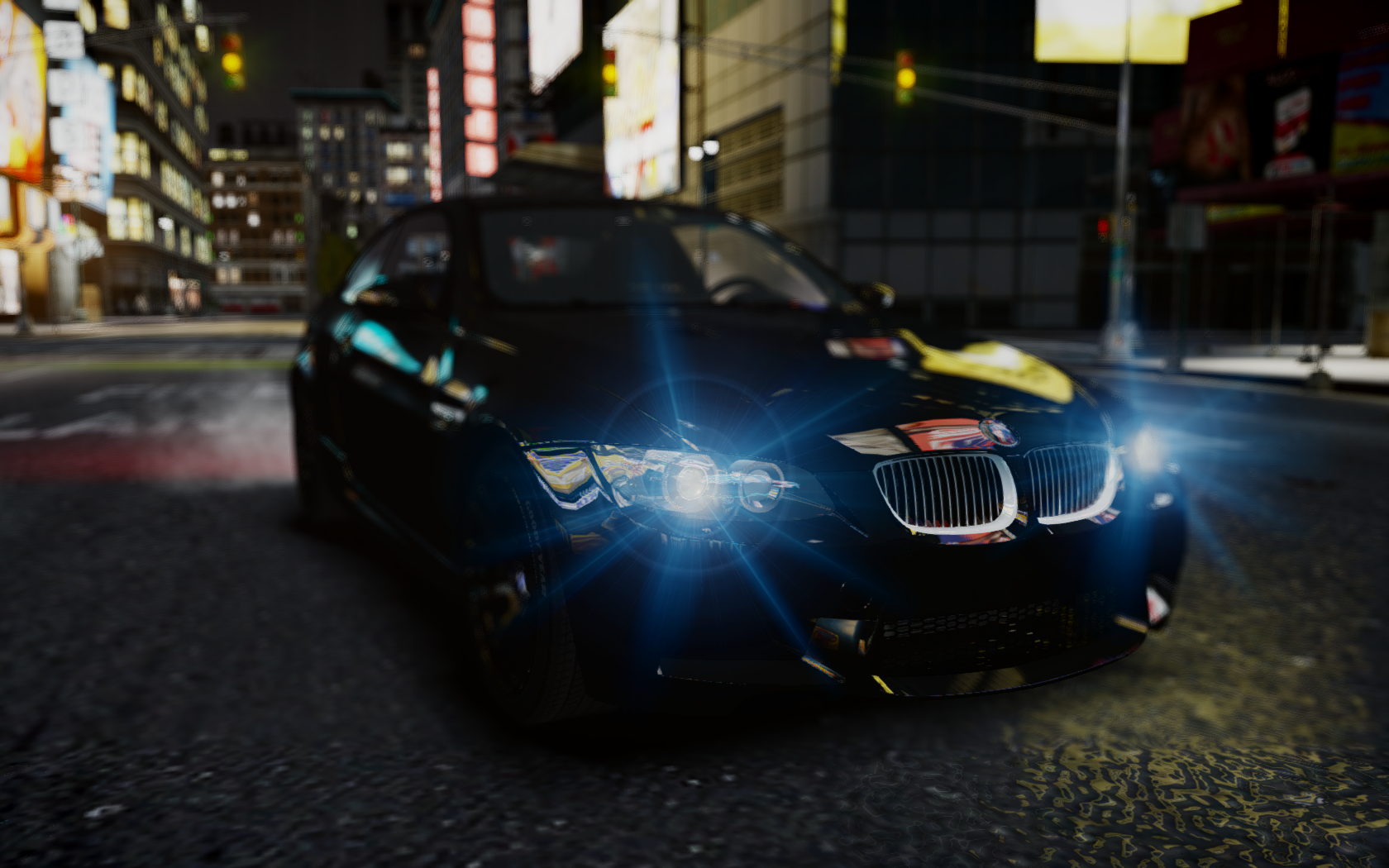
From the album: GTA IV
Amazing. What ENB are you using? great screen btw :D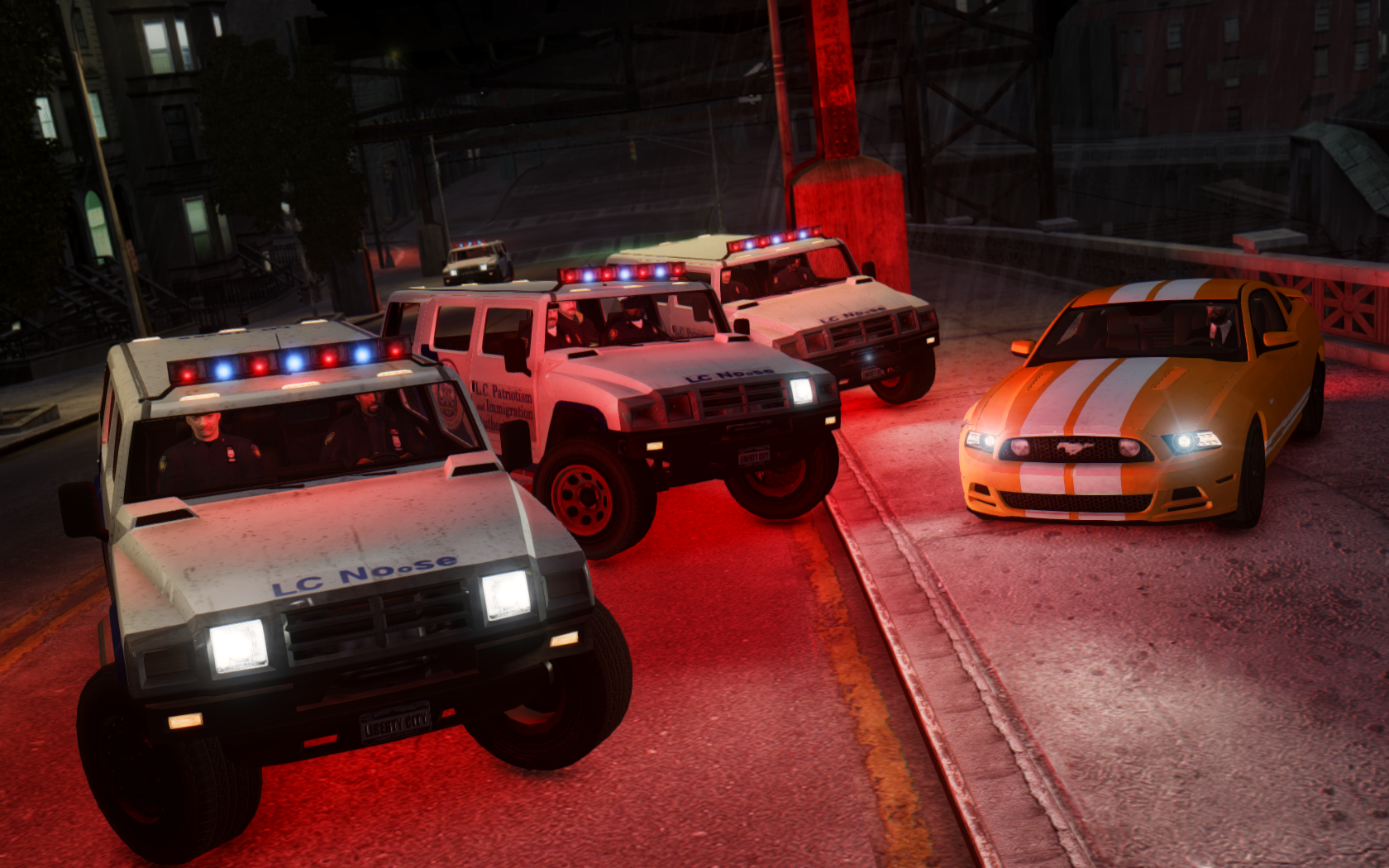
From the album: GTA IV
This is going to be a tough one to get out of...


