
BlueSteelShield
Members
-
Joined
-
Last visited
Everything posted by BlueSteelShield
-
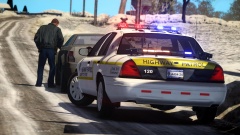 Still blows my mind after 4 years later.
 -
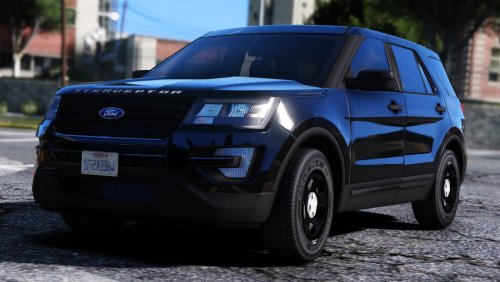 This is still better *wink*
 -
-
 Oh ok.
 -
Yo, where'd you get that puck antenna?
-
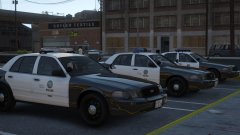 Can't wait!
 -
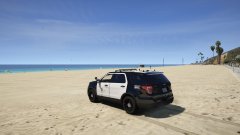 HOLY HELL... THAT UTILITY IS MORE BEAUTIFUL THAN THE OCEAN. HOLY HELL... THAT UTILITY IS MORE BEAUTIFUL THAN THE OCEAN.
 -
Haha, yea man... I mean hey, don't delete it and say you did a bad job, it's not based on real life anyway, its fictional... Could be the Departments budget cuts make them not afford any new current modern lightbars and/or lighting packages is all you can say... Haha
-
Oh, I know. I was just saying looks weird.
-
Looks good tho... just not a fan of the mx7000 on a "2011" but I call it a 2010 because there's no huge ass headrests .
-
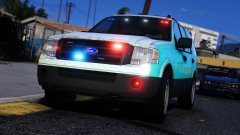 Aye Papi
 -
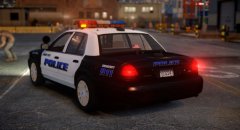 Glad you are back.
 -
-
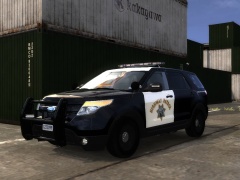 -_-_-_-_-_-_-_-_-_-_-
 -
But.... how is TheHurks pack not have realistic lighting?
-
I thought he meant GTA V.
-
How is it not realistic?
-
-
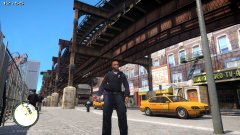 I think something is wrong?
 -
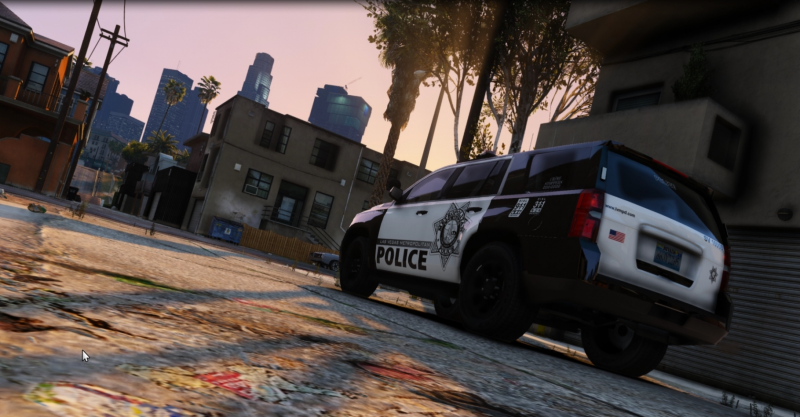
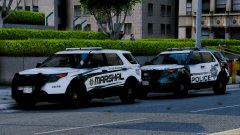 I got really triggered by that LVMPD Utility at first....
 -
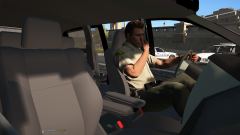 Finally my mom has a truck.
 -
-
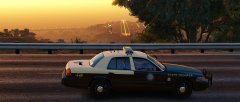 10/10 Would Bang.
 -
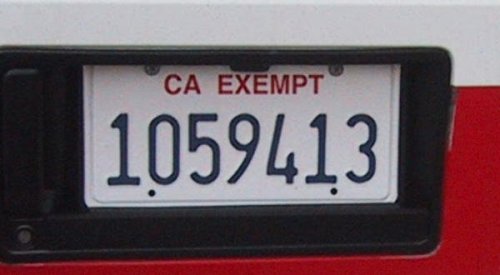 Wow, for the first few times I see people who actually put this kinda work, I love you. TONS of people don't understand this and this is what has been making me mad about CA Modifications people make.
 -