
BlueSteelShield
Members
-
Joined
-
Last visited
Everything posted by BlueSteelShield
-
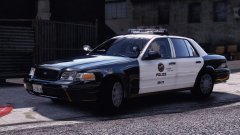 I look forward to this vic....
 -
-
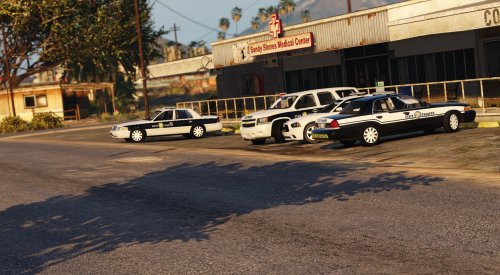 I love how my review was deleted for calling the two kids - #FakeNYPDROLEPLAY and that other dudes name d***sucker... lmao, I'm so done.
- 26 comments
- 15 reviews
-
-

- 1
-
-
-
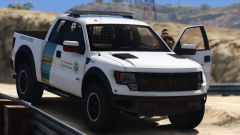 Get 'em illegals....
 -
-
-
 You Stage Five Autistic Hybrid Wikipedia can easily be edited by any body... I want to hear or see that on a actual Ford Website or post.
 -
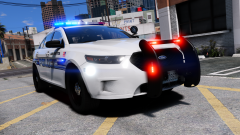 That's really hot... makes me moist.
 -
-
#BlueLivesMatter
-
Spanish.
-
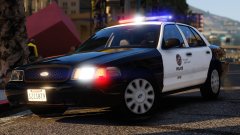 Ya, probably not.... dreams are crushed, lives are ruined, people are dead, all cause of no FPIU. Jeez, and I thought the Ford Hybrid was bad.
 -
Might want to contact Dodge about their Charger, could be a defected PPV. *Just thought I add comedy to this since it's probably a pain to deal with this model*
-
Fake af. Lundy wouldn't just sit their, it was already be happening the first second.
-
Hoping for an actual realistic LAPD 2016 FPIU.
-
-
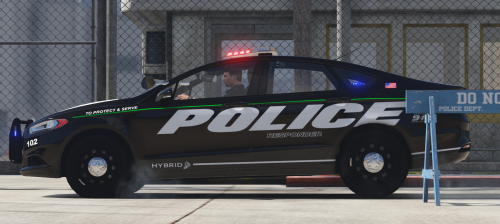 I like it, just that I don't the look in real life, but that doesn't matter.... still did good on replicating it!! #RIPCVPI
- 46 comments
- 13 reviews
-
-
- 2
-
-
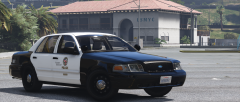 Purty lil' thing.
 -
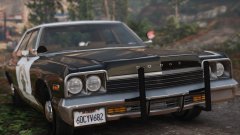 Pinch me, Im having a dream.
 -
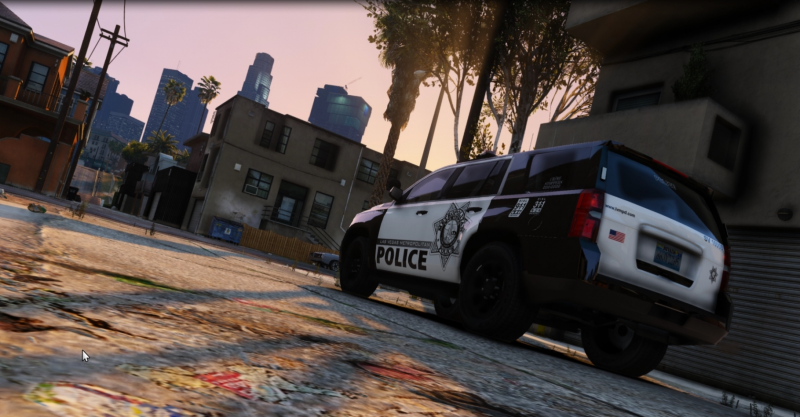
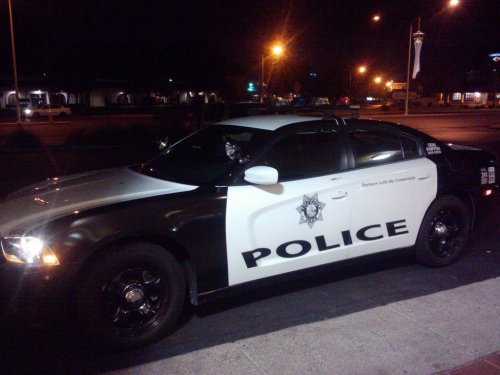 Well.... here's the thing, althought the Charger was only tested by LVMPD, it never became an official patrol vehicle. Also, the font and badge decal are in correct, the decal is too small and the font is not the right one. Missing Crime Stoppers logo The metro badge and the world POLICE are a little too small. The plate should have EX or Las Vegas Metro Police on the left side.
- 8 comments
- 2 reviews
-
-
- 1
-
-
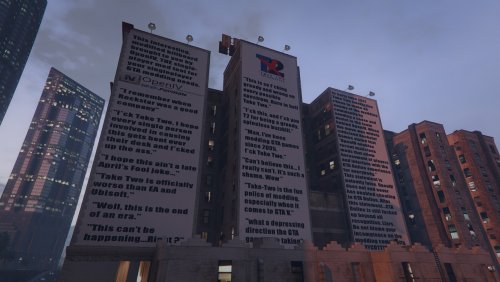 Good... beat TakeTwo to hell.
 -
-
-