theoriginalpapa
Members
-
Joined
-
Last visited
Everything posted by theoriginalpapa
-
-
Same here, uninstalled the new update, problem solved.
-
Hey everyone, the AI cops in my game don't use their siren during pursuits. I'm using the vanilla audio library, so the library is not muted. Anyone else facing the same problem? P.S. I've attached photos with all my plugins/scripts, just in case a script is the causing the problem.
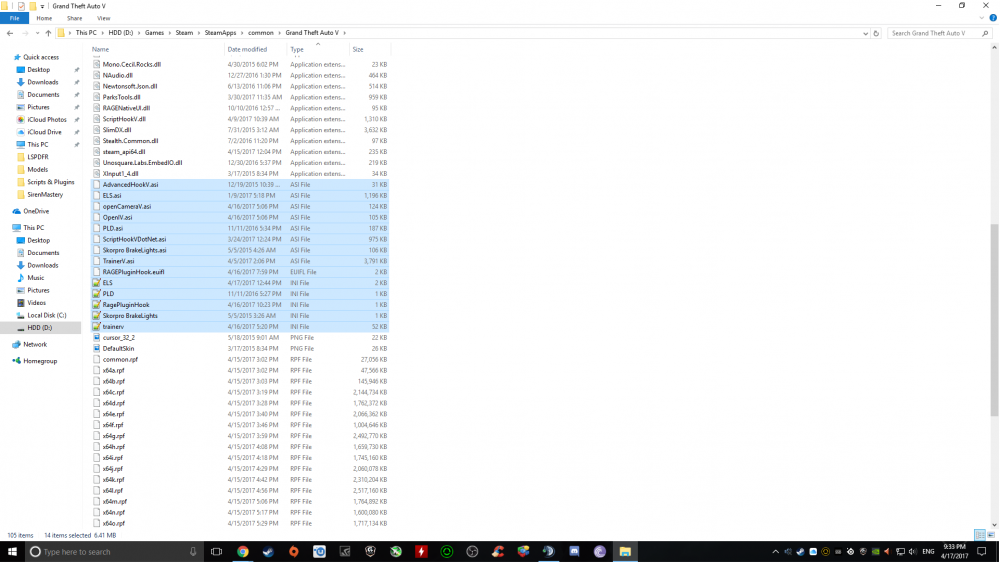
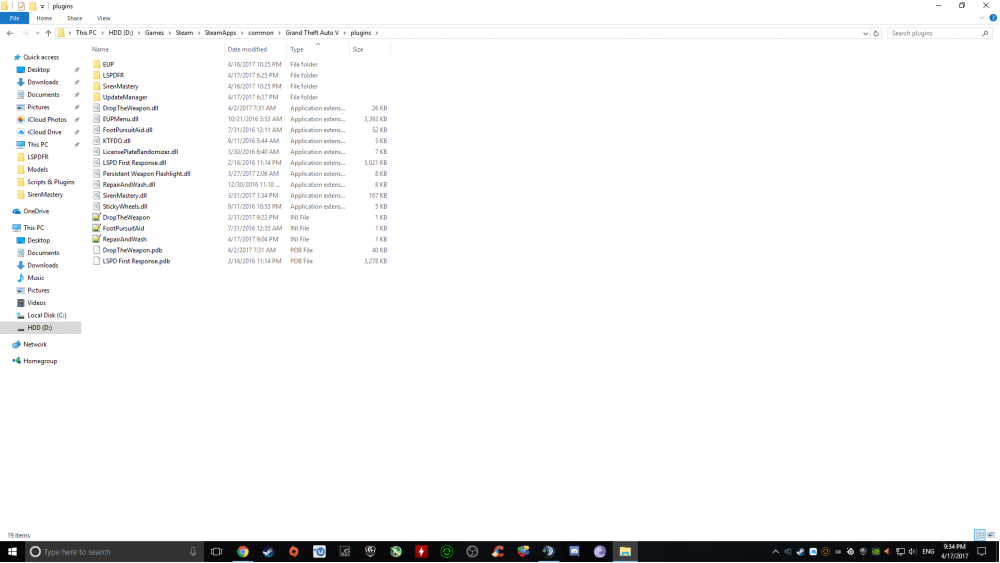
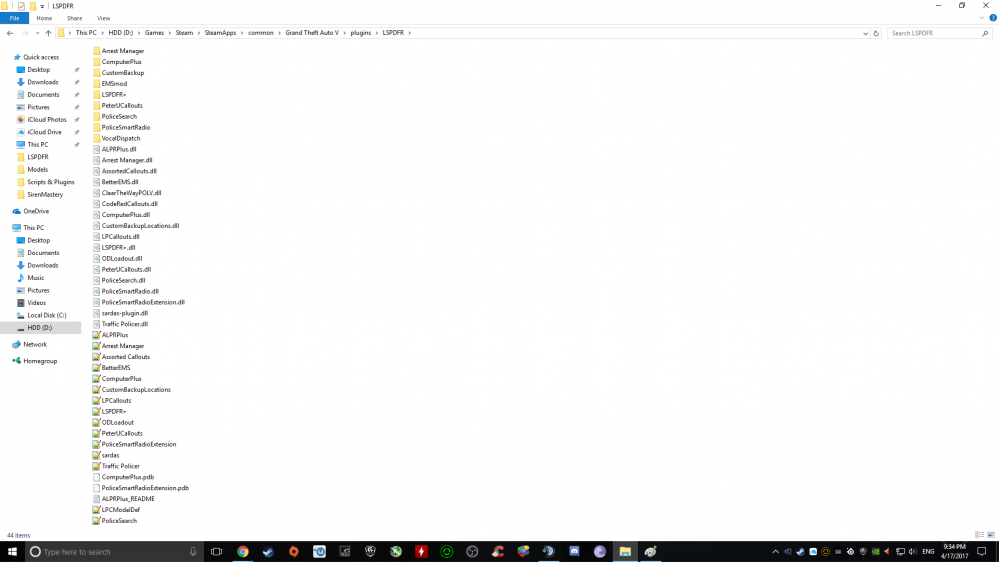
-
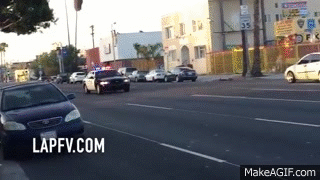 Awesome siren, the exact same one the LAPD use. If only you could make it a bit louder, that would make me the happiest cop in San Andreas!
- 20 comments
- 3 reviews
-
-

- 1
-
-
-
-
-
-
-
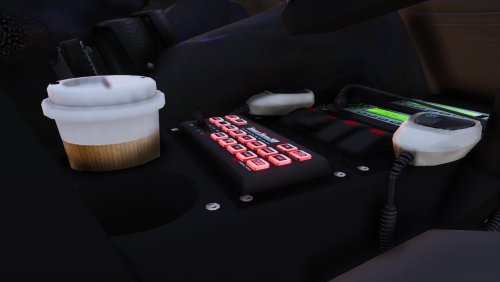 I don't think it's a bug. Correct me if I am wrong, but I think the siren was recorded inside a real police car and the beep beep is from the siren console. Anyway, I can still hear it in v4.
- 83 comments
- 19 reviews
-
-
-
Are you using ELS V8? What vehicles are you using?
-
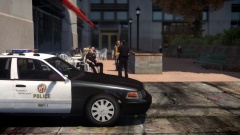 I thought LAPD used the FS Arjent lightbar exclusively for their interceptors. Cool photo!
 -
Hi everyone. I recently watched a Stevetrackboyz video and he could do missions with the Police Helper. I have looked for it but I have not been able to find a plugin. How doew he do those missions?
-
Introducing my first GTA IV mod, the 2011 Ford Crown Victoria Police Interceptor LCPD. Features: - Lightbar: Whelen Liberty SX - Other lights: Whelen Inner Edge, Whelen Talon - Rambar: Setina PB450 - Prisoner seat: Progard Seat - Bodyguard: Setina The Bodyguard Partition w/ shotgun - Computer & console: NFS computer and console - Spotlight: Unity spotlight - Dashcam: Panasonic Arbitator - Skin based on NFS: Hot Pursuit's CVPI skin, made for LCPD Credits: - Vehicle by DSF ripped by DMN - Converted by F5544 - Edited and re-templated by GeorgieMoon. - Seats by Schaefft re-textured and merged by GeorgieMoon - Grille by GeorgieMoon - Whelen Liberty SX modeled & mapped by KevinDV - Whelen Inner Edge models made & converted for GTA IV by Bxbugs123, main textures made by Bxbugs123 - Whelen Talon Modeled & converted for GTA IV by Bxbugs123, main textures made by Bxbugs123 & Lt.Caine - Setina PB-450 created, textured, rendered and converted by BFRS-EMT - Progard Prisoner Seat created, textured, rendered and converted by BFRS-EMT - Setina The Bodyguard Partition by Bxbugs123, shotgun by Grim - NFS computer ripped and converted to GTA IV by jasonct203, textured by jasonct203 - Unity Spotlight Modeled & converted for GTA IV by Bxbugs123, main textures made by Bxbugs123 - Panasonic Arbitrator Dash Camera, built from scratch by johnclark1102, texture is made by diablozer0d617 - Skin based on NFS: Hot Pursuit's CVPI made by GreekDude13, DO NOT EDIT OR DISTRIBUTE WITHOUT PERMISSION
- 9 comments
- 3 reviews
-
Go ahead and add me on Steam, the link is in my first post.
-
Hello everyone, I am looking for people to play with, if you're willing to download my mods, I'd be happy to provide them. Currently using: LCPDFR 1.0c ELS v8 vdH's Police Helper, Medican Examiner, Towing Service DAS LCPD/NYPD Cruisers by Bxbugs123 DD's NYPD Siren Ult. NYPD + NY uniforms 2.0 A few weapon modifications A few sound modifications If you're interested, add me on Steam here.
-
-
Add me on Steam if you want: h3LLf1r3GR ,willing to download your mods!
-
Steam: h3LLf1r3GR GFWL: GreekDude13 If you're interested and willing to install a couple of my mods, add me!