


ErinLindsay
Members
-
Joined
-
Last visited
Everything posted by ErinLindsay
-
I know I have only seen it twice!
-
 OK! Sounds cool!
 -
That Cahaba Valley one is right up the street from me! I took real life pics. I am considering doing that one!
-
I love that truck! You should make a pack!
-
Nice! I knew I have seen that skin!
-
I wish EVI would have finished it as well, but he would never have released it! My top pics:
-
Nice man!
-
Which MODERN Pierce firetruck should I make from scratch. I was thinking about a Pierce Velocity like this: but in a Fire Engine version. Let me know guys!
-
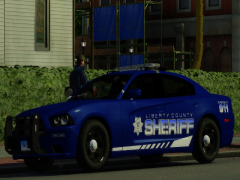 Where can I find those? They look awesome!
 -
 I see, thanks!
 -
Wheels? And yes I am talking about the lifted one with the Ions!
-
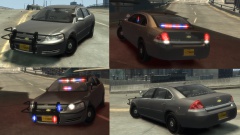 The rambar could be a little better, everything else looks great IMO!
 -
I guess I will have to make one! Where'd you get the wheels? Thanks!
-
My first car wasn't perfect either... but if you keep trying you will get better at it! Looks good though!
-
When are you going to release that SWAT Tahoe?
-
![Havis K-9 Insert For 2007-2014 Chevy Tahoe [WIP]](//s3-gallery.int-cdn.lcpdfrusercontent.com/gallery/album_2718/sml_gallery_138650_2718_74222.png) Thanks guys, it will be released on here, and among other sites!
Thanks guys, it will be released on here, and among other sites! -
Thanks!
-
Yep I agree!
-
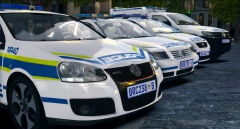 Great work, I am also coming along quite well with this 3D stuff!
 -
Who taught you all your tricks?
-
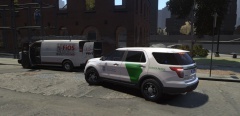 That's a very nice skin you made!
 -
It was probrably some Mexicans!
-
Most likely the DHS Explorer.
-
Good work Kevin, I love the Amarok! I bet the back part was easy for ya!
-
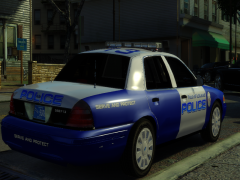 Looks good XBR!

![Havis K-9 Insert For 2007-2014 Chevy Tahoe [WIP]](http://s3-gallery.int-cdn.lcpdfrusercontent.com/gallery/album_2718/sml_gallery_138650_2718_74222.png)
