




Black Jesus
Members
-
Joined
-
Last visited
Everything posted by Black Jesus
-
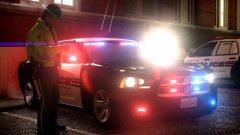
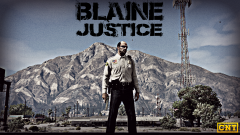 They're that underfunded. The sheriff can't even afford to get a replacement tie. It's crazy
 -
From the album: Black Jesus GTA V WIPs
"A new police reality show is coming to CNT this winter. The show follows Blaine County Sheriff Trevor Philips and his deputies as they battle geological, and criminal elements to protect and serve the citizens of Blaine County, San Andreas. Sheriff Trev, as the locals call him, invited CNT to shoot the show, in a desperate effort to show the county board how dangerous the job is for him and his deputies. He hopes the show will sway the county board into increasing the budget for the vastly underfunded sheriff's office. Blaine County is #1 in almost every category of crime, and the sheriff's office must cover an immense area that includes three mountains" Plan on making a trailer for this, or maybe a trailer for a show called "San Andreas Law" -
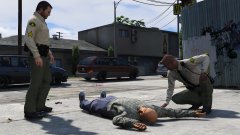
From the album: Black Jesus GTA V WIPs
Ignore the different patches, I forgot to change Michael's. Belt textures are slightly edited by me, and are originally by @legionarius.© Black Jesus
-
 Any chance of updating this so there's an option to disable the snowball pick-up? It conflicts with the partner mod I use, and i'm honestly never gonna throw snowballs.
- 85 comments
- 33 reviews
-
-

- 1
-
-
 This isn't for the the male cop model. This is for the custom/multiplayer character model.
- 2,341 comments
- 236 reviews
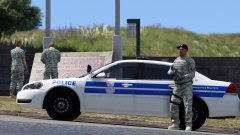
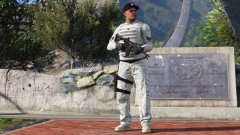 This one: http://i.imgur.com/0W9KH85.jpg I'm too lazy to redo it, so I'll just darken the textures to look more like the one you linked. Actually I'll redo it. And thanks for the texture, it looks a lot better now.
From the album: Black Jesus GTA V WIPs
© Black Jesus
Still not workingmpchristmas2That was one of the first things I did. This sucks, thanks for the help anyway.Still not workingI've been able to spawn the cars without any problems. Still have the civilian horn, and no lights.I can't get added police cars to use their lights and sirens, they use the civilian horn and etc. I followed all the tutorials properly. Does anyone know what the problem may be? I've attached the metas, the car is named sfimpala carvariations.meta vehicles.meta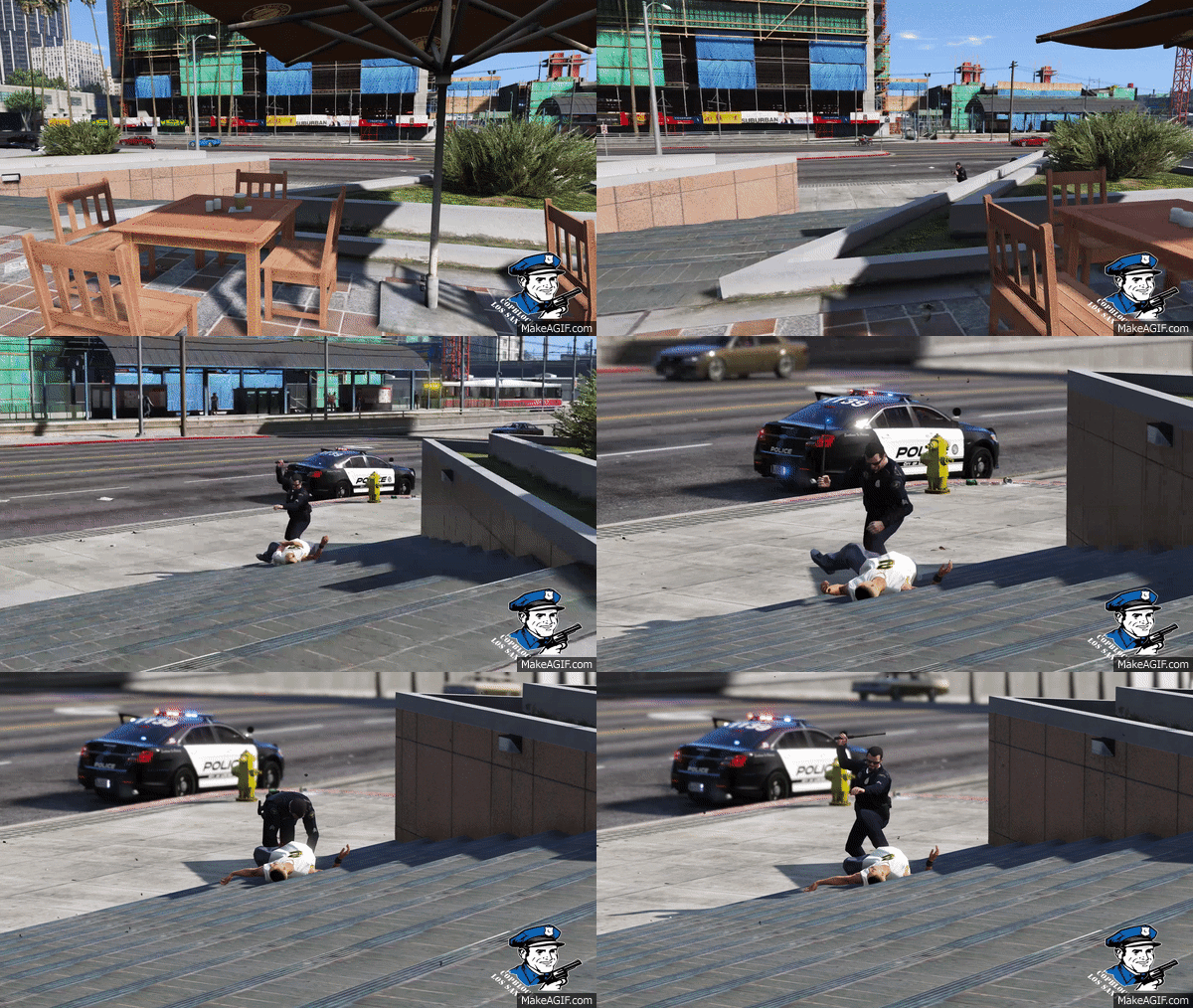 I only have permission from the authors to convert the parts and model. But I can't release the car (for GTA V)
can't, I don't have perms for release.
I only have permission from the authors to convert the parts and model. But I can't release the car (for GTA V)
can't, I don't have perms for release.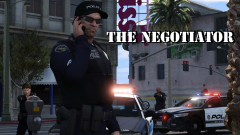
From the album: GTA 5 Pics Black Jesus
© Black Jesus
 Dayum! This pic almost makes me want to play GTA 4 lolI'm using the updated version of scripthook, and it starts normally without Rage. I'll reinstall rage and scripthook to see if that fixes the problem.I downloaded the new version of Ragehook, but it won't open for me. I click on it like normal, and it does absolutely nothing. I've also tried running as administrator, still nothing. Any suggestions as to what could be the problem?the weapons are in patchday8 now
From the album: Black Jesus GTA V WIPs
From the album: Black Jesus GTA V WIPs

