




Iconography
-
Joined
-
Last visited
Everything posted by Iconography
-
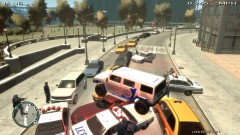
From the album: Psychology of Liberty City
Tried to pin a vehicle in but rather than crashing into them I ended up on top of four different vehicles. -
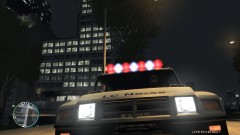
From the album: Psychology of Liberty City
An angered civilian attempted to verbally assault me today while I was on patrol in my brand new Patriot. Decided this would be a good vehicle to use if I wanted to... intimidate... someone. The civilian shot this picture before I drove away. -
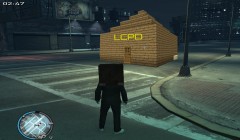 Well, someone has too much time on their hands. /s
 -
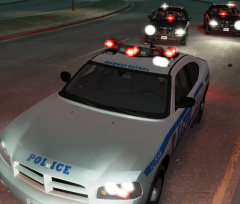 Looks good
 -
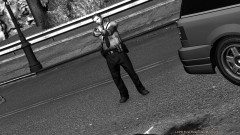 Don't suppose anyone else has had this issue?
 -
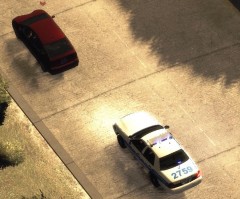 "Suspect Person" For some reason that made me lol.
 -
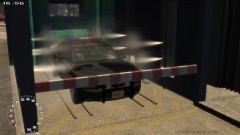
From the album: Psychology of Liberty City
A good car wash always helps to lift your spirits. -
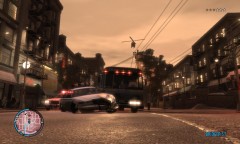 Cool. You use photoshop or did you actually swap out the player's files?
 -
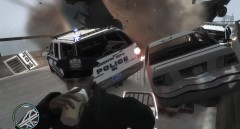 "Oh, a vehicle is on fire?" "Oh, who cares I need my coffee."
 -
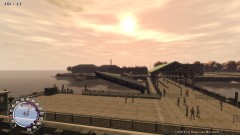 That song is now stuck in my head. Thank you....
 -
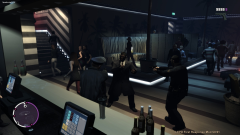 Yeah it is. It's from TBoGT, it's one of the two nightclubs.
 -
From the album: Psychology of Liberty City
...Do not use it to spawn other cops.... 'Cuz some day they might turn around and shoot you dead. -
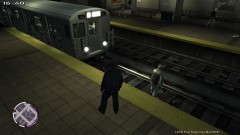
From the album: Psychology of Liberty City
Although the man had begun to confess, his time was unfortunately limited. A subway train, which arrived too early, arrived before anyone could save the poor fellow. A Memorial Service will be held in the next month. Officers are not completely sure why he happened to look like a drunk in this photographer-captured image. -
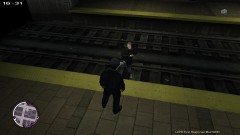
From the album: Psychology of Liberty City
...Is to push them onto a live subway track. This individual has ties with major drug cartels, but refused to state any information regarding them. By accident, he was somehow pushed onto the tracks, and he began confessing. (Image 1 of 2) -
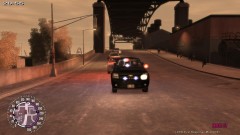
From the album: Psychology of Liberty City
Another police officer was ambushed again by gang members, this time in pickup trucks. It is unclear why random police officers are being targeted at this point in time. Casualties were high, ranging from 10-13 officers and double that in civilian casualties. -
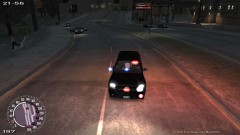
From the album: Psychology of Liberty City
This evening, a renegade group of heavily armed gang members ambushed a police officer. However, since the officer was not expecting it, and was still in his car, he had no choice but to flee the maelstrom of incoming bullets. Casualties ranged between 10-15, mostly civilian. -
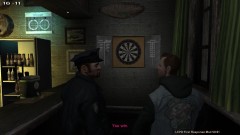
From the album: Psychology of Liberty City
An LCPD police officer, this afternoon, decided to go out and play darts after he was challenged to game. Needless to say, it was a landslide victory. A photographer captured this landmark picture, where the previous darts champion Kyle LaFrance was demolished. -
From the album: Psychology of Liberty City
A police officer decided to take his boat for a little cruise this afternoon, after disposing of an old drug boat. Apparently, the police officer failed to notice the boat ramp in front of him, so he went on a small adventure over a pier. The boat landed on the pier, and then skidded into the water. No casualties were caused. -
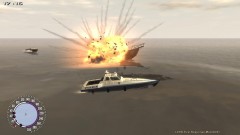
From the album: Psychology of Liberty City
This morning, the LCPD was called in to destroy an old drug boat that was seized during a drug raid. The boat served a purpose no longer, so it was "sentenced to death." -
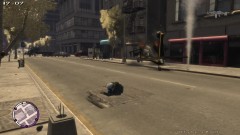 Yeah, that usually happens to me. I'm rather surprised it didn't kill me.
 -
From the album: Psychology of Liberty City
Some time early this afternoon, a police helicopter suddenly aborted its patrol flight over the city. Witness reported seeing black smoke billowing from its exhausts. One lucky media photographer was able to snap this shot, supposedly of the pilot being thrown from the burning helicopter. Casualties are not being reported as of now. -
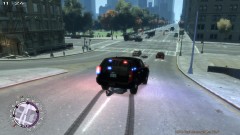
From the album: Psychology of Liberty City
I swear, the guy was drunk and ran in front of me. Wasn't my fault.... -
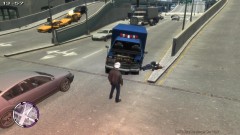
From the album: Psychology of Liberty City
An ambulance was reported stolen at 16:56 on Friday. The suspect disguised himself as a paramedic, however his awkward driving made me suspicious. While attempting to pull the suspect over, he took off. This is the result of a brief, four minute chase. -
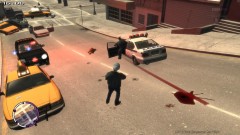
From the album: Psychology of Liberty City
...need a pay cut and a mental eval. -
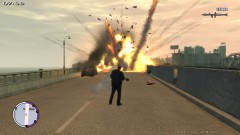 How this looks* I'll learn to type one day. Title fixed - S296


