

Oatmeal
Members
-
Joined
-
Last visited
Everything posted by Oatmeal
-
In the cargrp file in common data. Just find the cop one and switch the first tow names with the ones you want.
-
 Crisp and Clean with no caffeine.
 -
Wheels!! ;)
-
At the start of your post I just started singing...
-
-
I saw the title and I'm like what am I getting into.. 10 seconds later: ooohhhhh
-
-
 Are the cars released anywhere? Or are they private/clan?
 -
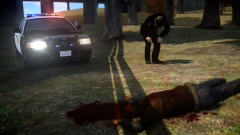 Now, what was that officer doing under the overpass.
 -
-
Slurp.
-
Yea, I'll do one for next video :)
-
Sorbet all the way.
-
Do has Lund says though, trust me backup comes in handy.
-
Thanks for the suggestion:)
-
dadadadadadada
-
The one's the clown in the alley offers... For real I love fuzzy peaches and coffee crips.
-
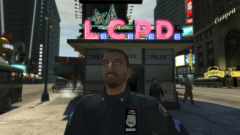 Good job Kent.
 -
-
From the album: Ketan's pictures
-
Ohh, thanks for the reply.
-
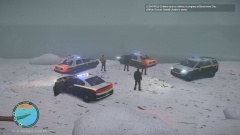
So the title says it all. If anybody knows how to get snow onto modded vehicles that would be great. More specifically the windshield and wheels. Thanks in advance.
-
What exactly is the doomsday clock?
-
That's awesome!
-
 hell nah, let me find you a link