Skip to content
View in the app

A better way to browse. Learn more.

LCPDFR.com

A full-screen app on your home screen with push notifications, badges and more.

To install this app on iOS and iPadOS
  1. Tap the Share icon in Safari
  2. Scroll the menu and tap Add to Home Screen.
  3. Tap Add in the top-right corner.
To install this app on Android
  1. Tap the 3-dot menu (⋮) in the top-right corner of the browser.
  2. Tap Add to Home screen or Install app.
  3. Confirm by tapping Install.

clement5449

Members
  • Joined

  • Last visited

Everything posted by clement5449

  1. Salut, Enlève LSPDFR + . Pour ma part il me fessait planté au démarrage
  2. Thank you so much !! you think an update with new units will be possible? FBI, DOA, PIA Agent THANK YOU
  3. Hello, I am bad in the changes, you will not have the file to share me?
  4. Sinon ça peux venir que tu n'as pas installé ça, il faut qu'il soit activé.
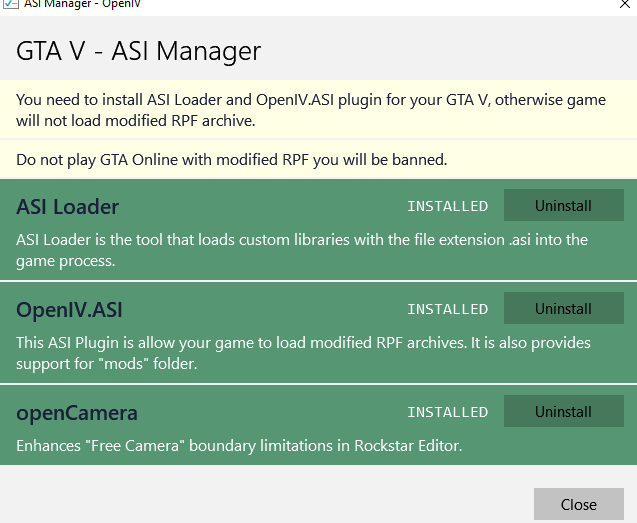
  5. Essaye sans ton anti-virus et en admin, moi ca marche
  6. Moi perso j'utilise les fichiers OIV c'est automatique ou alors il y a un mod qui fais tout le taff a ta place mais m'en rappel plus
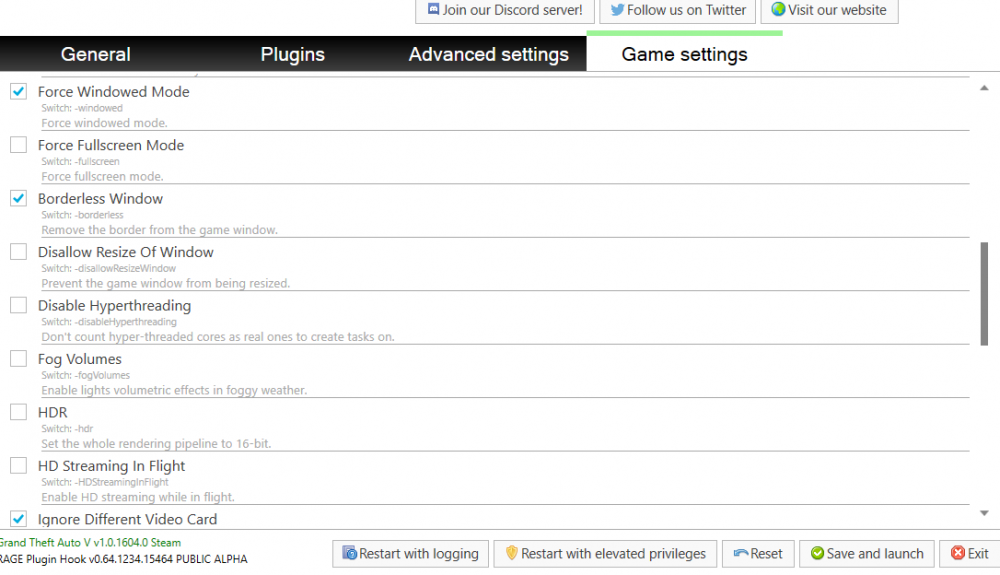
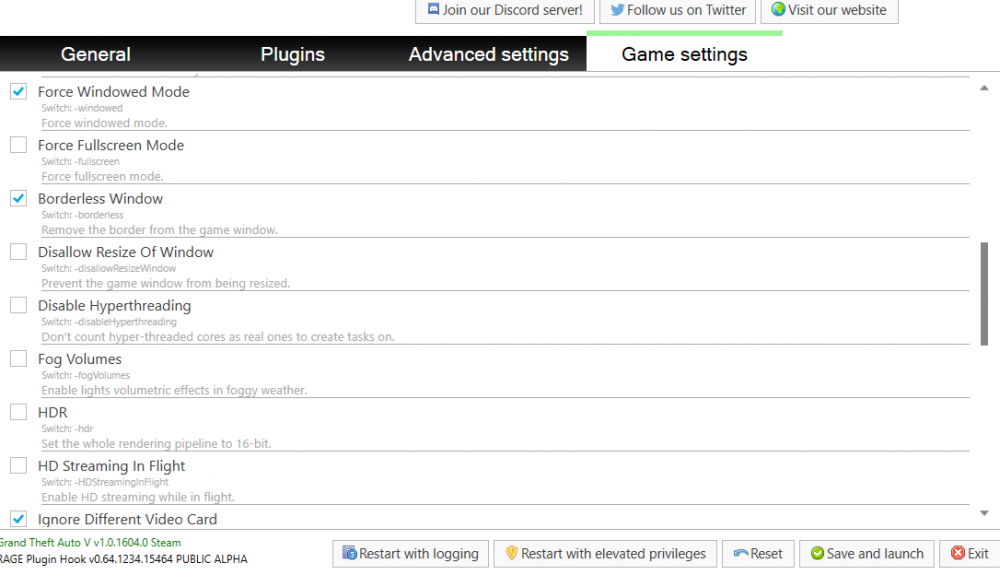
  7. Essaye avec les options là 😃

Account

Navigation

Search

Search

Configure browser push notifications

Chrome (Android)
  1. Tap the lock icon next to the address bar.
  2. Tap Permissions → Notifications.
  3. Adjust your preference.
Chrome (Desktop)
  1. Click the padlock icon in the address bar.
  2. Select Site settings.
  3. Find Notifications and adjust your preference.