




OfficerThirtyTwo
Members
-
Joined
-
Last visited
Everything posted by OfficerThirtyTwo
-
It is all working now. Thank you!
-
I am having a bit of problems after all of the new updates. I performed a clean install of GTAV, using LSPDFR 4.4, newest RPH (1.69.1254.16006) and Scripthook v1.0.1737.6. I can successfuly load into GTAV using RPH, once in game I can see the police stations on the map as LSPDFR has loaded but for some reason I cannot open the RPH F4 console. I have 'Disable DirectX Hook' checked as well as, DirectX11 and Force Windowed Mode checked. Any help is appreciated, I'm sure I am missing a step somewhere.
-
-
 I followed all the instructions for installing and unfortunately, my game crashes every time during the loading screen. I have double checked and it's only when I add a vehicle. I did not change the vehicle name. Any ideas as to why I can't get it to work?
- 207 comments
- 94 reviews
-
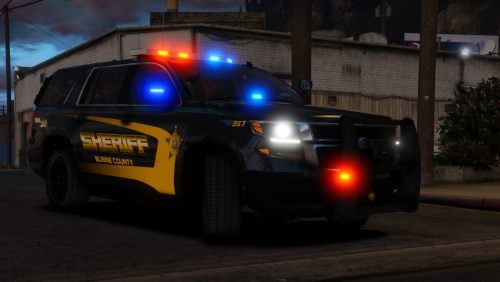 I'm having a problem with the lighting.. I have VisualV installed and ECED.. the lights on the actual vehicle are faintly showing up. This is probably not a problem with the vehicle but I don't know where to start to get them working like they should.. (PostFX is on ultra) any help would be appreciated! The windows and light bar are really dark. I can go in and take the tint down but it only changes he lightbar.. IMG_0727.MOV
- 38 comments
- 21 reviews
-
-
 Sorry dude, its a problem with the actual ELS not your vehicles in particular. For anyone else having problems they need to go to Open IV and disable all of the ASI loaders and then re-enable and restart their computer, that's what worked for me. By the way nice pack man! @t0y
- 132 comments
- 39 reviews
-
-

- 1
-
-
I'm now having this same problem the lightbar is not working on top. I played the other day with no problem but got on today and the only thing that lit up and flashed was the taillights. Maybe I messed something up but I don't know.
- 132 comments
- 39 reviews
-
-
- 1
-
-
-
-
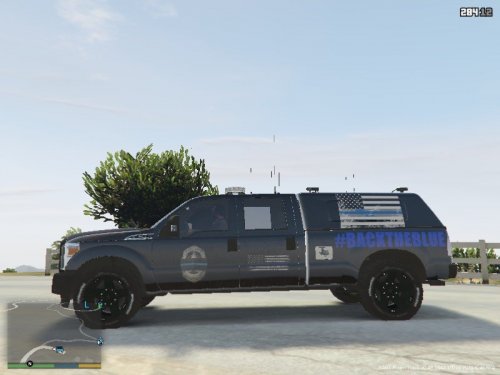 nice!
nice! -
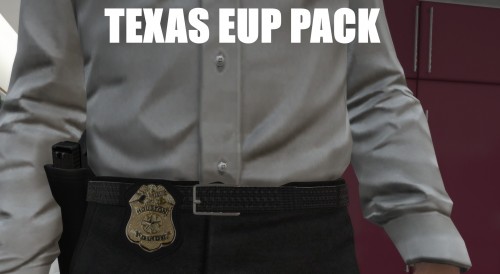
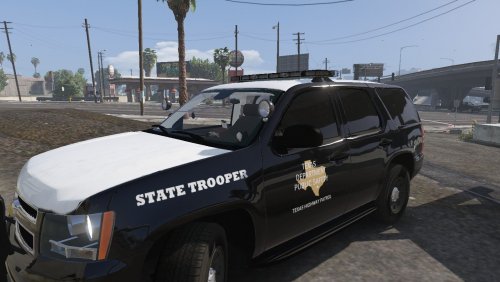 I haven't found any Texas DPS skins since all of the ELS vehicles have come out so I decided to make some. This is my first skin pack let me know what you guys think. Leave a review or comments and tell me what I can improve on change, etc. I will take suggestions for skins but no guarantees. 2013 Tahoe 2014 Charger 2011 CVPI You may share my files but please give me credit! The skins were optimized for 2014 Dodge Charger Pursuit "CenCom/Liberty II" by : Windows446 The Tahoe included in OfficerFiveO's "Los Santos County Sheriffs Office Pack 1.0.0" BxBugs123's 2011 CROWN VICTORIA - CVPI 1.9L ELS 1.9L License Plate in skins from...
- 6 comments
- 1 review
-
-
- 2
-
-
-
-
-
-
 http://pastebin.com/85U93uYe Anytime I accept the "Traffic Stop Backup" callout it crashes. It usually says it prevented a full game crash but that callout crashes. I have attached the log file. I used the troubleshooter and it didn't show any problems. Any help getting this to work would be greatly appreciated the traffic stop backup is probably my favorite callout. Thank you in advance.
- 1,081 comments
- 166 reviews
-
-
- 1
-
-
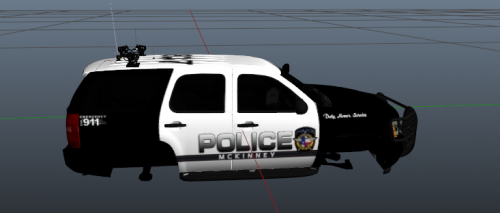 Great job! I live in the McKinney area and this looks very much like theirs! I will definitely be downloading! You ever thought about making the Collin County Sheriff's Office Explorer?


.thumb.png.04a1687a445e54a18a959b7926b87d7b.png)
