
Requies
Insiders
-
Joined
-
Last visited
Everything posted by Requies
-
This topic has been moved to the appropriate forum. Please post in the correct location in the future.
-
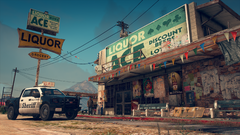
From the album: Random Photos from San Andreas
-
-
Grand Theft Auto V Screenshot 2020.05.25 - 23.25.55.02.png
-
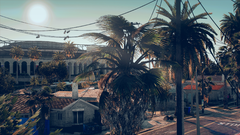 Grand Theft Auto V Screenshot 2020.05.28 - 17.59.34.10
-
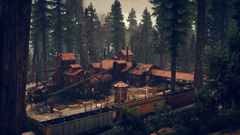 Grand Theft Auto V Screenshot 2020.05.25 - 23.32.20.30.png
-
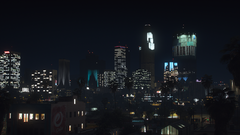 Grand Theft Auto V Screenshot 2020.05.22 - 19.18.44.79.png
-
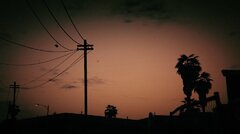 10805782_1541576752755832_1209508058242377363_n.jpg
-
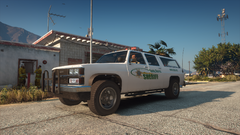 Grand Theft Auto V Screenshot 2020.08.25 - 19.05.38.49.png
-
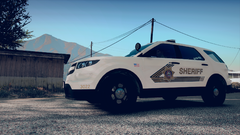 Grand Theft Auto V Screenshot 2020.06.04 - 18.03.31.42.png
-
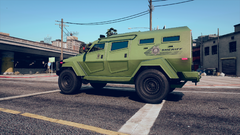 Grand Theft Auto V Screenshot 2020.06.04 - 04.21.50.29.png
-
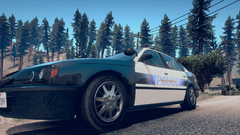 Grand Theft Auto V Screenshot 2020.06.04 - 02.14.34.60.png
-
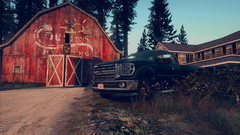 Grand Theft Auto V Screenshot 2020.06.03 - 03.30.04.44.png
-
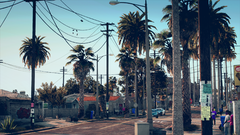 Grand Theft Auto V Screenshot 2020.05.28 - 17.58.02.98.png
-
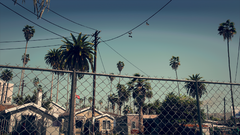 Grand Theft Auto V Screenshot 2020.05.28 - 03.00.20.52.png
-
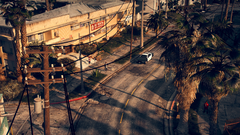 Grand Theft Auto V Screenshot 2020.05.28 - 02.54.13.04.png
-
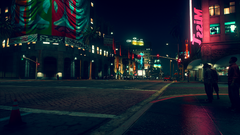 Grand Theft Auto V Screenshot 2020.05.27 - 04.41.15.22.png
-
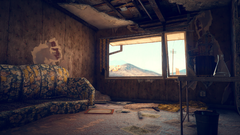 Grand Theft Auto V Screenshot 2020.05.25 - 23.24.35.29.png
-
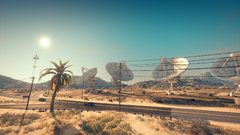 Grand Theft Auto V Screenshot 2020.05.25 - 23.12.15.39.png
-
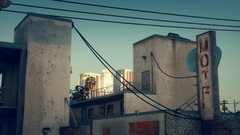 Grand Theft Auto V Screenshot 2020.05.25 - 19.13.28.36.png
-
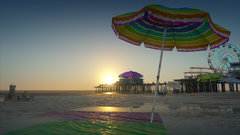 Grand Theft Auto V Screenshot 2020.05.22 - 19.22.36.53.png
-
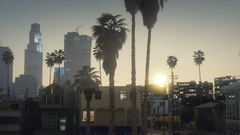 Grand Theft Auto V Screenshot 2020.05.22 - 19.20.36.71.png
-
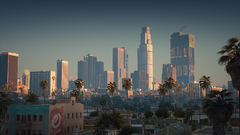 Grand Theft Auto V Screenshot 2020.05.22 - 19.19.06.34.png
-
-
From the album: Random Photos from San Andreas
-
From the album: Random Photos from San Andreas
-
From the album: Random Photos from San Andreas
-
From the album: Random Photos from San Andreas
-
This topic has been moved to the appropriate forum. Please post in the correct location in the future.
-
You are absolutely right, I apologize for that. I linked the Youtube video only, instead of the link to our install page: https://www.lcpdfr.com/lspdfr/how-to-install/ The instructions on how to manually install LSPDFR are there. If there are more detailed questions, reply here and we'll do our best to help.
-
Your topic has been moved to LSPDFR 0.4 Support. Please post in the correct location in the future. Hey there! If you're having issues installing, there is a video that goes through the process: If you are having more specific issues with the install, I would recommend listing the issues you're having and what troubleshooting steps you've taken and we can provide more detailed help!
-
Your topic has been moved to LSPDFR 0.4 Support. Please post in the correct location in the future.
-
This topic has been moved to the appropriate forum. Please post in the correct location in the future.
-
Kinda getting off topic for the post. But DLS basically is Non-ELS vehicles, just using the vanilla siren settings, overriding it with different patterns. Both systems work great, but I prefer using DLS as it allows vehicle creators to use the extras slots that ELS takes up. I'll be happy to talk about it this more in a separate post if you wanted to continue talking about it.
-
Yep. If I remember correctly there are other plugins that do traffic control better than ELS does. ELS just forces the NPC to go full speed ahead to get out of your way. Mainly for clearing intersections as you don't really look behind you to see the chaos after forcing them out of your way. I no longer use it as I use DLS, but I remember turning this feature off in ELS and never noticing any lost features, only that I could actually perform traffic stops without issue.
-
Hey there. If I recall correctly, this has to do with the ELS Traffic Control feature. In the ELS.ini file in your main GTAV install, there is a line that says: ElsTrafCtrlOn = true Set that to false. Pressing the A button on the controller forces NPC drivers out of the way and overrides the traffic stop system causing that "crazy driving" as you mentioned.
-
 Hey there. Awesome idea releasing an addon folder to hold your car packs. Just a suggestion, you might want to add some additional info in the file's description saying what vehicle packs to use as your readme file doesn't list them either. Just to help avoid any confusion from those looking to download it.
- 45 comments
- 1 review
-
 Not sure what would be needed, its not really a plugin/script, just an audio replacement. If you mean support for more plugins, most use their own audio files and they can be replaced with copies of the audio included with this download. If you would like help with that, just hit me up and I'll help the best I can.
- 311 comments
- 39 reviews
-
-

- 2
-
-
From the album: Random Photos from San Andreas
-
From the album: Random Photos from San Andreas
-
From the album: Random Photos from San Andreas
-
From the album: Random Photos from San Andreas
-
From the album: Random Photos from San Andreas
-
From the album: Random Photos from San Andreas
-
From the album: Random Photos from San Andreas
-
From the album: Random Photos from San Andreas