



Crizby
Members
-
Joined
-
Last visited
Everything posted by Crizby
-
 Trevor is fighting the law again...
 -
 Beautiful picture! What map-mod is that by-the-way?
 -
 Reminds me of 'Black Hawk down'.
 -
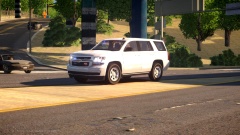 It really looks like a random pedestrian caught the vehicle running code. great shot!
 -
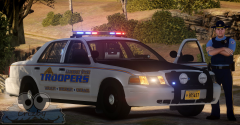
From the album: W.I.P's and random pictures
Re-designed and improved my Alaska/Alderney State Trooper livery. I'm now using a transparent background which makes the white look much more realistic. *The uniform is still a W.I.P.* -
 "Back in the day when we used invisible Troopers..."
 -
Alaska State Troopers during the late 1970's. Credit: '' target='_blank'>>
-
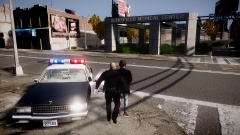 Did that LAPD ped ever get released?
 -
 You might want to change the lights in the front to only red and white since it's a NY-based Dept. ? Looking good nontheless.
 -
 Wow! I love that Detective.
 -
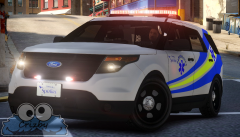 '> "There's no radar unit on any EMS vehicle..."
 -
From the album: W.I.P's and random pictures
-
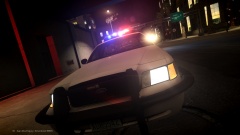 Cool! One of my favorite agencies.
 -
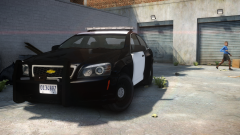 Oh, you're the man! I really like the new Caprice.
 -
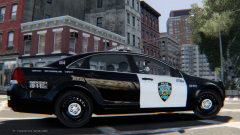 I'm not 100% sure on this but I thought the black color was only applied to the test vehicles during 'field testing' with Troopers? (2012- Charger, Caprice PPV, FPIU & FPI).
 -
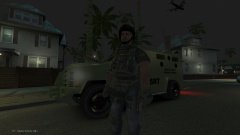 Yeah, second me on that Mr. Jesus^^ Anyways, is that supposed to be a tactical Deputy on a raid? (From perhaps a specialized street crimes unit?). Looks cool and Floridian which is always a +1 from me.
 -
Wow! Love this ambulance. I've always used the previous one with the LED light-bar, guess this is the new servant of the Fire-Rescue Dept. From now on.
- 9 comments
- 10 reviews
-
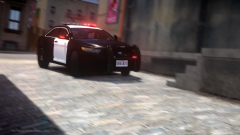 You should try doing a Caprice PPV as well.
 -
 Reminds me of the 'Super Speeders' crew.
 -
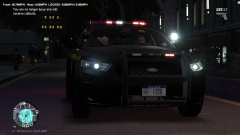 Alright, thanks! I thought I recognized them. Thanks for the offer @Rich Sobilo but I'm not interested in a clan.
 -
Are any of those NYSP cruisers released? (I'm referring to those in your previous screenshots as well)
-
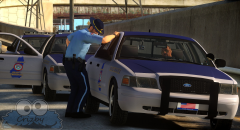
From the album: W.I.P's and random pictures
-
From the album: W.I.P's and random pictures
-
McHenry Co. Sheriff (IL) still use one Caprice in active service.
-
At least that Crown Vic is going to continue it's faithful service with another department.



