


IronicRainbow
Members
-
Joined
-
Last visited
Everything posted by IronicRainbow
-
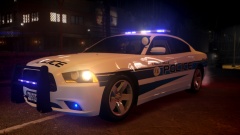 Wow, these skins look super nice. Great job as always.
 -
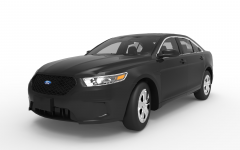 Second image edits by me, pro photoshop pro ;)
 -
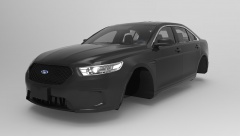 I can't. Just put other ones on lel
 -
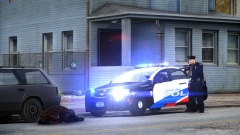 it hahd to b a blaakc mann y u do dis mike brwwonow
 -
Woah, looks noice man. 8/8 gorgies from IGN. I'll have to send you the newest version.
-
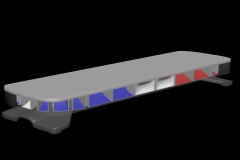 Honestly the top looks poorly detailed. Are you planning to add a texture to it at least to make it look better?
 -
Paint3 materials need to be set up like so: - Specmap (UV #1) - (anytexture)_1 (UV #2) - Dirtmap (Multiply, UV #1) - Specmap (Specular, Multiply, UV #1) Hope this helps.
-
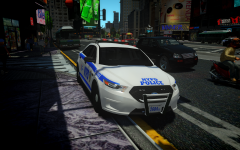 This car isn't released, but here's a similar version by myself '?do=embed' frameborder='0' data-embedContent>>
 -
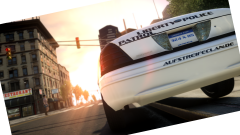 Crop tool is your friend.
 -
-
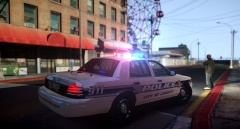 God dammit Dwayne.
 -
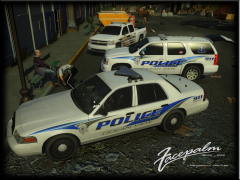 Is that cop tying that dude's shoe?
 -
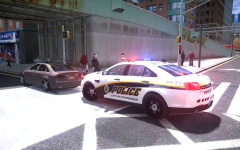 I keep asking because i'm interested. I never said it was mine; it has differences that I can see.
 -
Who's base model?
-
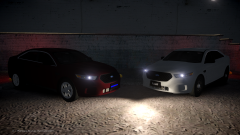
From the album: IronicRainbow's Pictures
http://imgur.com/a/sLRIV -
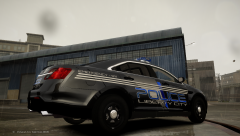 Best font title ever.
 -
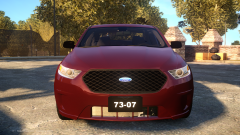 Some updates on the model: Reworked front indicators, fixed taillights, fixed rear bumper reflectors, narrowed black gap on windscreen, removed un-needed polygons, scratch made new air outtakes.
 -
From the album: IronicRainbow's Pictures
MORE PICTURES http://imgur.com/a/Ph5wz -
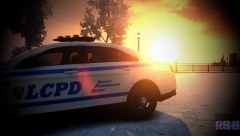 '?do=embed' frameborder='0' data-embedContent>>
 -
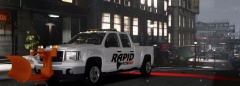 Oh my.
 -
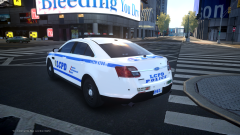
From the album: IronicRainbow's Pictures
Being approved right now, featuring my new base model. Consider this my Christmas present to you all. -
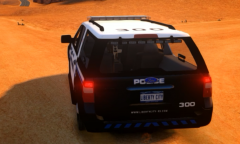 It's not boxy at all compared to yours.
 -
Honestly doesn't look too 'HQ', but nice work.
-
You could have used Kygo's 21TR; essentially the same lightbar but way less polys.
- 20 comments
- 2 reviews
-
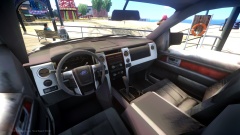 Needs a better steering wheel texture :P


