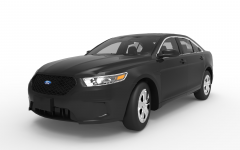
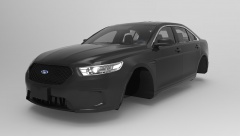
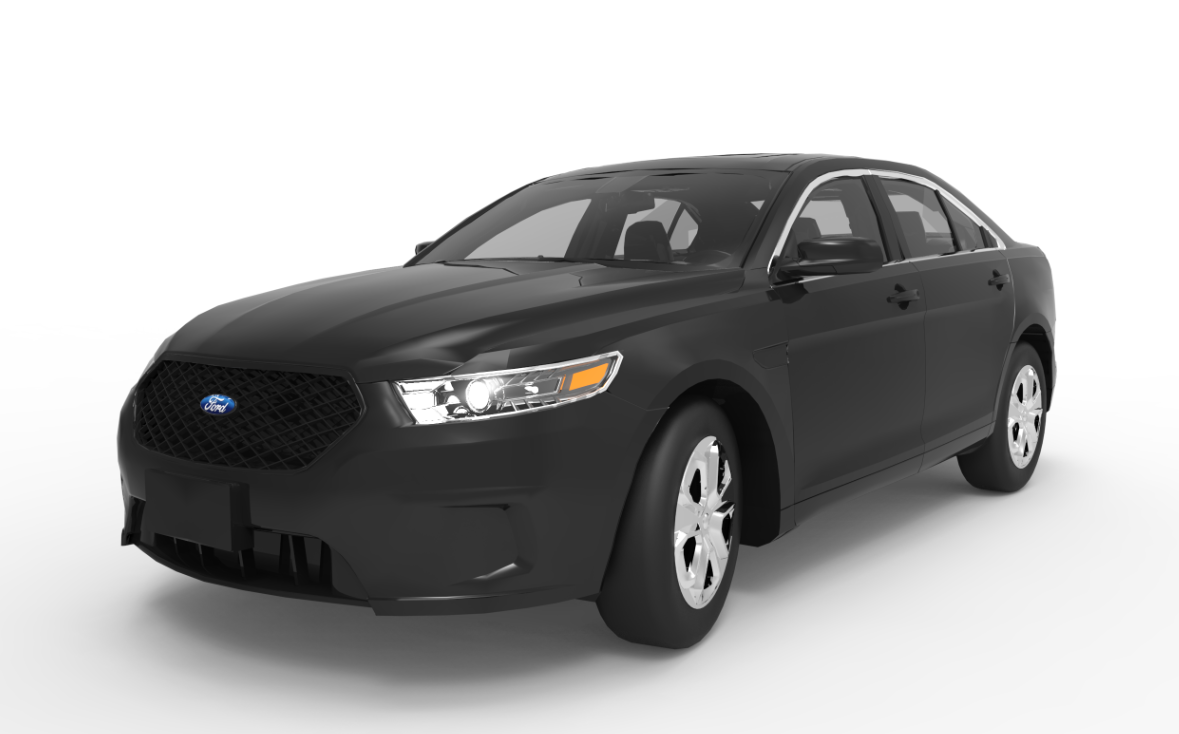
2013 Ford Police Interceptor Sedan v2 Share https://www.lcpdfr.com/gallery/image/43473-2013-ford-police-interceptor-sedan-v2/ Share on Facebook Share on X {lang="reddit_text" More sharing options... Followers Larger Image: Model by IronicRainbow, Rendered by me in KeyShot 5.0. First Image took 1 hour and 10 minutes to render. The second took 2 hours and 25 minutes.
IronicRainbow Members December 21, 201411 yr Author stats Second image edits by me, pro photoshop pro ;)
BErad1502 Members December 21, 201411 yr Author stats I love the way this looks! Beautiful car, and screens.
DannyBoy1909 Members December 21, 201411 yr Author stats I love the way this looks! Beautiful car, and screens. Thanks, I appreciate it!
Pengi Members December 21, 201411 yr Author stats dem rims :O, other than that not too shabby Ironic :P
IronicRainbow Members December 21, 201411 yr Author stats dem rims :O, other than that not too shabby Ironic :P I think it's just the material it was rendered with, but thanks!




Recommended Comments
Join the conversation
You can post now and register later. If you have an account, sign in now to post with your account.