vynlthrash
Members
-
Joined
-
Last visited
Everything posted by vynlthrash
-
i still find LC fun. dont get bored at all.. The callouts get a bit repettitive but overall i get something different every time
-
Id like to see the driver or passenger window option again...saved me alot!!! ALSO maybe put a smoking ped up in the mountains and have a "smell of marijuana" call or something to that effect
-
these are really good!
-
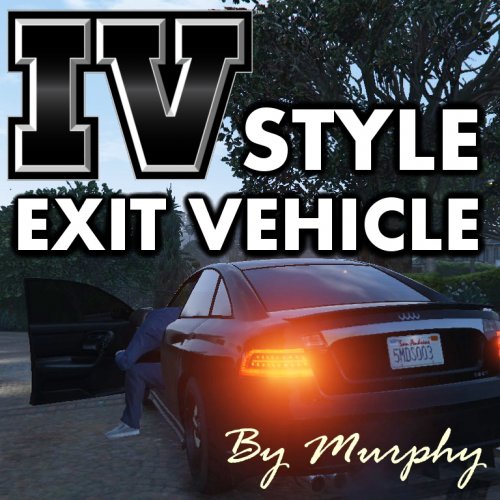 awesome..thanks for the other links too!!!!!!
 -
would that be added as a weapon? like on the weapon wheel or do you think just a key binding to pull it out??
-
im at work geeking out..
-
i dont remember where...but i saw someone was working on it..so hopefully it'll be out soon
-
thats awesome...thanks for the amazing work...seriously..
-
awesome! so there is an arrest animation??? excuse my ignorance
-
heh me too...lspdfr in first person....yasssss!!!
-
 i always fly KDEN TO KSLC
 -
-
-
-
-
-
-
-
-
-
-
-
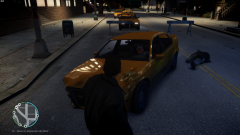
Officer Vynlthrash runs plates on a taxi driving suspiciously occupied two times and finds that the driver has an invalid Taxi License. He attempts to stop the taxi but the driver takes off. Officer Vynlthrash maintains distance to avoid loss of life as it appears the passenger is held hostage. The taxi was able to out run officer vynlthrash until a call about a taxi speeding through liberty city came in. Officer Vynlthrash drove towards the last known position and was struck head on by the taxi. The driver was killed instantly and the passenger was ejected through the left rear window.
-
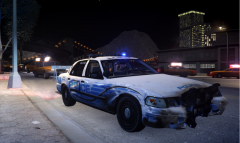
From the album: Invalid Taxi License
-
From the album: Invalid Taxi License