


vynlthrash
Members
-
Joined
-
Last visited
Everything posted by vynlthrash
-
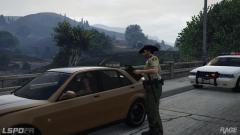
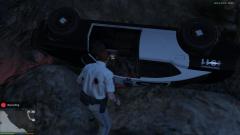 haha i rolled up to a callout and this was waiting..no officers and one dead suspect
 -
Im excited to see the police computer too!!! hopefully it has a few more features
-
i always put it in the mail direct. and scripts folder..just in case
-
oh! ive watched your stuff while bored at work..good stuff
-
awwwww yiss! i hope i can tone down the ammount of ai cops though
-
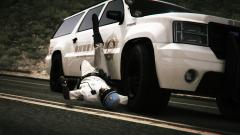 is this in liberty city?
 -
 ouch right in the maraccas
 -
-
-
-
-
-
-
-
-
-
still coming soon...so sorta right!
-
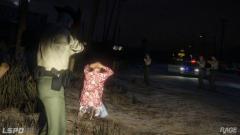 always have your pistol and your backup pistol
 -
DAT INTRO
-
30 secs!!!!
-
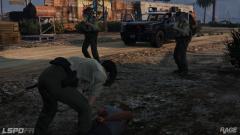 yaaaaaaaaaaaaaaaaaaaaaaaaaaaaaaaaaaaaassssssssssssssssssssssssssssssssss
 -
http://ragepluginhook.net/ComingSoon.aspx i know it prolly wont happen..but im nervous..whats wrong with me
-
yea thatd be amazing though..like when they are ready to fist fight..you get ready to draw...i dont know how theyd do that..but they seem godly at this..so maybe aha
-
i feel ike if I had to toggle that animation..it would hardly be used..if it was automatic i think itd be better. y u do dis
-
 is the window rolld up?



