
Hipsturr
Members
-
Joined
-
Last visited
Everything posted by Hipsturr
-
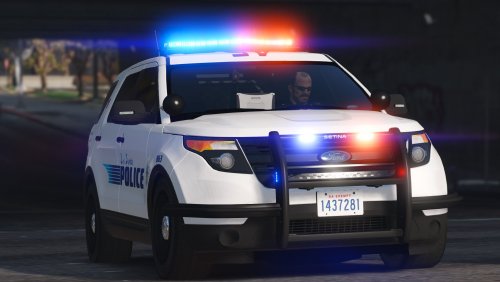 These vehicles are a direct and beautiful model and scale to the real deal. I've always wanted to drive one of these puppies around whenever I went down to Laguna Beach, and thanks to you, I can finally do so! Thank you so much! As a local, you don't know much realism and how much your Laguna Beach PD models mean to me, again, thank you Black Jesus. Additionally, can you provide textures of the actual liveries that LBPD uses on their vehicles? I am only looking for the city seal and the 'Laguna Beach' city name in their signature font. Thanks!
- 70 comments
- 16 reviews
-
-
 Oh Lord baby Jesus, yes!
 -
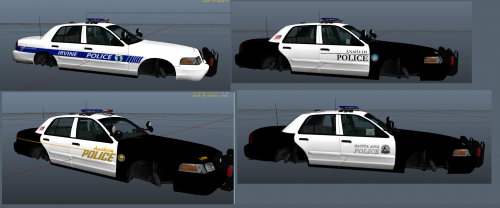
Being from Orange County and living within the cities there all my life, it is great to finally see someone making skins for the municipal police agencies! It brings a lot of realism and just unbelievable familiarization. Thank you for making this pack! Greetings from Laguna Beach!