


StaplesQc
Members
-
Joined
-
Last visited
-
Thank You !
-
Yes but sometimes the handling is really bad so i was just wondering if I could just add the cars.
-
Hello, I was wondering if its possible to add every police car that i want, because I'm using the Ford Explorer, but I also want the Taurus but I dont want to switch everytime the police3 files. So can I only add the vehicle files and I'm good to go or do I need to do something else ?
-
-
Dsl j'utilisa pas se mod :(
-
-
Est-ce que tu utilises le mode ''speed radar'' ou tu utilises lui qui vient avec le mod ''Traffic Policer''. Si tu utilises le mod ''speed radar'' je te suggère de l'enlever et d'installer le mod ''Traffic Policer'' ,qui vient avec un speed radar.
-
-
I have the same problem, and i did everything i could, i installed Visual V and Radiance V and this is how it looks : (The car to the left is Carperino's new charger)
-
J'avais le même problème as-tu installé le mod ''safer chase'' ?
-
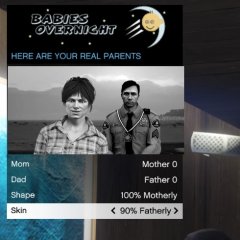 Can't wait :D
 -
https://www.gta5-mods.com/tools/script-hook-v
-
You can use a trainer
-
-
-
-
-
are you talking about that car: if yes go there : you should fine the vehicle file
-

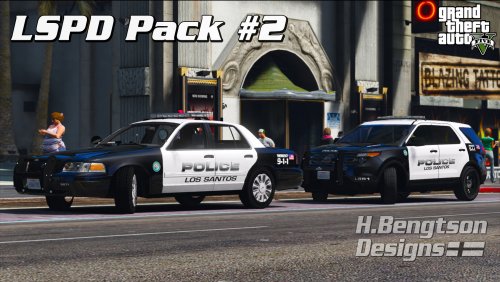
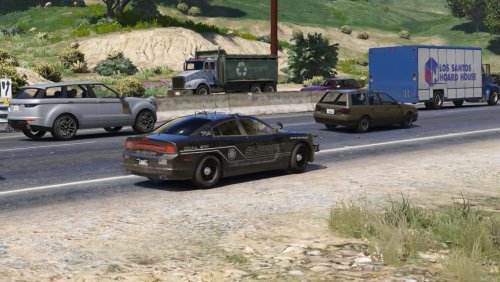
.thumb.png.647a35b217b2e1fe6e15e0ccc0c77b3b.png)
.thumb.jpg.4066677156985e22489bfecddc2f6c45.jpg)