
Eriiaa
Members
-
Joined
-
Last visited
Everything posted by Eriiaa
-
I must have made a mistake while editing STP config. Forgot to delete the plugins when I reinstalled. It works now.
-
When I try to go on duty from the console, I get the following error. LSPDFR still works partially but not all plugins load. The only change I made is installing VisualV. I have tried a clean LSPDFR install but no change. RagePluginHook.log When trying to go on duty from the station, LSPDFR crashes with this error
-
Wonderful...
-
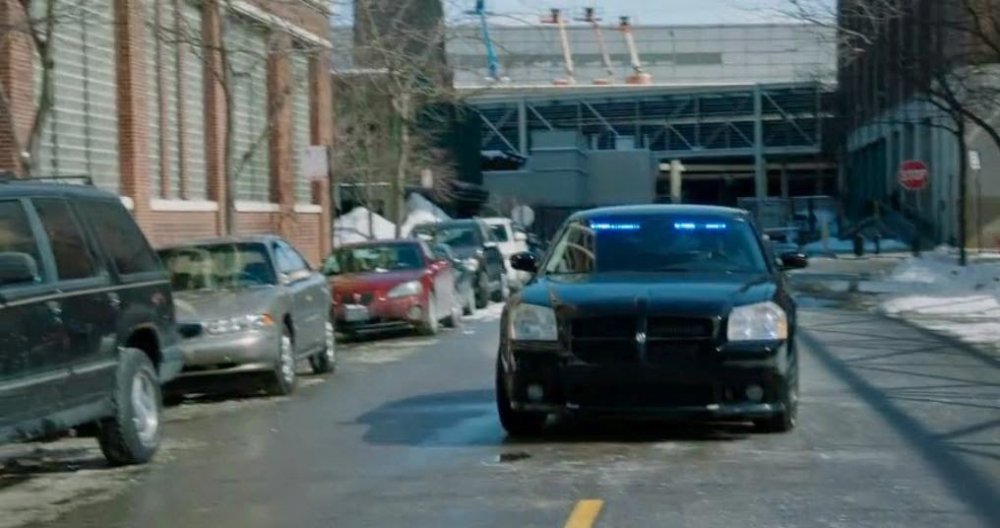
Beauty is in the eye of the beholder ¯\_(ツ)_/¯ If I recall correctly, @Thehurk had a pack for GTA IV that contained a Dodge Magnum, but the model is locked and the original creator of the Magnum is not active anymore.
-
I recall seeing a couple of Magnums for GTA IV, but so far nobody has made one for GTA 5. It would make an excellent unmarked car imho. Unfortunately, I have zero modelling skills, and have no idea how to convert a model from 4 to 5. From Chicago P.D.
-
-
 Doesn't work for me - game just crashes during loading. Plugin is enabled, i have latest RPH version. Nevermind, figured it out.
- 200 comments
- 22 reviews
-
 The Vector lightbar on the CVPI does not work for me. The lights are just steady burning forward and not rotating. I've checked the VCF and PRML are set to DRO1. Fixed it. I had an old carcols.ymt installed and forgot about it.
- 964 comments
- 158 reviews
-
Would it be possible to convert the Dodge Magnum to GTA 5, maybe even ELS enabled?
- 19 comments
- 7 reviews
-
-

- 1
-
-
-
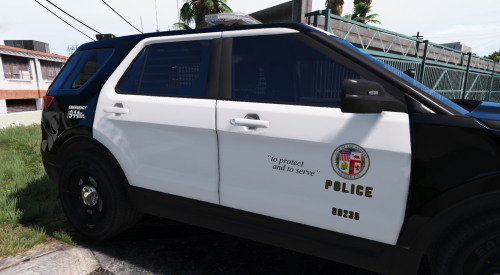 Open the .ytd, extract the skin files, done The description is not misleading. The file I provided is a texture archive containing the skin. If you only want the exp_sign files, you can extract them yourself. It takes 1 minute to do.
- 24 comments
- 4 reviews
-
-
-
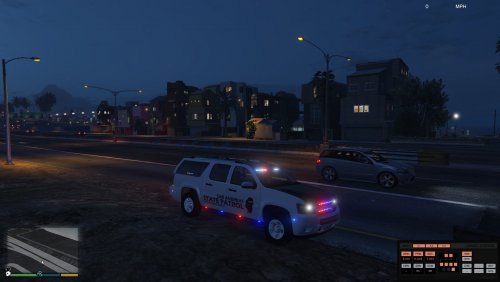 You need the DDS plugin to open most textures with it http://registry.gimp.org/node/70
- 69 comments
- 11 reviews
-
-
-
 The model is not too large This is a side by side comparison of a real life CVPI and FPIU And this is in game, CVPI vs Thehurk FPIU They look identical to me. Maybe, I say maybe, the FPIU is a bit taller, but it's barely noticeable (please note that the CVPI I spawned has got lowered race suspensions)
- 427 comments
- 75 reviews
-
Strange, I have the police3 handling and I've never tipped over, not even when cornering at high speed.
- 427 comments
- 75 reviews
-
No one is forcing you to download it. The model is WIP, it's even stated in the file page. You don't like it, you don't download it. If you have something to say, try to be constructive. The only "unfinished" thing about this is the wraparound, which is not a big deal
- 427 comments
- 75 reviews
-
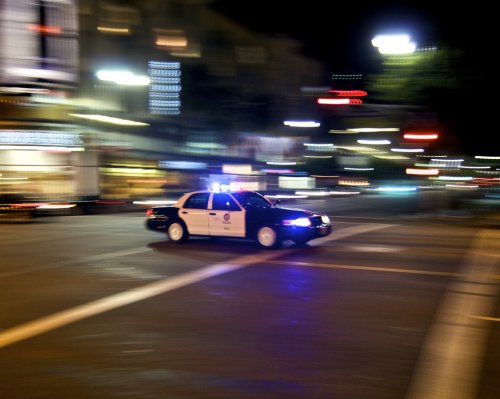 Fear not guys, since our friend BlueSteelShield has not updated it since June 2015, I've updated the archive. You can now install using openFormats LAPD Smart Siren.rar Have fun
- 45 comments
- 14 reviews
-
-
- 4
-
-
I know there's no wraparound, but NPC Explorers spawn with the pushbar, while the ones I spawn with trainers/take from the police station never have the pushbar. Also the ANPR radars on the roof and the two extra lights sometimes spawn and sometimes don't.
- 427 comments
- 75 reviews
-
-
-
I suppose so. The old screenshot was taken at about 6pm in game time. The new screenshot have been taken at noon
- 24 comments
- 4 reviews
-