


LCPD-74
-
Joined
-
Last visited
File Comments posted by LCPD-74
-
-
-
-
-
Okay, thank you for your feedback LCPD-74.
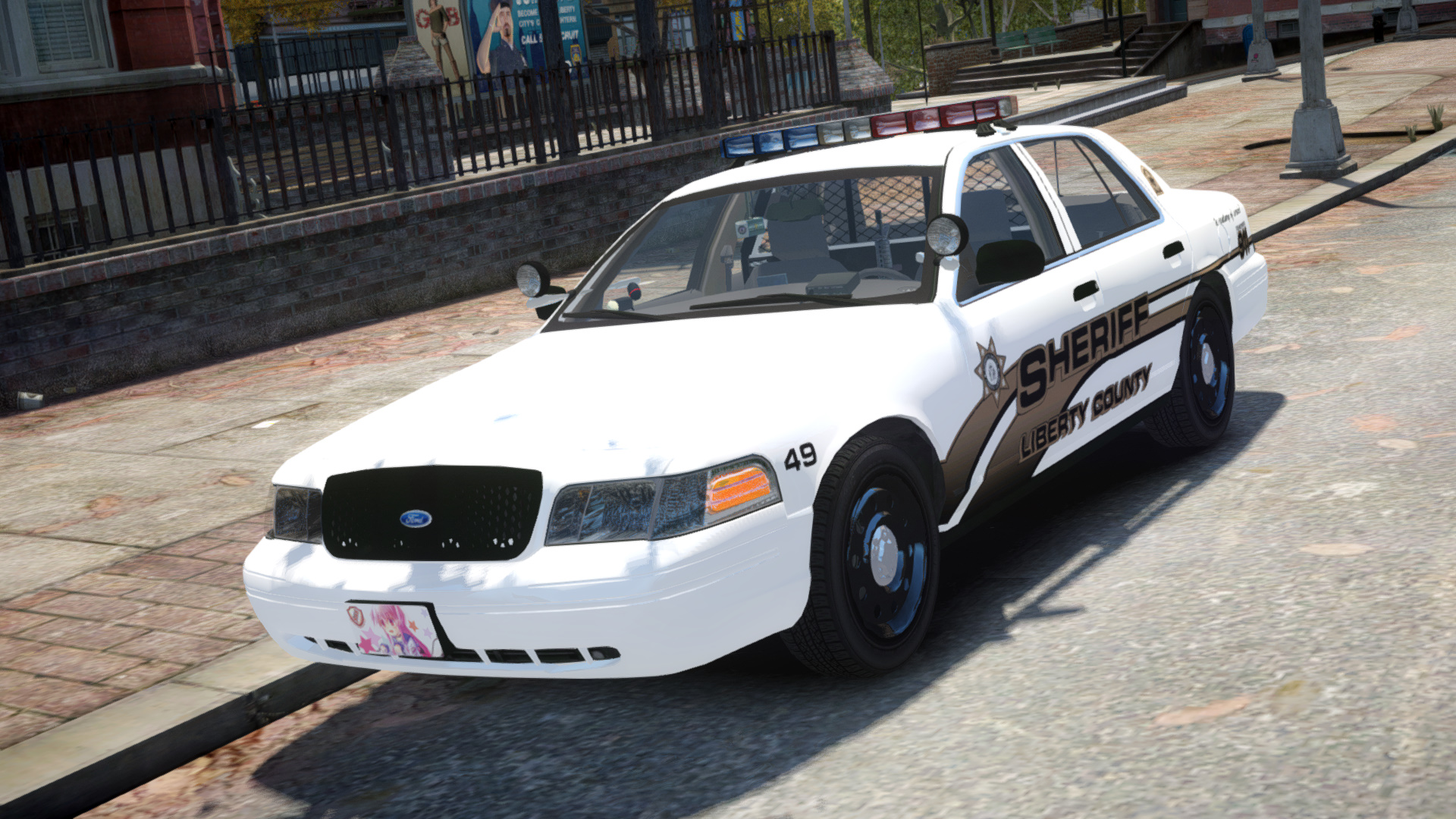
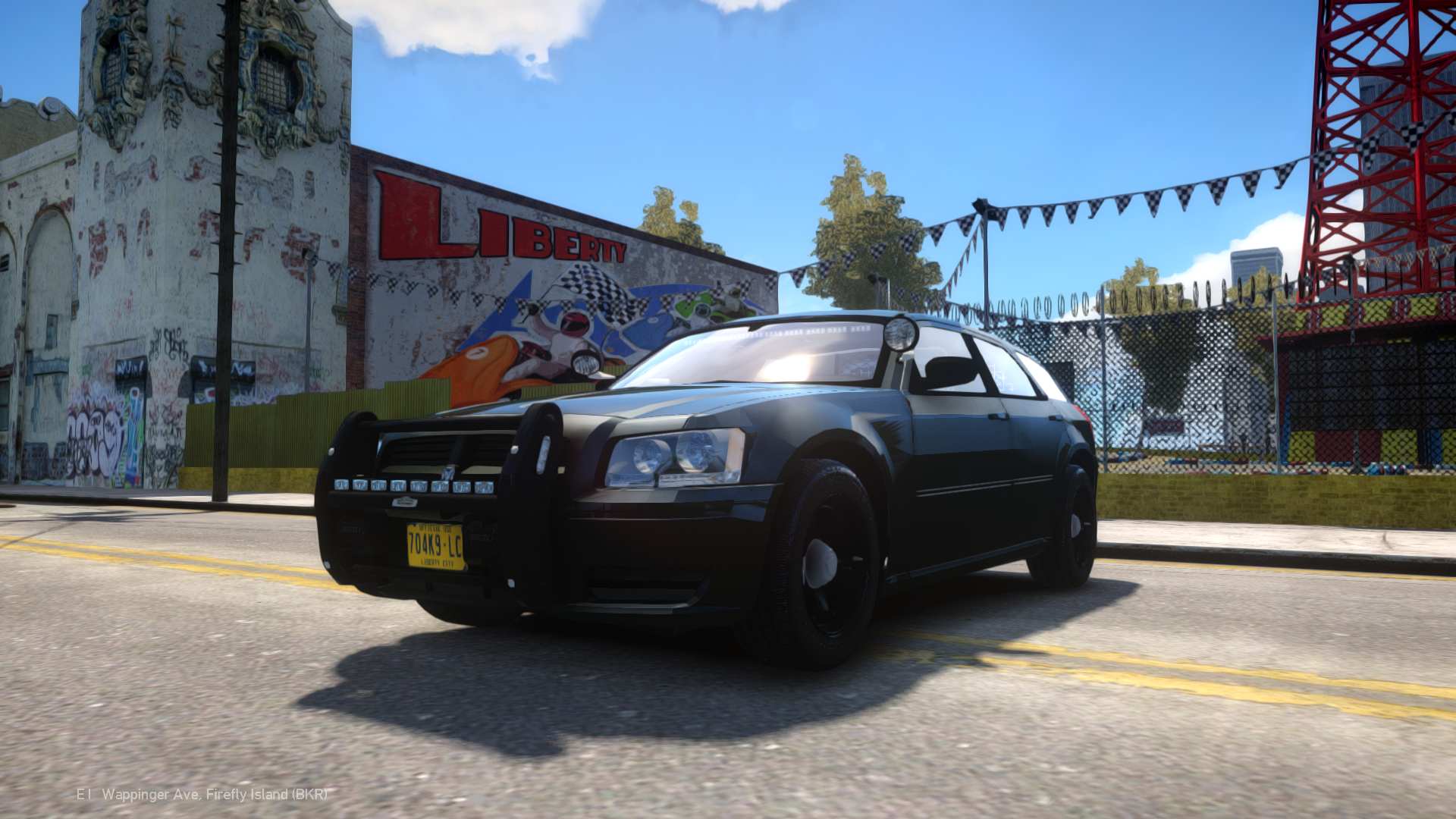
Keep in mind that some of the photos, particularly of Star Junction, may look lower quality due to some of the billboards in the distance. Additionally, these photos were taken without DOF enabled or other texture mods, such as vegetation or street textures.
No worries man, makes sense.
-
Hmmm in my personal opinion it doesn't really pop out and say WOW I think the photos taken were lackluster. I think maybe if you had someone with a higher end PC take the photos it would have been a lot better.
-
-
-
-

And I believe you need to credit me on that hat, as the textures were modified by me.
I actually did them, if u'd like the PSD documents... since we all know how to use Badge Creator....
-

right, i forgot to ask LCPD-74 without any evil intentions to upload it because i just gave the uniform a new color :) but not i think everything is fine. so, have fun with it!
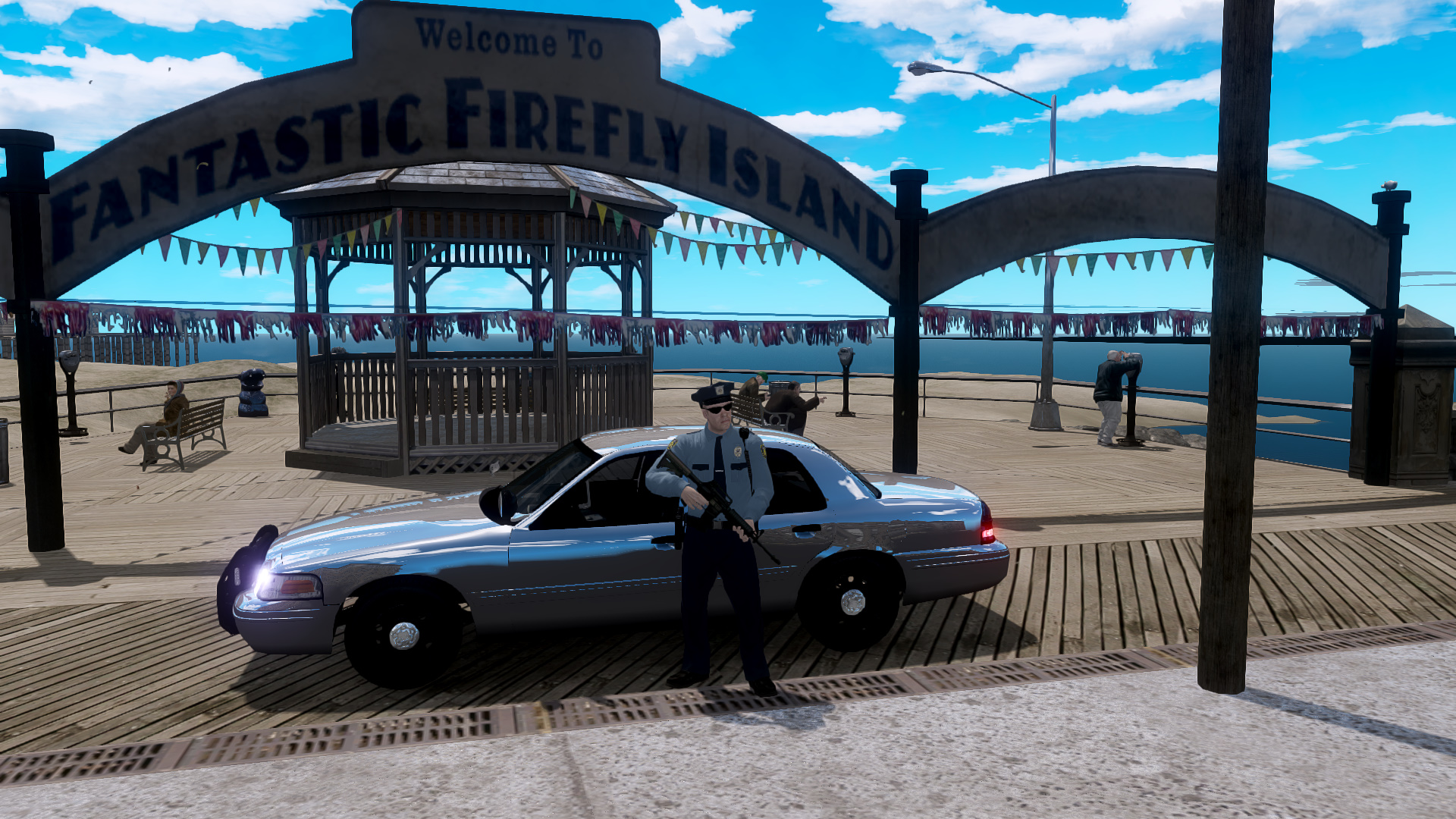
This are soooooooo fantastic. I've been using these like crazy. You can see them in action on my
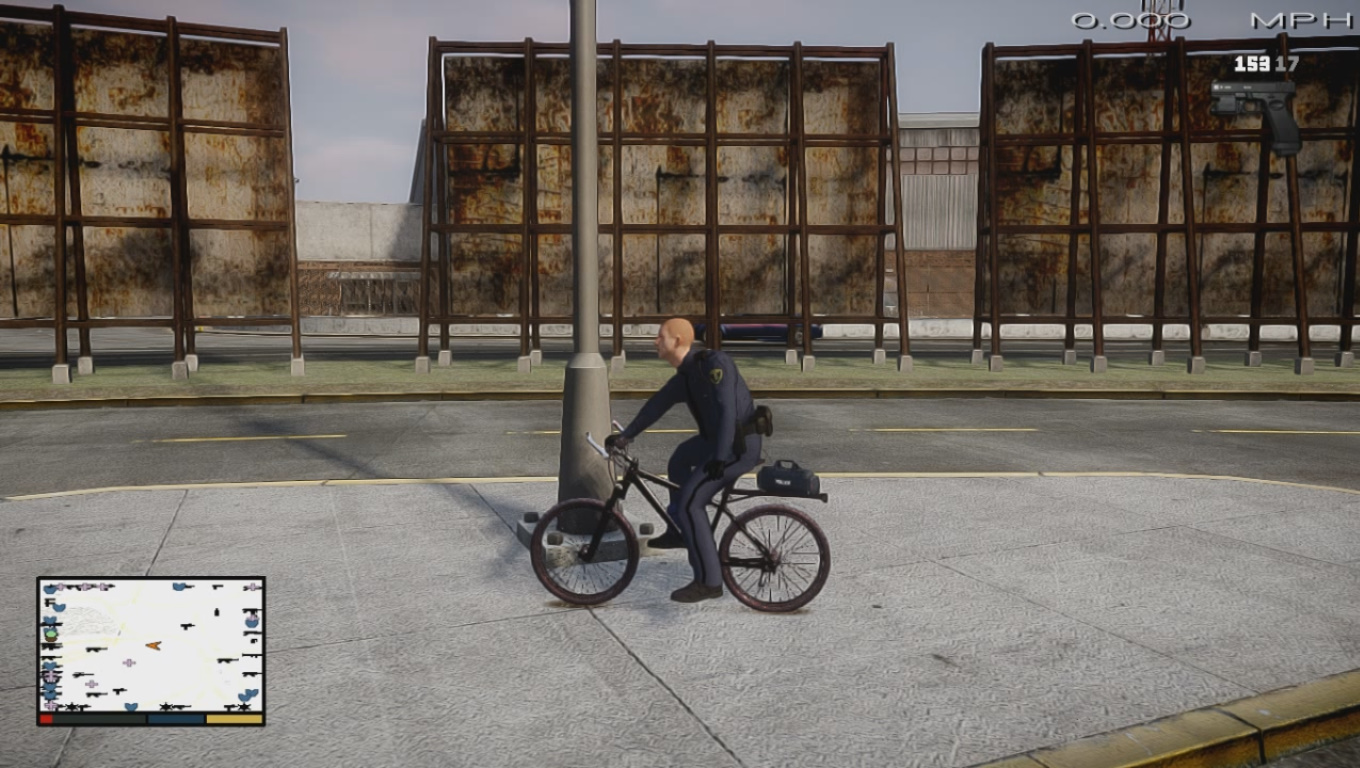
Love the uniforms 5/5. Only one problem I put them in on my "fatcop" slot and changed the walk style. For some reason when the model spawns as AI some of the officers have black hands and white arms and vice versa. It isn't a major problem but looks weird, any suggestions.
You have to go into your peds.ide and copy the info from the m_y_cop and paste it in your m_m_fatcop slot
Could you make it as small size as possible, because it may cause texture bugs for me. Are the pants from GTA V LSPD COps? Could you make a LSPD version with a tactical LSPD officer?
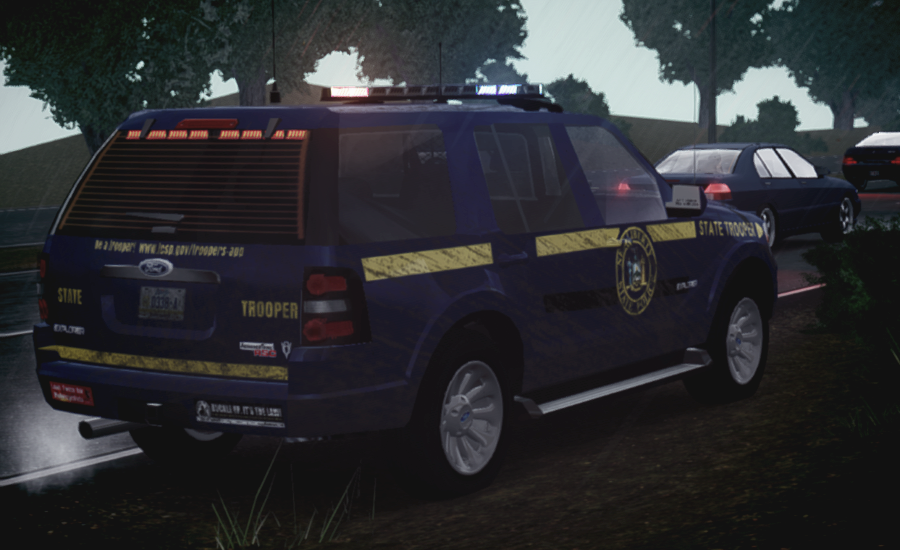
There is nothing I can do about the size... The pants are from the State Troopers in GTA IV. And this model itself is not like LSPD's tactical.



Account
Navigation
Search
Configure browser push notifications
Chrome (Android)
- Tap the lock icon next to the address bar.
- Tap Permissions → Notifications.
- Adjust your preference.
Chrome (Desktop)
- Click the padlock icon in the address bar.
- Select Site settings.
- Find Notifications and adjust your preference.
Safari (iOS 16.4+)
- Ensure the site is installed via Add to Home Screen.
- Open Settings App → Notifications.
- Find your app name and adjust your preference.
Safari (macOS)
- Go to Safari → Preferences.
- Click the Websites tab.
- Select Notifications in the sidebar.
- Find this website and adjust your preference.
Edge (Android)
- Tap the lock icon next to the address bar.
- Tap Permissions.
- Find Notifications and adjust your preference.
Edge (Desktop)
- Click the padlock icon in the address bar.
- Click Permissions for this site.
- Find Notifications and adjust your preference.
Firefox (Android)
- Go to Settings → Site permissions.
- Tap Notifications.
- Find this site in the list and adjust your preference.
Firefox (Desktop)
- Open Firefox Settings.
- Search for Notifications.
- Find this site in the list and adjust your preference.
Teamspeak 3 Mic Clicks
in Other Modifications & Files
Videos should always be ready for when it is released, not after.