LIPDProductionsInc
Members
-
Joined
-
Last visited
Everything posted by LIPDProductionsInc
-
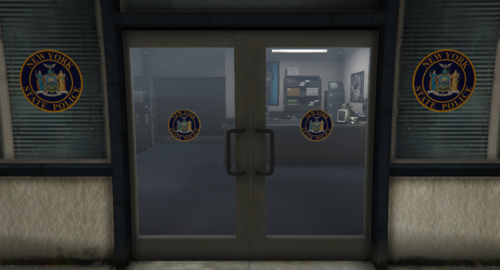 This is my second solo project, but my first add-on project. This mod adds doors labeled for the New York State Police Department in New York. It is highly recommended that you install this in the mods folder.
 -
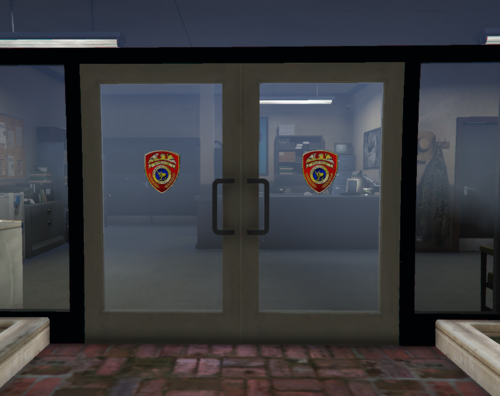 This is my first solo project. I took it on after finding out how to replace the textures on model files. This mod replaces the current sheriff doors with ones labeled for the Suffolk County Police Department in New York. Make sure to install this in your mods folder, not your main GTA V directory as there is no way to uninstall this mod without reinstalling the game.
 -
No, it crashes when I have mods enabled on startup. If I don't, I just get an endless loading cycle.
-
-
From the album: Random Pictures
-
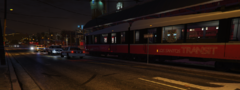
From the album: Random Pictures
-
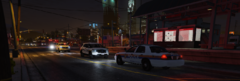
From the album: Random Pictures
-
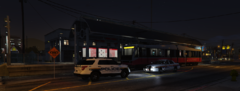
From the album: Random Pictures
-
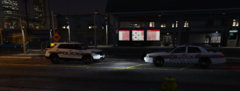
From the album: Random Pictures
-
-
Yeah, I deleted that and GTA booted up like normal through the Rage Plugin Hook
-
I had that same issue. Scroll all the way to the bottom in your GTA folder. Do you see a dll file that starts with a z?
-
@unitedOrange66Would having a vehicle trailer that crashes your game when you try to spawn it cause CodeWalker to not load mods?
-
I launched CodeWalker when you sent that and I'm still waiting for it load the mods, I have the loading cursor and when I tried to load CodeWalker with mods enabled on startup, it crashes
-
It's a vehicle add-on
-
Do I need to load mods with CodeWalker?
-
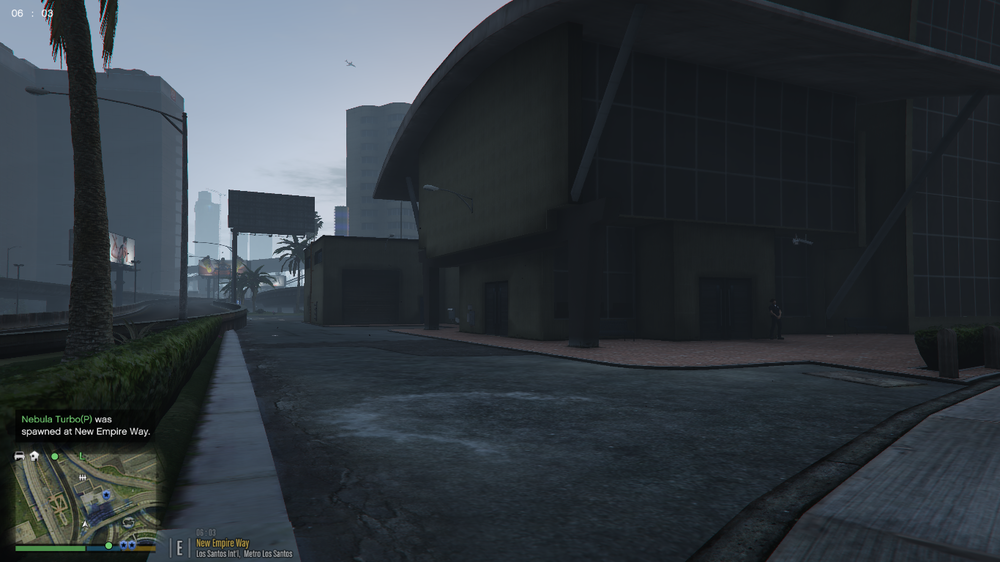
As the title says, I have an ESU truck I want to be spawned in on the side of the building, but as you can see in the picture below: The truck isn't there. I have checked the log for any help and there is nothing. I have put the code for the station down below: The spawn code is correct as I have copied it from OpenIV. Any help is appreciated. As of writing this, I have spent 6 hours trying to get this truck to spawn outside of using a trainer, and I'm all out of options
-
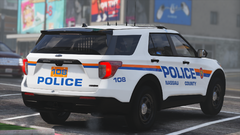 Where can we get this?
 -
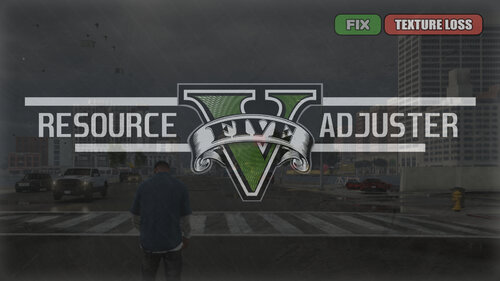 So, I'm still getting this even with trying to adjust the settings.... Can anyone help?
- 104 comments
- 33 reviews
-
-

- 1
-
-
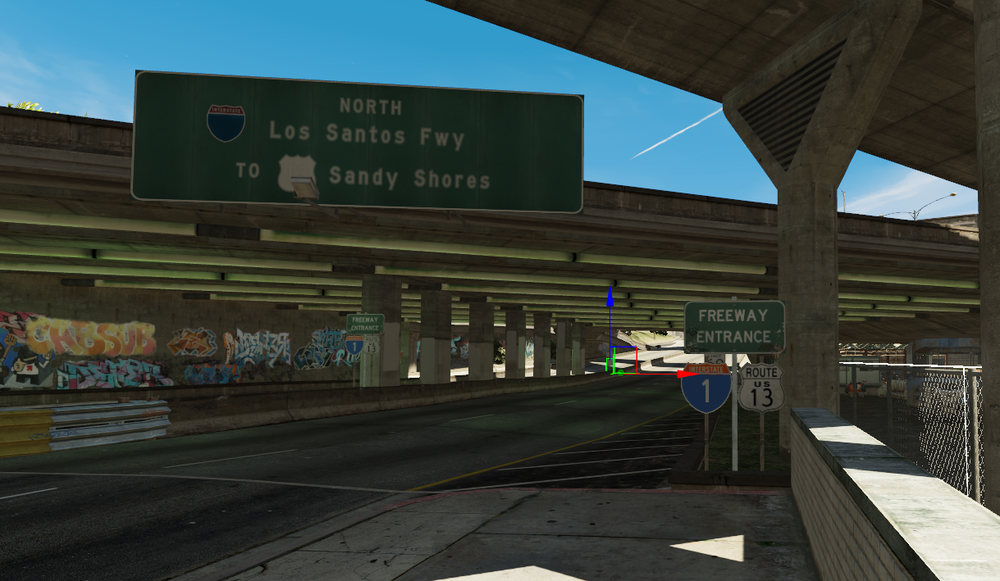
I have a custom ymap made with Codewalker that I'm integrating into a R* DLC pack. I have followed tutorials online for SP installation, but when I'm expecting this: I get this: What am I doing wrong?
-
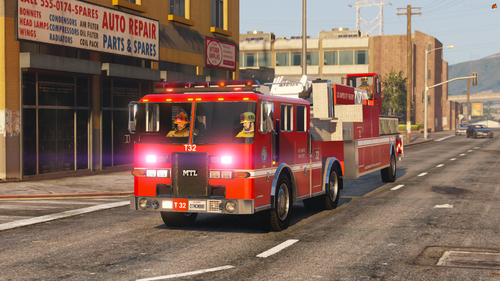 I'm in the driver's seat
 -
Ummmm....
-
-
-
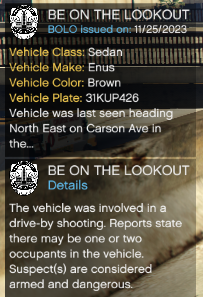 This adds basically all the civilian vehicles (About 500 of them) to the BOLO models files for Immersive Ambient Events. I am currently working on adding the armored cars to the list after confirming that they aren't too OP. You will need Immersive Ambient Events in order for this to do anything. Thank you to @Echooo for allowing me to upload this. Recommend having AddedTraffic for more of a challenge of finding the right vehicle.