



oxherder1
Members
-
Joined
-
Last visited
Everything posted by oxherder1
-
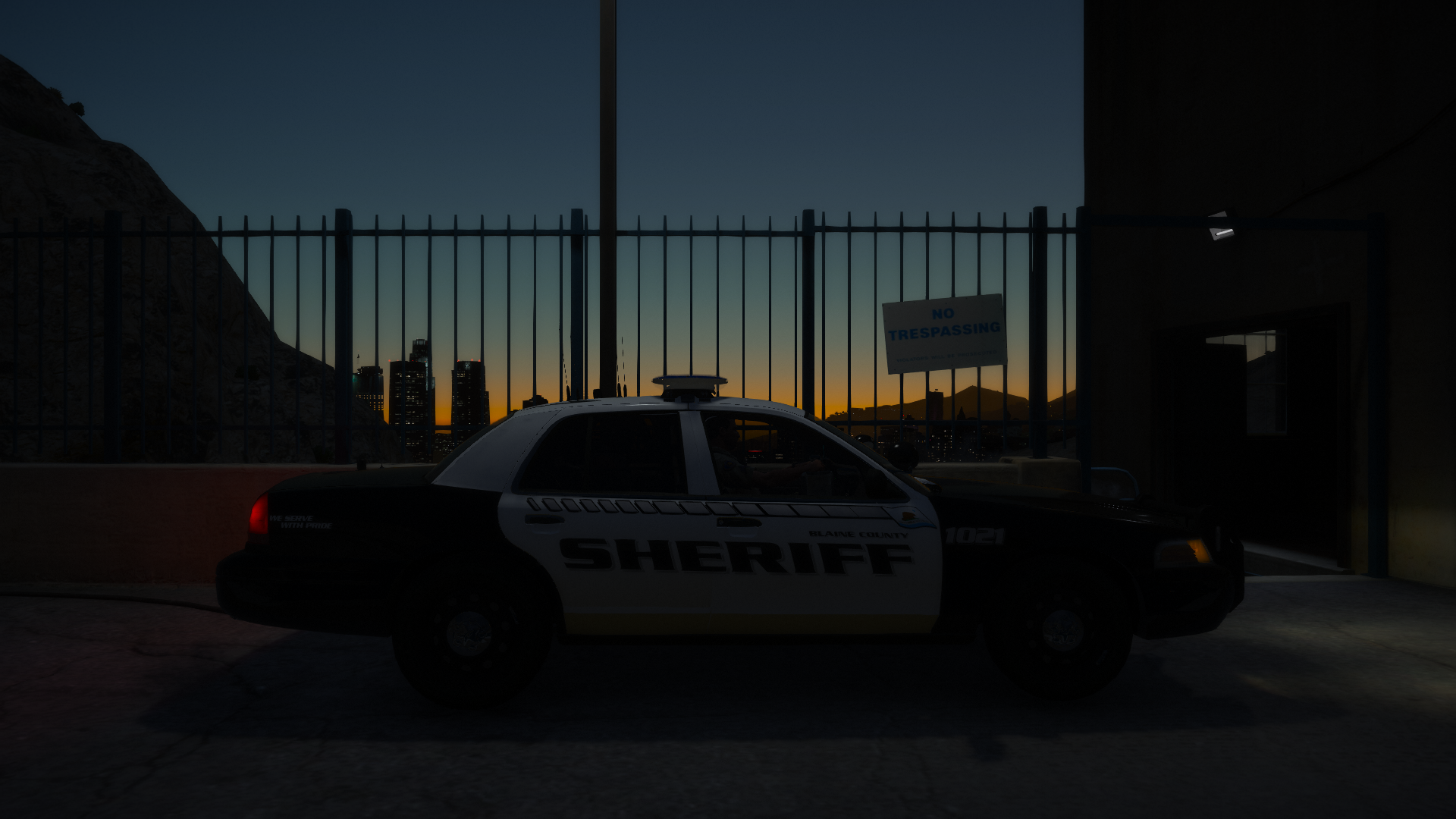
 Damn that car looks gorgeous! Beautiful picture, MemeEnhancer looks fantastic.
 -
The root of the problem is ragepluginhook .43. To fix the blips, just downgrade to .42.
-
 You can never have "too many lights". Never.
 -
With .43, I've had a issues with some icons on the map not disappearing and others flashing the wrong color. I'd suggest staying with .42
-
 Apologies for the double post of some of the screenshots, it uploaded them twice and I can't figure out how to remove the copy
 -
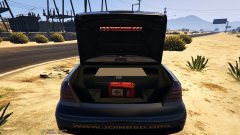
From the album: Oxherder's WIPs
Trunk equipment includes a stop stick, an equipment tray, and a first aid bag. -
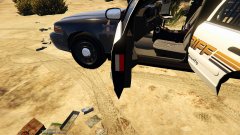
From the album: Oxherder's WIPs
The front driver and passenger doors both feature reflectors made by me. -
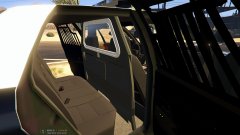
From the album: Oxherder's WIPs
Prisoner transport area includes a proguard partition and a Sentina window bars. -
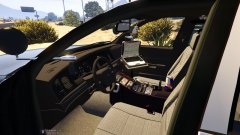
From the album: Oxherder's WIPs
The interior is probably what I'm proudest of. It includes a dash cam, a modified center console with a can of red bull rather than a coffee cup, an MDT (laptop) with a custom screen, a proguard gun rack with a shotgun, 2 spotlights. -
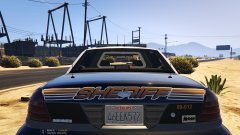
From the album: Oxherder's WIPs
-
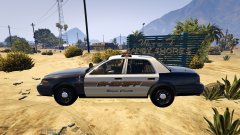
From the album: Oxherder's WIPs
My fifth model ever made, but my first to be worthy of showcasing and releasing. It's not based on any particular department; it's just a brainstorm of mine. -
From the album: Oxherder's WIPs
-
-
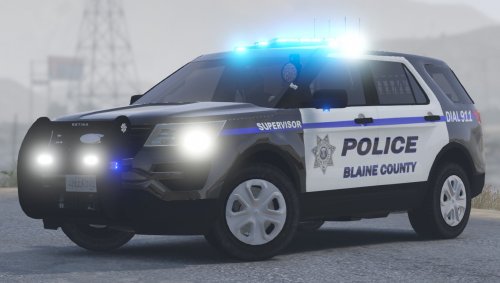 A couple of bugs. When opened, the trunk opens inward rather than outward. Kinda the same issue with the hood; it will open sideways and move if you turn the steering wheel. Good car all in all, and like everyone else said, it'd be nice if we had red and blues.
- 35 comments
- 14 reviews
-
-

- 1
-
-
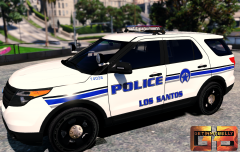 Awwwwwww yeahhhhh, that's my department
 -
Does poverty really need to be race issue? Poverty can be caused by a number of things: addiction (be it drugs or alcohol) natural disasters, poor life choices, or maybe someone was born into a poor family, not just the color of one's skin. At the end of the day, like Ben and Lundy said, equality exists, just not at the level we want it.
-
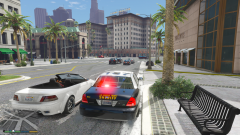 That look pretty darn good. I'd appreciate if you'd send me the emis file
 -
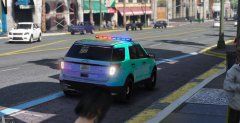 A wraparound ram bar would look good on an explorer. Also, how'd you learn how to set up lightbars? Did you find a tutorial? If you did, I'd love a link to it. I've got a project of my own going on, but I can't figure out how to rig lights.
 -
I could be wrong, but I believe this is a memory issue (it was for me). Try to aim the camera towards the ground completely, then try to spawn your vehicle.
-
Go to mods/update/x64/dlcpacks/mpchristmas2/dlc.rpf/common/data. Extract your carvariations.meta to your desktop and open it. Now, paste this just below <variationData> In the future, if a vehicle's light's don't look right, just change the sirenSettings to either <sirenSettings value="1" /> or <sirenSettings value="13" /> or <sirenSettings value="2" /> (2 is really only used on BxBuggs123's CVPIs)
-
Long story short, I need to rip the small LEDs off of the stock police car. Only problem is that I can't figure out how to do this. They seem to be attached to the chassis, and as such, cannot be removed. Am I missing something?
-
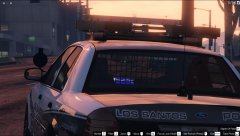 This looks absolutely fantastic! I'm loving everything about this car right now, especially that interior and the arrow board
 -
So I've been working on this CVPI model for quite a bit of time, and I recently added a small dash light. I followed a few tutorials about setting up lights to the letter in Zmodeler 3; however, when I try to spawn the car, I get this message: ERR_SYS_INVALIDSOURCE_5 Corrupt game data. Please reboot, verify the game data, or reinstall the game. For more info, please vistit blah blah. If I remove the light from the car, the crash goes away. Not quite sure why the light is causing this. Hopefully you lot will be able to help me out.
-
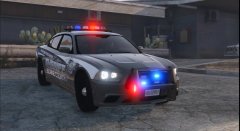 Looks great! Keep up the good work
 -
@Albo1125 This is great! Can't wait for release


