



oxherder1
Members
-
Joined
-
Last visited
Everything posted by oxherder1
-
Try alexguirre's updated RAGENativeUI 1.8.2 that's available on his GitHub repository. I've heard the current bundled version is causing issues.
-
So, I've done some testing. Took me an entire day basically, but I managed to fix my cars (although maybe only temporarily). I wiped my GTA root folder (everything except folders and .rpf types), verified the game cache, and re-added everything I previously had (scripts and stuff). This fixed the headlights. If I can get the lights to become red again (possibly through a crash like you said) I'll see if I can't find the exact file that's causing it. Whatever it is, the problem is in the root.
-
I thought something similar. I actually removed my entire mod folder, recreated it with just the update folder and the addon dlcpack inside and had the same issue. Whatever it is seems to be completely separate from the cars themselves.
-
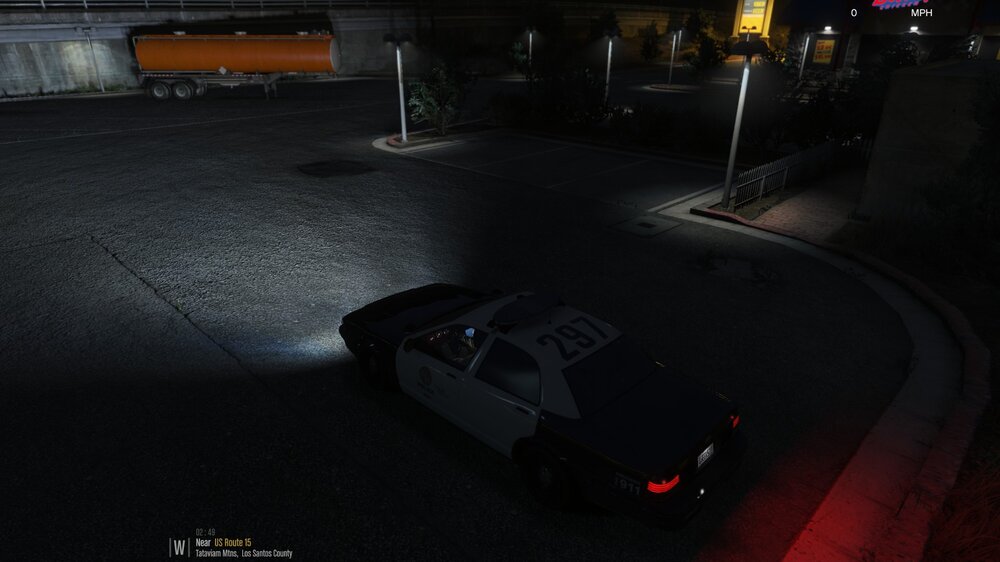
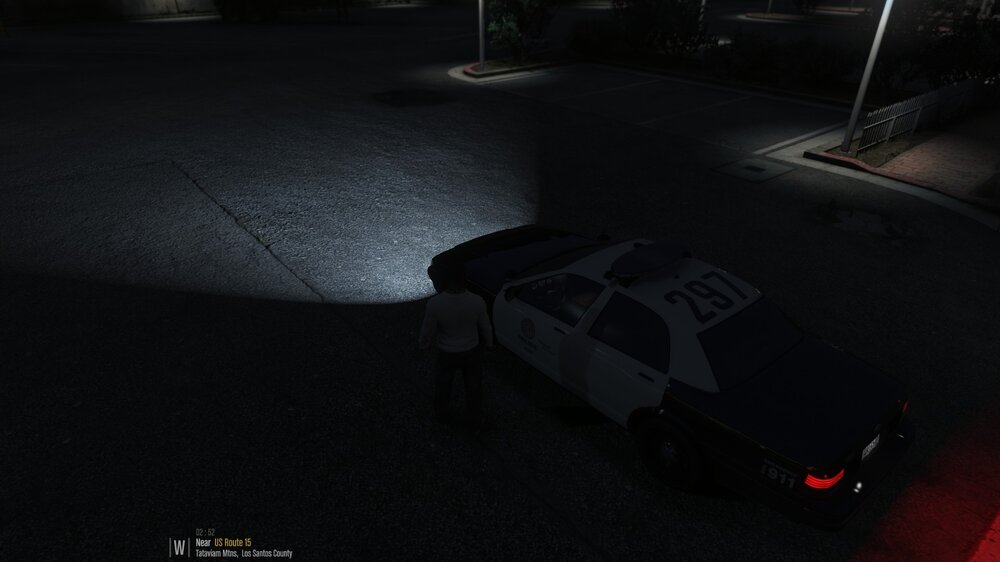
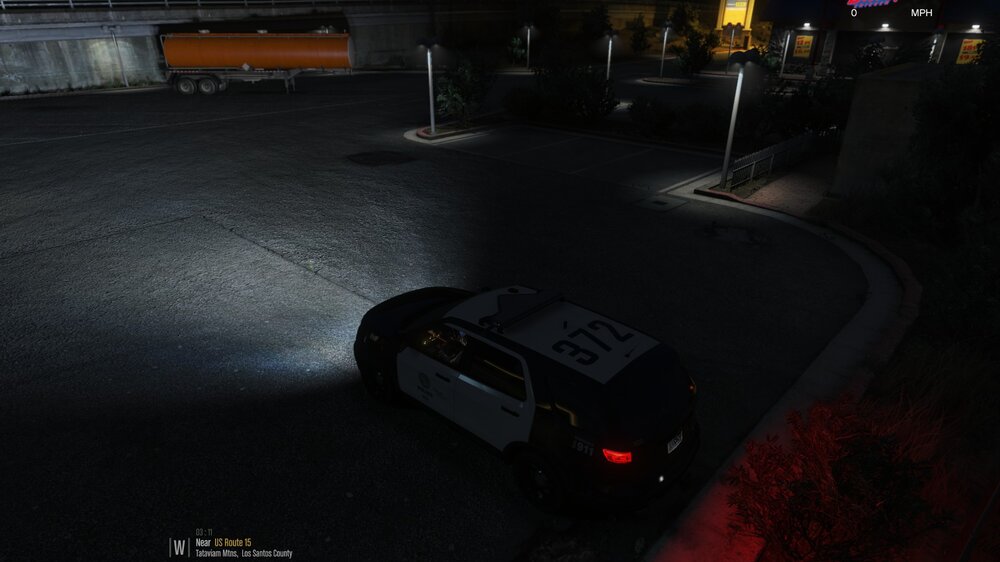
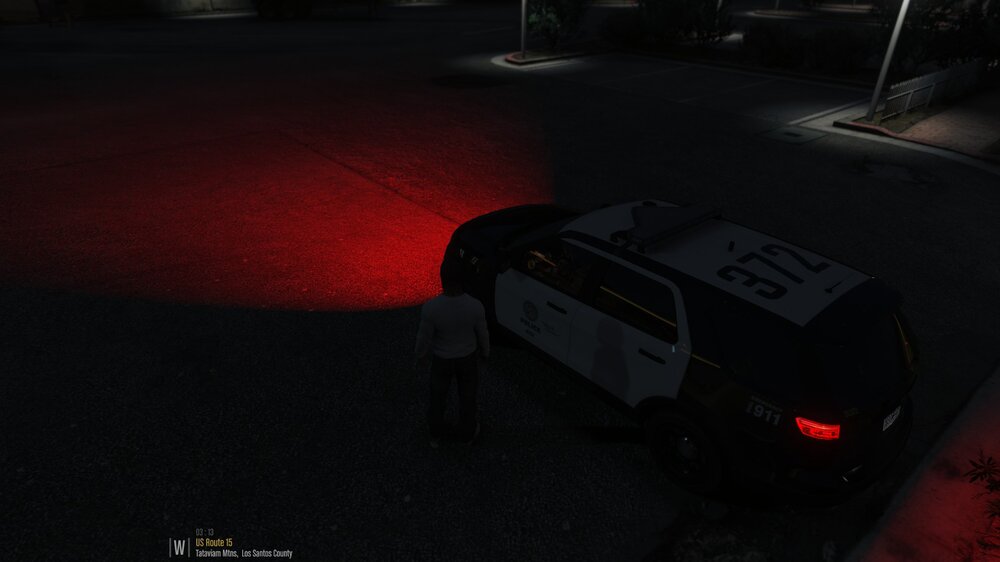
Every addon vehicle I have has regular-colored headlights when a player is in the vehicle, but bright red-colored lights when the vehicle is unoccupied (see attached spoilers). If the engine is turned off before exiting, obviously all lights turn off but it's not exactly practical to have to wait to turn the car back on when you're chasing a car fleeing from a traffic stop. This happens with both ELS and non-ELS vehicles. Neither default nor custom sirensettings/lightsettings have any effect. It happens with and without plugins loaded. Whatever's causing this appears to be acting on every addon vehicle from outside their respective dlcpacks. Nothing should be referencing the addon model names outside of their custom vehicles/carcols/carvariations.meta files, but no modifications to these files makes a difference. It should be noted that this is a sudden issue. When these vehicles were first installed they had normal headlights at all times. This is a recent bug. If anyone knows what governs the color or style of vehicle lighting in unoccupied vehicles, I'd love to know. Modded vehicle in POLICE slot w/ player inside: Modded vehicle in POLICE slot w/ player outside: Modded vehicle in addon slot w/ player inside: Modded vehicle in addon slot w/ player outside:
-
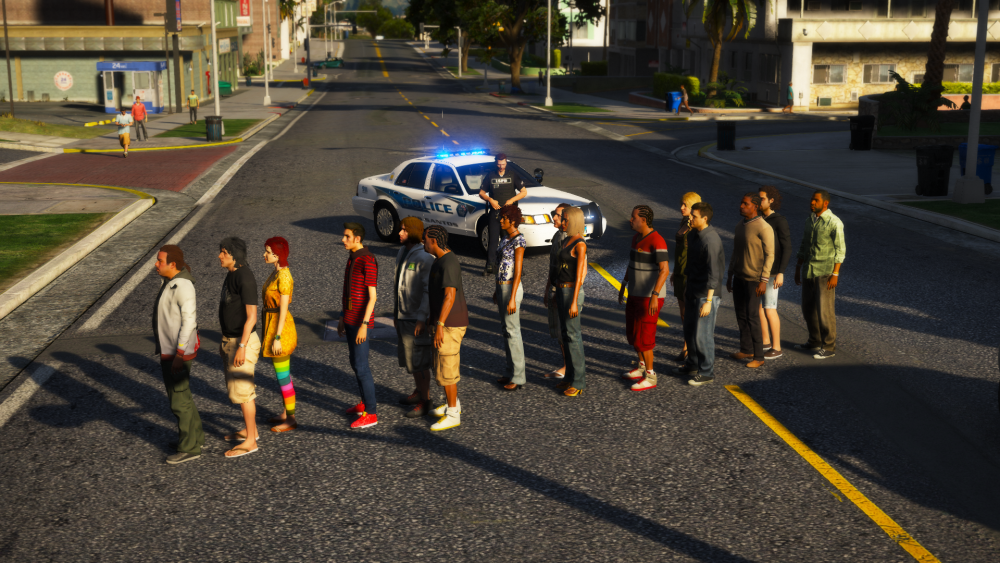
Attached is an image of the bug I routinely encounter when patrolling in LSPDFR where longer I play, the more peds spawn in this one area of Alta. The bug is not repeatable outside of LSPDFR. The peds never move or despawn and hardly respond to stimuli such as being bumped, struck with vehicles, punched, tazed, etc. The peds spawn at all times, even when I'm not anywhere near the area. I've also attached my RAGE log and LSPDFR config file for review. I can provide a list of plugins upon request.RagePluginHook_09072019_011415.loglspdfr.txt
-
From the album: San Andreas Law Enforcement Accreditation Association (SALEAA)
-
A collection of photographs taken to showcase the activities of numerous SALEAA accredited law enforcement agencies all across the San Andreas area, including, but not limited to the LSPD, BCSO, and SASP.
-
 Without Ragehook running, load a save with one of the three vanilla characters, then save with that character and exit the game. Restart with Ragehook and LSPDFR should load into your created character.
 -
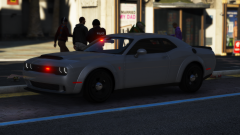
From the album: San Andreas Law Enforcement Accreditation Association (SALEAA)
-
As far as I know, this is an issue with the vehicle model itself. The only method I know for resolving this problem is to keep cleaning the vehicle. There are plugins on this site that bind repair and wash to a single key so you don't need to open the trainer every time your car gets dirty. Alternatively, you could swap the model out for one that doesn't have this issue.
-
Press the Scroll Lock key on your keyboard. That's the default keybind for it found in the ELS.ini.
-
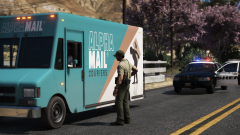
From the album: San Andreas Law Enforcement Accreditation Association (SALEAA)
-
 Absolutely amazing work, finally we get some traffic with brains! Keep it up😁
- 366 comments
- 32 reviews
-
-

- 2
-
-
You can also manually edit the visualsettings.dat in mods/update/update.rpf/common/data/visualsettings.dat and edit the car.defaultlight.day.emissive.on value by increasing it. Mine is set to 1800.50. Different vehicle models have different light brightness, so sometimes you'll need to tweak it slightly.
-
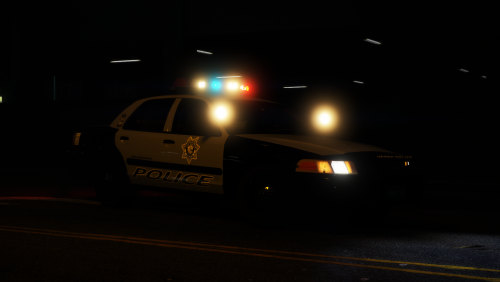 This pack is beautiful! Everything about this pack, from correct rotors to working wobble antennas, is perfect. Fantastic job!😁
- 46 comments
- 29 reviews
-
-
- 1
-
-
-
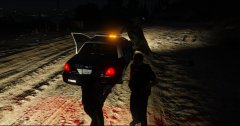
From the album: Dear Chief...
"1137 to Dispatch, 20X on North Calafia Way, send me supervisor and rescue, there's a cow stuck to my vehicle, still breathing and responsive." -
His mods have been updated as of today. Check his YouTube channel for the latest video; his updated mods are linked in the description.
-
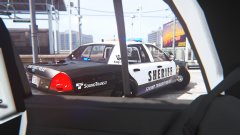 These look fantastic
 -
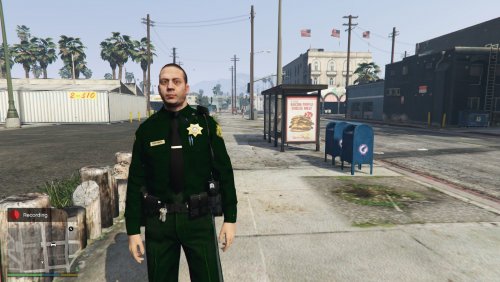 The utility belt is an 11/10, no doubt. However, the main issue with the sheriff ped is the texture. I'd suggest using the default LSSD sheriff uniform textures and making them higher quality.
- 7 comments
- 5 reviews
-
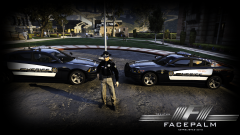 Showing off models you have no intention of ever releasing on LCPDFR.com is prohibited.
 -
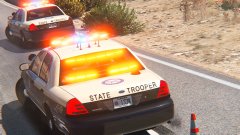 Good point. Hopefully ELS comes out soon though
 -
These look beautiful! Can we look forward to release?
-
.thumb.jpg.1db0be3e377ccefdd47e57a95ec56762.jpg) These. The model Prophet hyped and said would be released had numerous customization options like rain guards, a K-9 cage, etc.
These. The model Prophet hyped and said would be released had numerous customization options like rain guards, a K-9 cage, etc.- 239 comments
- 70 reviews
-
 A++
A++




.thumb.jpg.1db0be3e377ccefdd47e57a95ec56762.jpg)
